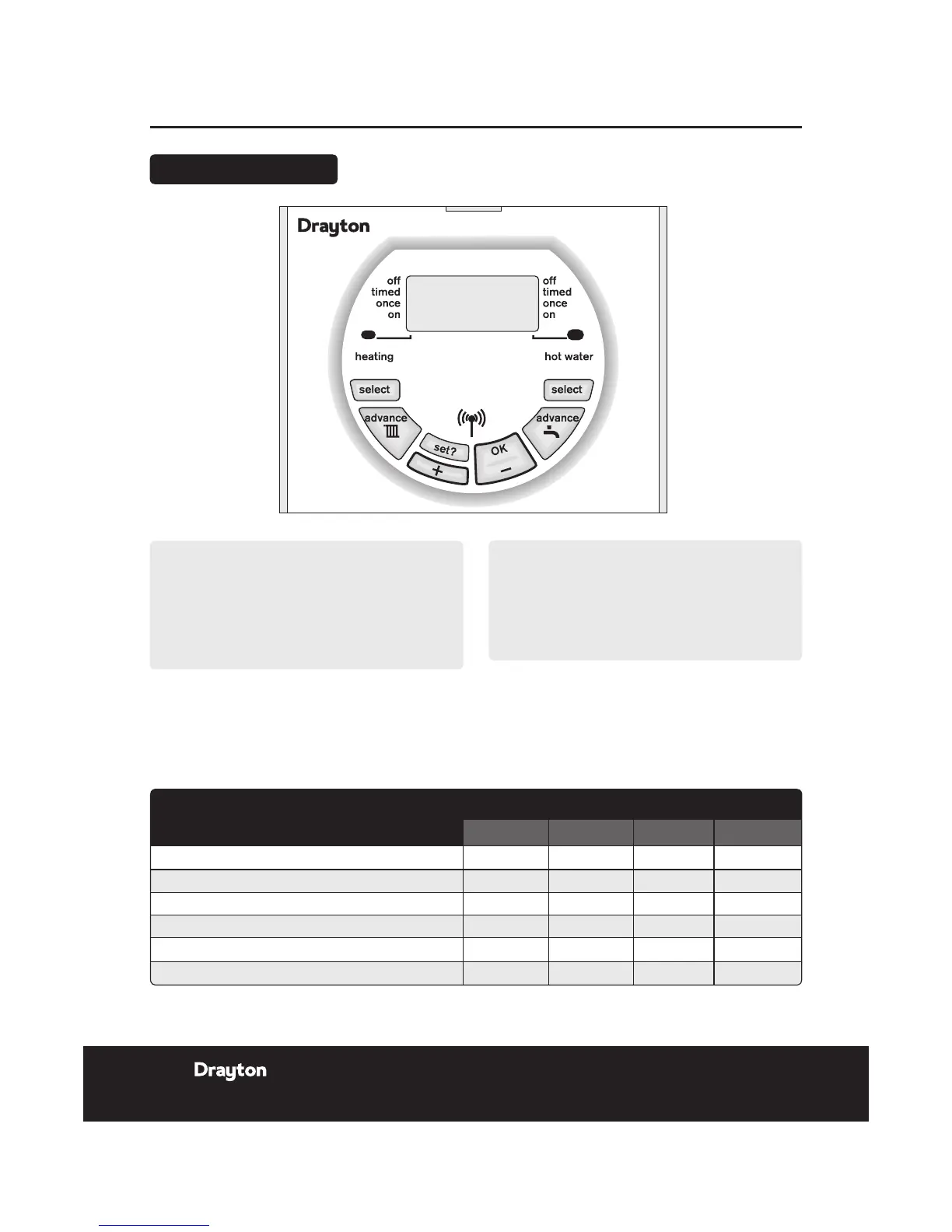
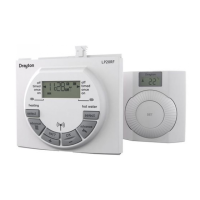
User Guide LP20RF Programmer & Receiver
LP20RF
NOTE:
The ON/OFF periods pre-programmed for Central
Heating and Hot Water pre-heat are shown in the
table below. These factory installed settings can
be used without any further programming of the
receiver. The time and date are pre-programmed and
should not require adjustment.
If you need to restore the factory pre-set program
times then:
Press the + and - buttons together, for three seconds or
longer, to restore the default program times to those
shown in the table opposite.
Switching
Weekdays Weekends
HW CH HW CH
1st ON - start of rst timed period 6.30am 6.30am 7.00am 7.00am
1st OFF - end of rst timed period 8.30am 8.30am 9.00am 9.00am
2nd ON - start of second timed period 12.00pm 12.00pm 12.00pm 12.00pm
2nd OFF - end of second timed period 12.00pm 12.00pm 12.00pm 12.00pm
3rd ON - start of third timed period 4.30pm 4.30pm 4.00pm 4.00pm
3rd OFF - nal swith-off of the day 10.30pm 10.30pm 11.00pm 11.00pm
NOTE:
Two ON/OFF periods can be used instead of three,
by setting the second ON/OFF periods to 12:00 as
shown in the default program table. One ON/OFF
period can be achieved by setting the second and
third ON/OFF periods to the same times.
See Changing the Program on the next page, if changes
are required to the clock time or pre-programmed
settings.
The Standard Program
14 Installation & User Guide
06515085001 ISSB


 To Next Page