EasyManua.ls Logo

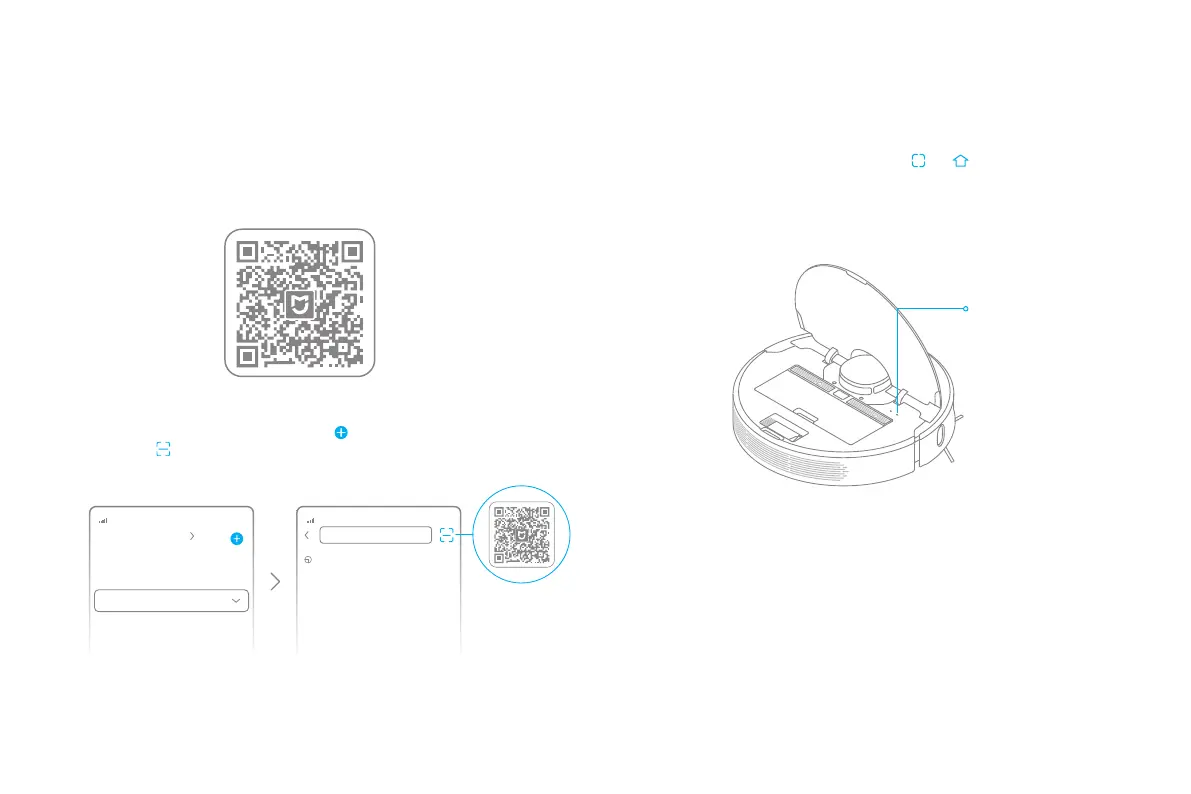
DreameTech D9 - Connecting with Mi Home;Xiaomi Home App; Download App and Add Device; Reset Wi-Fi Connection

DreameTech D9
40 pages
Print Icon
To Next Page IconTo Next Page
To Previous Page IconTo Previous Page
Loading...
10
xxxxxxx’home
No home environment info
Devices Rooms
Scanning for devices nearby...
What should I do if I cannot scan for
devices?
1. Download Mi Home/Xiaomi Home App
3. Reset Wi-Fi

Connecting with Mi Home/Xiaomi Home App

󾖶
󾖶

󾖶󾖶

Note:

Only 2.4GHz Wi-Fi is supported.

The version of the app might have been updated. please follow the instructions based on
the current app version.
Note: When your phone does not connect to the robot successfully, reset the Wi-Fi
and add the device again.
Wi-Fi Indicator
 

 

 
2. Add Device
󾖶󾖶
󾖶󾖶󾖶󾖶


Related product manuals