4
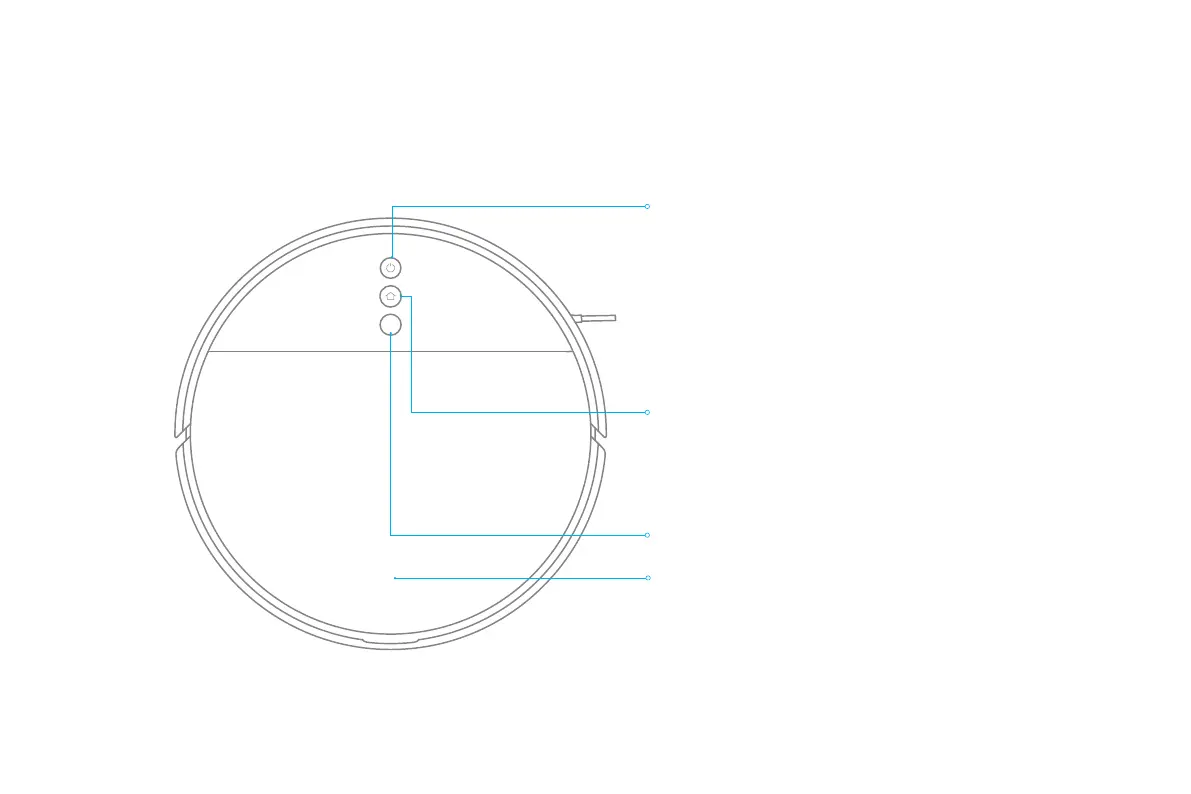
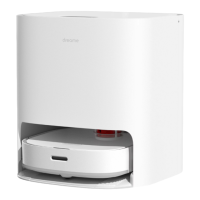
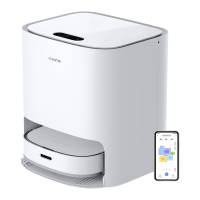
Product Overview
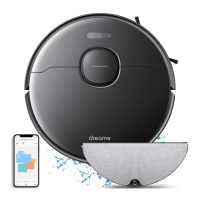
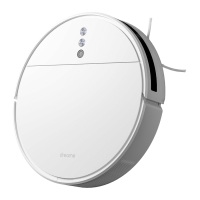
Vacuum-Mop
Power/Clean Button
Press and hold for 3 seconds
Press to start cleaning after the vacuum-mop is powered on
Cover latch
Visual Navigation Sensor
Status Indicator
White: Cleaning, or cleanup is completed
Blinking white: Cleaning paused
Blinking blue: Connecting to network
Blinking orange: Error
Spot/Dock Button
Press to send vacuum-mop back to charging dock
Press and hold for 3 seconds to start Spot Clean mode
Note: Press any button to pause while the vacuum-mop is cleaning,
returning to dock, or in Spot Clean mode.


 To Next Page