10
How to Use
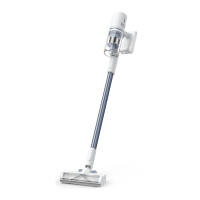
Working Methods
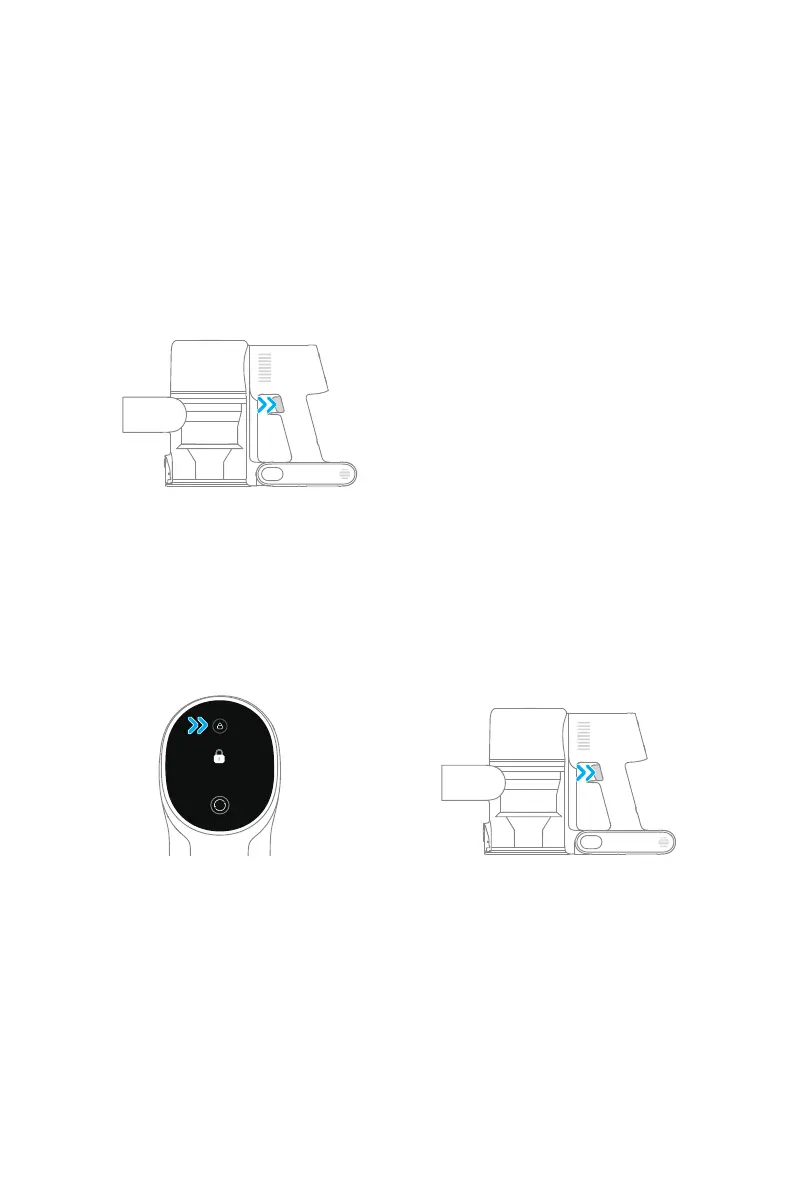
Method 1: Discontinuous Cleaning Mode
Press and hold the switch of the vacuum to start working, and release it to stop
immediately.
Method 2: Continuous Cleaning Mode (Electronic Lock)
Click the electronic lock key to switch to Continuous Cleaning mode, and then briey press
the on/o switch to make the vacuum in Continuous Cleaning mode.
Use the electronic lock to free your ngers and avoid nger fatigue caused by holding the
switch.
Note:
• In this mode, briey press the on/o switch to suspend the operation or start again,
and the working mode of the vacuum will not change.
• Click the electronic lock again to quit the Continuous Cleaning mode.
Continuous
Cleaning Mode
There are two working methods for the vacuum, which can be selected based on your
needs.


 To Next Page