28
Transponder Select a transponder.
Go to position Press OK key to move the motor to the stored position.
Move Press the
◀
/
▶
(West/East) keys to move the motor to the desired
position/limits.
Steps Select the motor steps (1-127).
Move in steps Press the
◀
/
▶
(West/East) keys to move the motor in the selected
steps.
Save position Save the selected satellite position.
Save limits & options
East/West limit Select this option to save the limits.
Delete Select this option to delete the stored limits.
Recalculate Select this option to recalculate the positions of the satellites based on
one satellite position and to re-adjust them.
Go to center Select this option to move the motor to the center.
Save Press MENU key to save the Motor settings and enter the Satellite
Search menu to start the search.
Search Press (blue) key to search all selected satellites at one time.
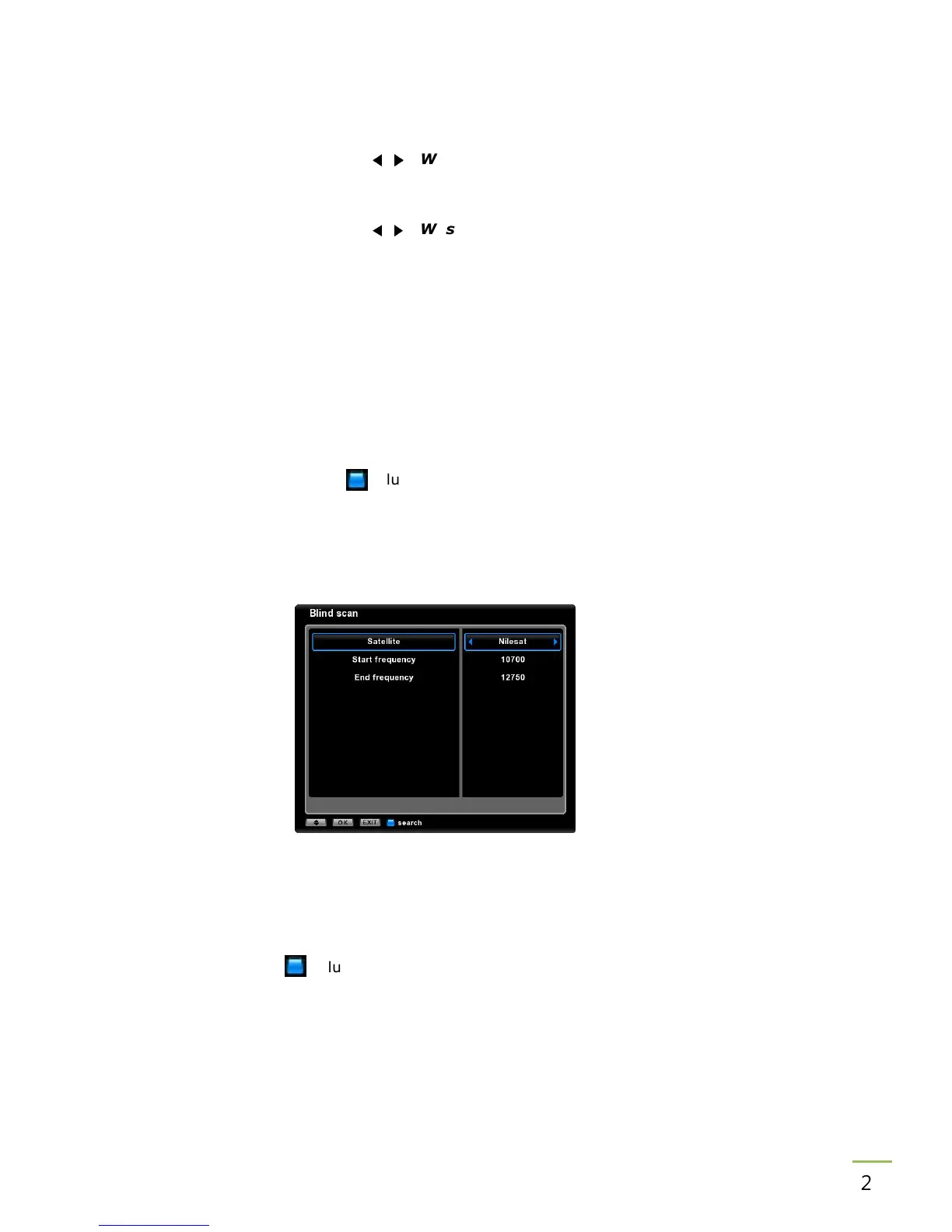
14.4 Blind Scan
Satellite Select a satellite.
Search Select a fast scan search option.
Channel list Select to add the searched channels to the channel list (end) or to replace
the searched channels.
Search Press (blue) key to start the search.
Edit PID Satellite
Satellite Select a satellite.
Transponder Select a transponder.
Channel Rename/name the channel.



 To Next Page