32
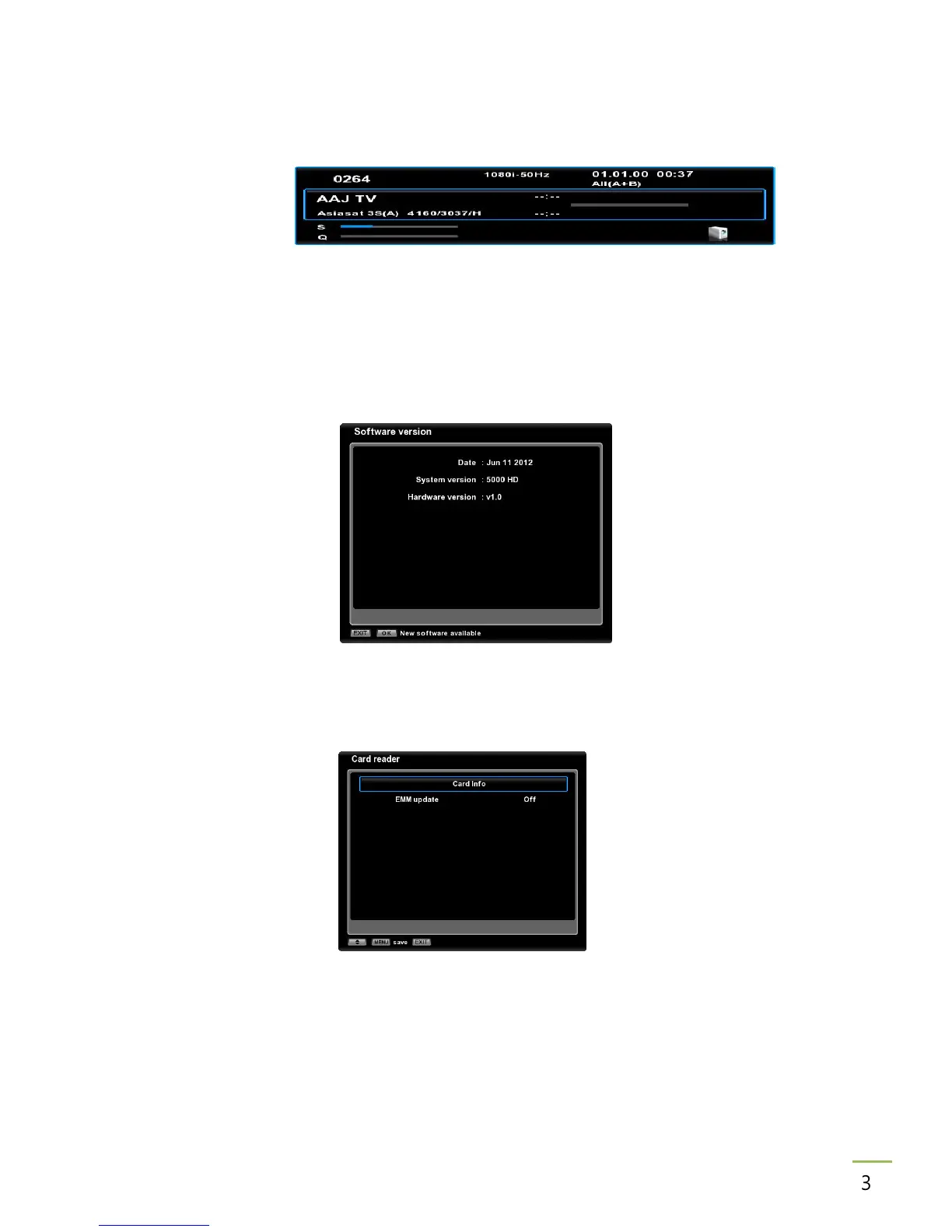
Information bar Select the automatic display time of the information bar for TV, movies,
recordings. If you select Off, the information bar will not be displayed.
TV scart signal Select the TV scart output option (CVBS/RGB).
Dolby Digital Select On to output dolby digital audio via S/PDIF.
CI message Select On to display messages of the CAM and card. If you select Off,
the messages will not be displayed.
15.4 Software version
The receiver software, hardware version and the date of the last update are displayed.
Press OK key to check if a new software update is available.
15.5 Card reader
View information about the inserted subscriber's card.



 To Next Page