35
17. Multi Media
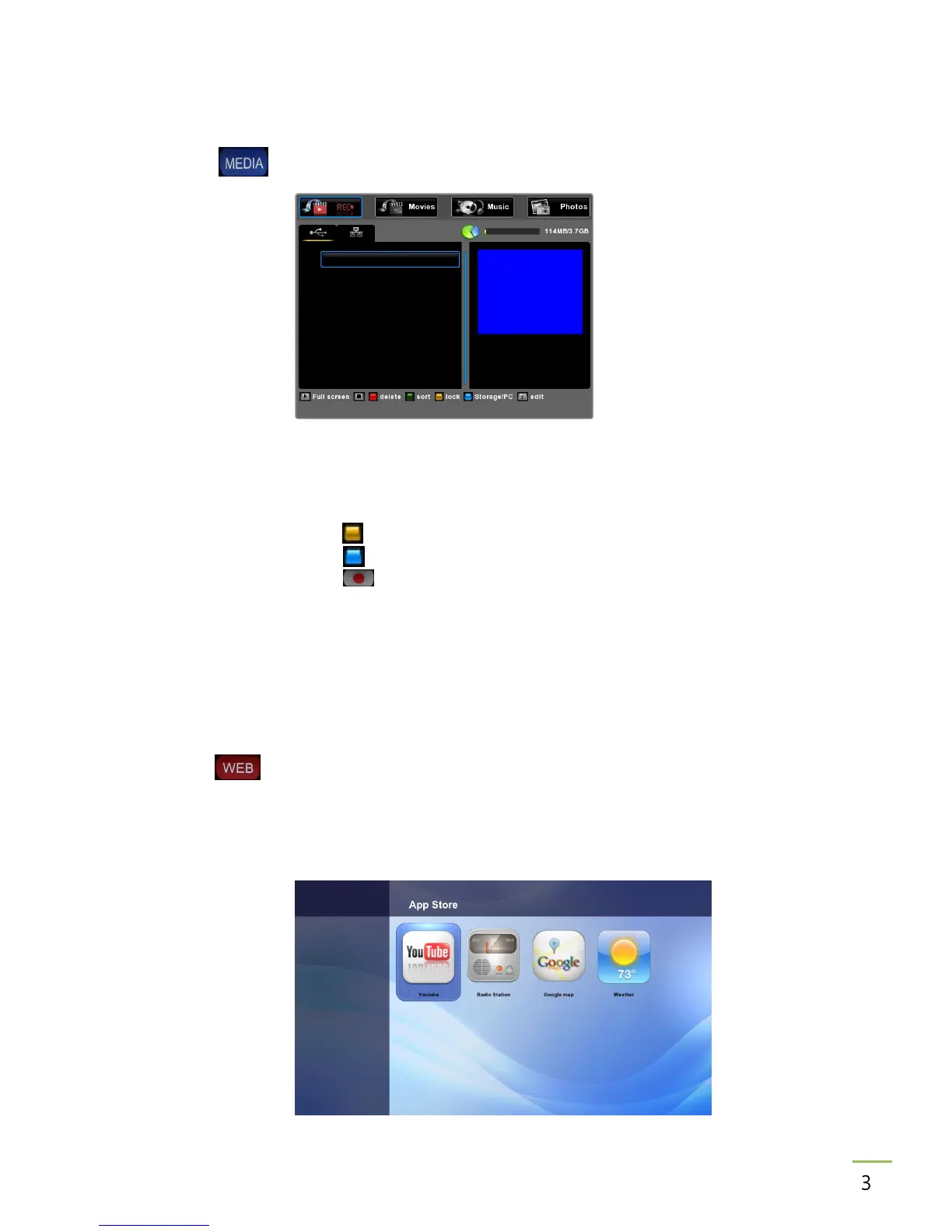
Please press button on live channel or main channel to enter Multi Media menu.
17.1 File Browser
Edit files (recordings, movies, MP3s, Photos).
New folder Press (yellow) key to create a new folder in the selected directory.
Delete Press (blue) key to delete.
Copy Press key to copy a file.
Move Press INFO key to move a file from one folder to another.
Rename Press EPG key to rename a file.
Sort Press USER key to sort (A-Z/Z-A, Date)
NOTE Unlock a locked recording or movie to copy/move it.
18. WEB
Please press button on live channel or main channel to enter WEB menu.
This box supports Web facilities like internet radio, google map, News, Weather, World time,
You-Tube, FTP server, etc. Press WEB key to enter.
You can also add other web facilities you would like to have.



 To Next Page