27
Operating
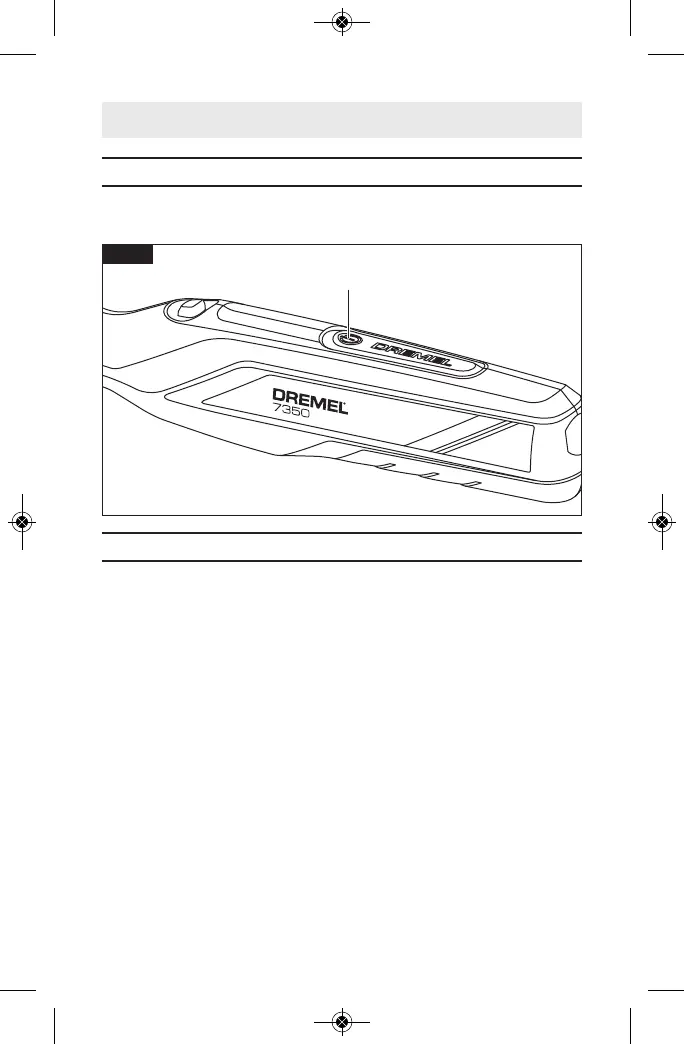
“On/Off” Button
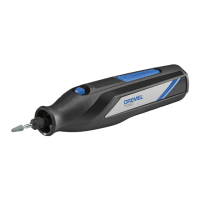
The tool is controlled by the “On/Off” Button 5 located on the
topside of the housing (Fig. 7).
Electronic Monitoring
Your tool is equipped with an internal electronic monitoring sys-
tem that helps to maximize motor and battery performance by
limiting the current to the tool when overload and stall condi-
tions occur. If you stall the tool for too long, or bind the bit in a
work piece, the tool will automatically turn itself off thanks to
the fallback built into it. Turn the tool off, take the tool out of
the material, and turn it back on. When the battery is close to
empty, the tool may shut down automatically more frequently
than normal. If this happens, it is time to recharge the tool.
Fig. 7
1605A000DGAB 02-21 7350_7300-PGT 6/2/21 9:21 AM Page 27


 To Next Page