5
INITIAL SETUP
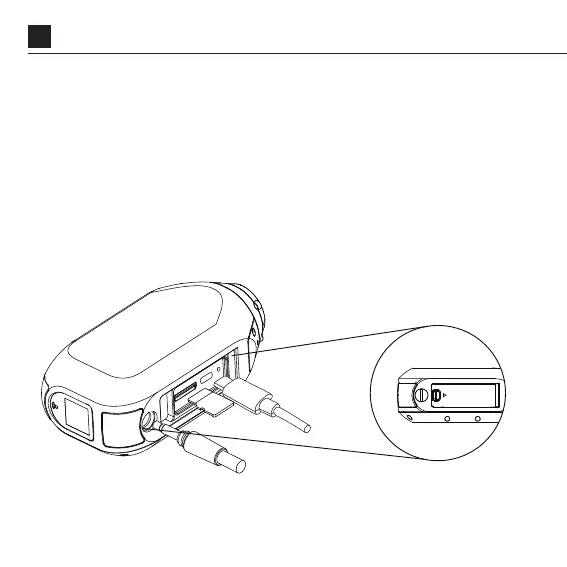
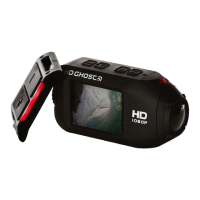
Open the Memory Card and USB door.
1. Insert a Class 10 or higher microSD/HC/XC card (up to
256GB). Format before first usage!
2. Conne
USB port, and charge the battery for 2.5hours before first use.
ct the camera via a micro USB cable to a powered
3. Close the Memory card and USB door, and ensure that the
latch is secured. You are ready to go!



 To Next Page