6
GETTING STARTED
POWER ON/OFF
1. Press and hold the
button to power on.
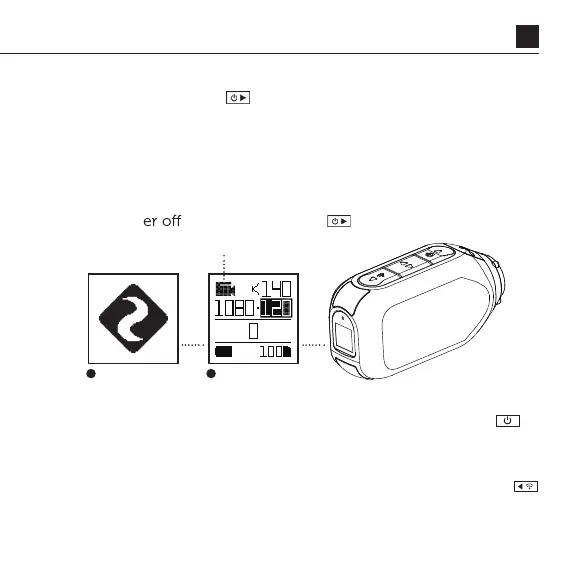
2. The Rear Screen will power on, showing the welcome display.
3. The camera is now ready to record video or take photos.
4. Current camera mode is indicated by the colour of the Status
LED and Rear Screen, along with the icon in the top left of
the Rear Screen.
5. To pow
, press and hold the button for 3 seconds.
MODE NAVIGATION
T
RESET YOUR CAMERA
If your camera becomes unresponsive, press and hold the
button for 20s to reset it.
o change the current camera recording mode, press the
button; changing between Video, Photo, Timelapse, Photoburst,
and General Settings modes.
2 4



 To Next Page