6
getting started
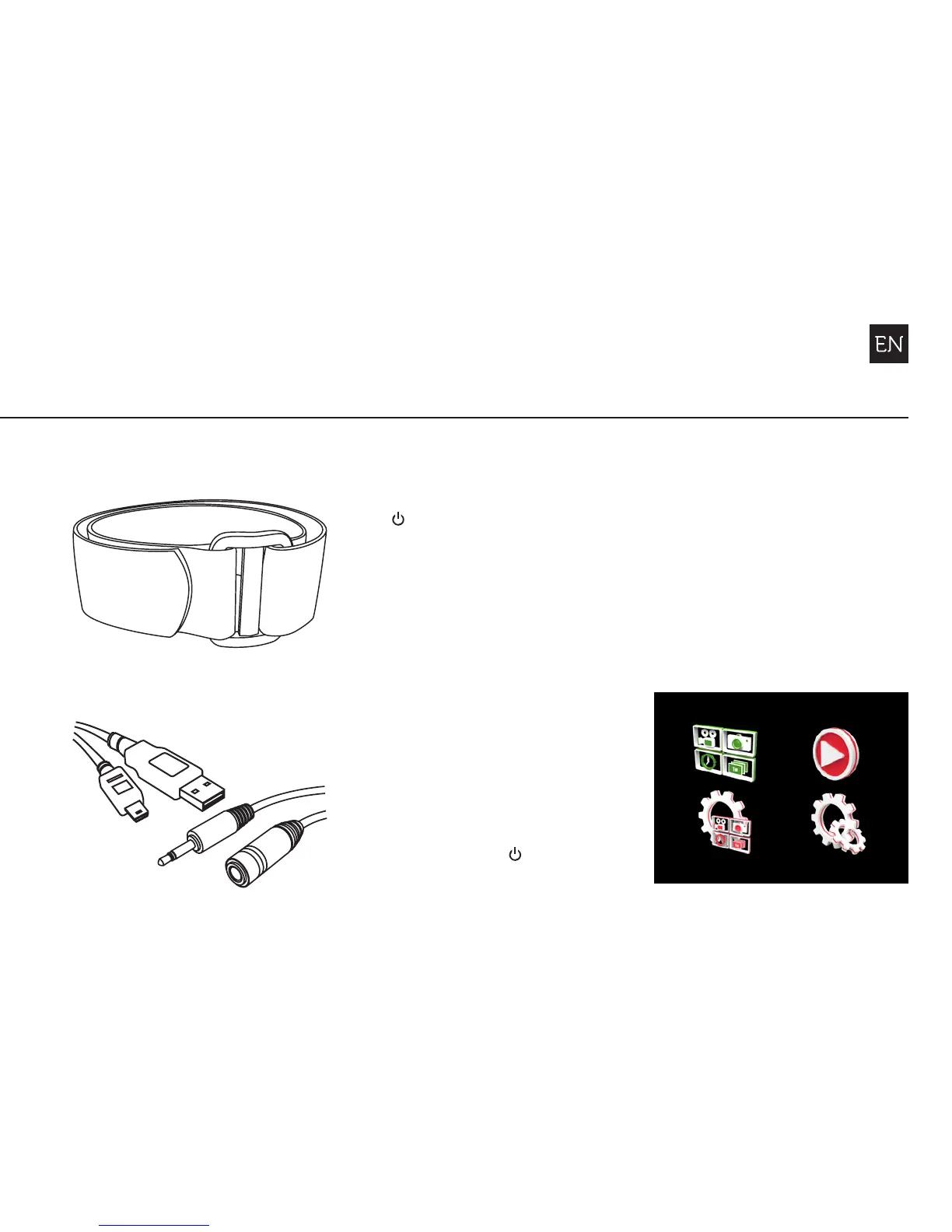
Wrist Strap
Microphone Extension Cable
USB Cable (Mini-B)
POWER ON AND OFF
1. Press and hold the
ACTION button to
power on
2. The screen will power
on, show the welcome
display, then Live Preview
3. The camera is now ready
to record video, or take
still photos
4. The current camera mode
is indicated by the icon in
the top left of the display
and by the LED indicator
(for details, see p7-8)
5. To power o, press
and hold the ACTION
button for 3 seconds
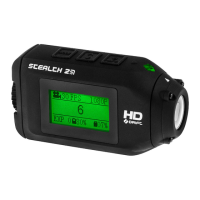
MAIN MENU
Press the MENU button to
enter the Main Menu. The
screen will display the icons
of the four menu options.
Use the LEFT/RIGHT buttons
to highlight menu options;
press the ACTION button to
select an option.
Mode Selection
Mode Settings
Playback
Settings


 To Next Page