9
playback & camera settings
PLAYBACK
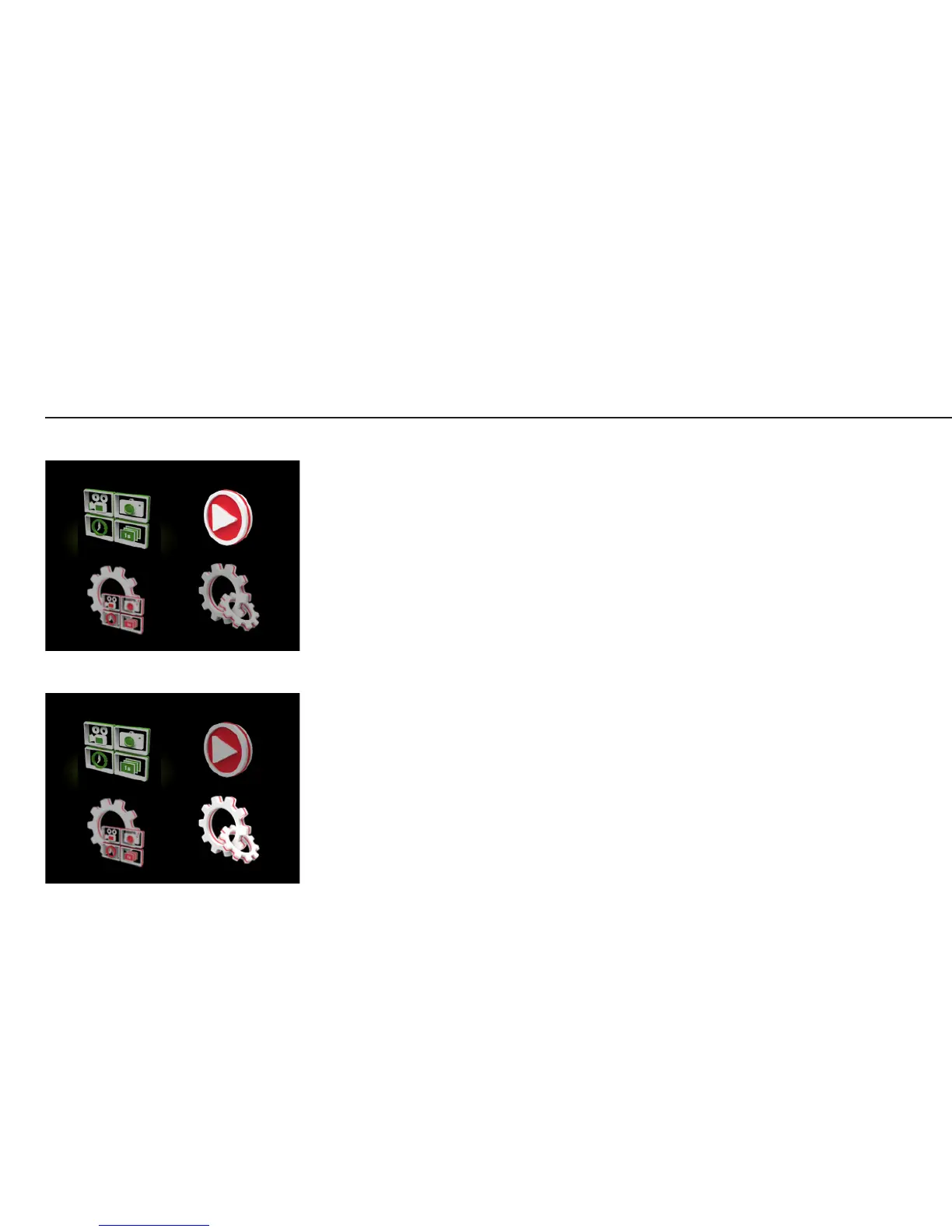
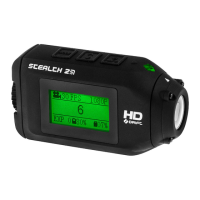
Selecting the Playback
icon will open the Mode
Selection menu, and display
the four camera mode icons.
The number of videos or
photos is displayed beside
each camera mode icon.
Selecting a mode will
display the most recent
video or photo, timelapse or
photoburst folder.
Navigate through the files
using LEFT/RIGHT. To play a
video, or open a timelapse
or photoburst sequence,
press the ACTION button.
Press MENU to go back.
CAMERA SETTINGS
• WiFi On / O
• Mic Sensitivity O / 1 / 2 / 3
• Speaker Volume O / 1 / 2 / 3
• Remote Control On / O
• Remote Pairing On / Off
• Date / Time Stamp On / O
• LCD O O / 5s / 10s / 20s / 1m / 5m
• LCD Brightness 1 / 2 / 3
• LED Indicator On / O
• Camera O O / 1 / 5 / 10 / 20 / 30m
• Date / Time YY:MM:DD / HH:MM
• Digital Zoom On / O
• Remote LED On / O
• Save / Load Settings A / B / C
• Language (list of languages)
• Reset Settings Yes / Cancel
• Format Memory Card Yes / Cancel
Playback
Settings


 To Next Page