EasyManua.ls Logo

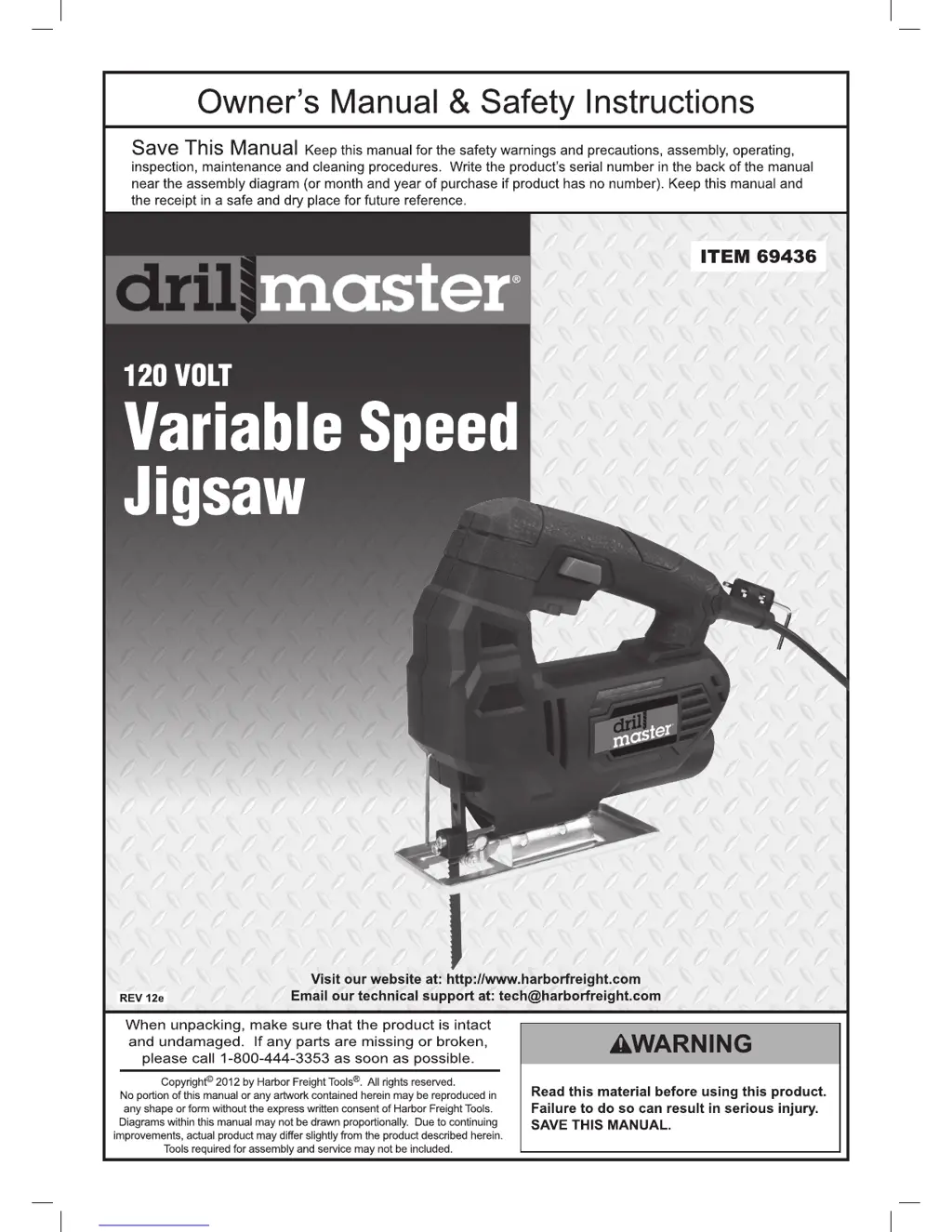
Drill Master 69436 - User Manual

Drill Master 69436
16 pages
Print Icon
To Next Page IconTo Next Page
Loading...

Questions and Answers

  • J
    James MoranJul 30, 2025
    How to fix a Drill Master Power Tool that will not start?
    • J
      James FritzJul 30, 2025
      If your Drill Master Power Tool won't start, there are several potential causes: 1. **Cord Connection:** Ensure the power cord is securely plugged into both the tool and the outlet. 2. **Outlet Power:** Verify that the outlet is functioning correctly. If there's no power, check the circuit breaker. If tripped, reset it, ensuring the circuit's capacity is adequate for the tool and isn't overloaded. 3. **Thermal Reset Breaker:** If your tool has a thermal reset breaker, turn it off, let it cool down, and then press the reset button. 4. **Internal Issues:** Internal damage or wear could be the culprit. In this case, have a qualified technician service the tool.
  • J
    John SchmidtAug 4, 2025
    Why is my Drill Master Power Tool overheating?
    • L
      leonarddennisAug 4, 2025
      Overheating in your Drill Master Power Tool can stem from several issues: 1. **Working Too Fast:** Allow the tool to operate at its designed pace; avoid forcing it. 2. **Misaligned Accessory:** Check and correct the alignment of the accessory with the fence and/or table. 3. **Dull or Damaged Accessory:** Ensure cutting accessories are sharp and replace them if needed. 4. **Blocked Vents:** Clean the motor housing vents using compressed air, while wearing ANSI-approved safety goggles and a NIOSH-approved dust mask/respirator. 5. **Extension Cord Issues:** If using an extension cord, make sure it has the correct diameter for its length and the tool's load. Consider eliminating the extension cord altogether.
  • K
    kennethkennedyAug 10, 2025
    Why is the performance of my Drill Master Power Tool decreasing?
    • B
      bmclaughlinAug 10, 2025
      If your Drill Master Power Tool's performance decreases over time, consider these factors: 1. **Dull or Damaged Accessory:** Ensure cutting accessories are sharp and replace when necessary. 2. **Worn or Damaged Carbon Brushes:** Have a qualified technician replace the carbon brushes.
  • S
    Steven RodriguezAug 15, 2025
    What to do if my Drill Master Power Tool operates slowly?
    • W
      wpowersAug 15, 2025
      If your Drill Master Power Tool is operating slowly, the issue might be related to the extension cord. Try eliminating the extension cord. If you need to use one, make sure it has the correct diameter for its length and the tool's load. Refer to the Grounding section on page 6 for more information on extension cords.
  • K
    Kevin VillarrealAug 20, 2025
    How to fix a laser guide that will not illuminate on Drill Master Power Tool?
    • S
      Sherri ChavezAug 20, 2025
      If the Laser Guide on your Drill Master Power Tool won't illuminate: 1. **Laser is Off:** Make sure that the Laser is turned on, press the Laser button. 2. **Dirty or Blocked Laser Opening:** Turn the Laser ‘OFF’ and clean the laser opening. 3. **Laser Damaged:** Have a qualified service technician check the tool for internal damage.
  • B
    Brian SchmidtAug 25, 2025
    What causes excessive noise in Drill Master Power Tool?
    • K
      kathy08Aug 26, 2025
      If your Drill Master Power Tool is making excessive noise or rattling, it could be due to internal damage or wear, such as with the carbon brushes or bearings. In this case, have a technician service the tool.

Summary

Important Safety Information

General Power Tool Safety Warnings

Read all safety warnings and instructions for potential electric shock, fire, and injury.

Electrical Safety

Grounding and Outlet Requirements

Ensure proper plug and outlet matching for reduced electric shock risk.

Personal Safety

Jigsaw Safety Warnings

Vibration Safety

Grounding

Extension Cords

Setup - Before Use

Operating Instructions

Tool Set Up and Blade Installation

Prepare tool, install blade securely, and check for proper fit.

Work Piece and Work Area Set Up

General Operating Instructions

Adjusting Cutting Speed

Use Speed Dial on Trigger to adjust cutting speed from slow to fast.

Basic Operation Steps

Plug in, hold tool, engage trigger, rest baseplate, feed gradually, and turn off safely.

Maintenance and Servicing

Troubleshooting

Common Problems and Solutions

Address issues like tool not starting, slow operation, overheating, and laser guide problems.

Drill Master 69436 Specifications

General IconGeneral
BrandDrill Master
Model69436
CategoryPower Tool
LanguageEnglish

Related product manuals