Page 11For technical questions, please call 1-800-444-3353.Item 92623
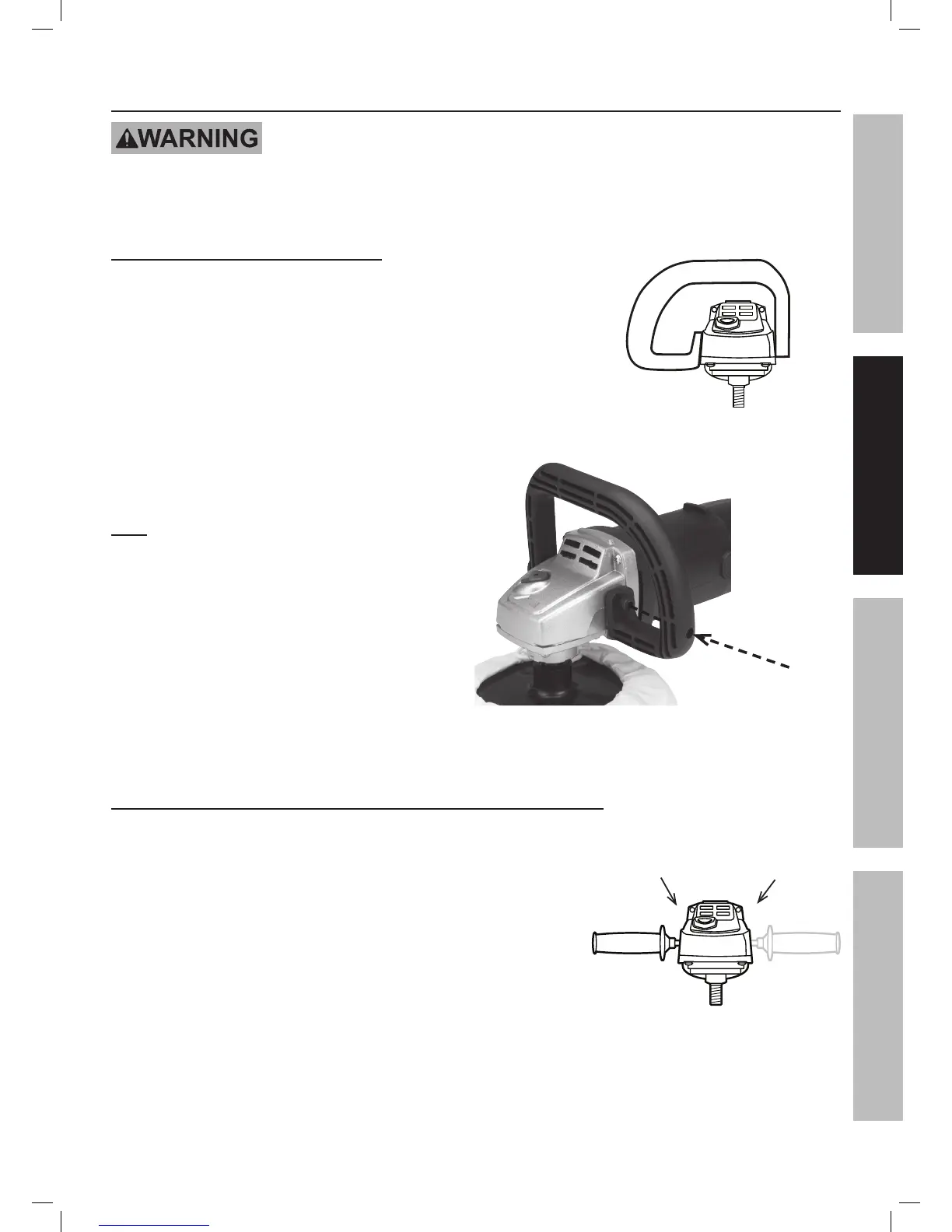
Installing the Auxiliary Handles
TO PREVENT SERIOUS INJURY:
Do not operate this tool without an Auxiliary Handle properly installed.
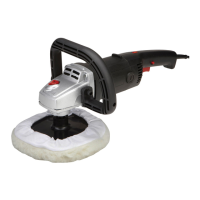
The D-Handle (included) may be installed for either right-hand or left-hand use.
Option 1: Using with the D-Handle
Attach the D-Handle to the sides of the Front Cover, using
the Hex Key and two Hex Head Bolts.
Note: Slide the Hex Key through the hole in the Handle to access
the Bolt on the long side of the Handle.
Option 2: Using with a Side Handle (Side Handle not included)
This tool can be used with many standard angle grinder side
handles which can be installed on either side.
Figure A
Insert Hex Key
through here
to access Bolt
Figure B: D-Handle Installed
Figure C
Install Side
Handle Here
Or Here
SAFETYOPERATIONMAINTENANCE SETUP


 To Next Page