Rev4.10.23.14
height adjustment
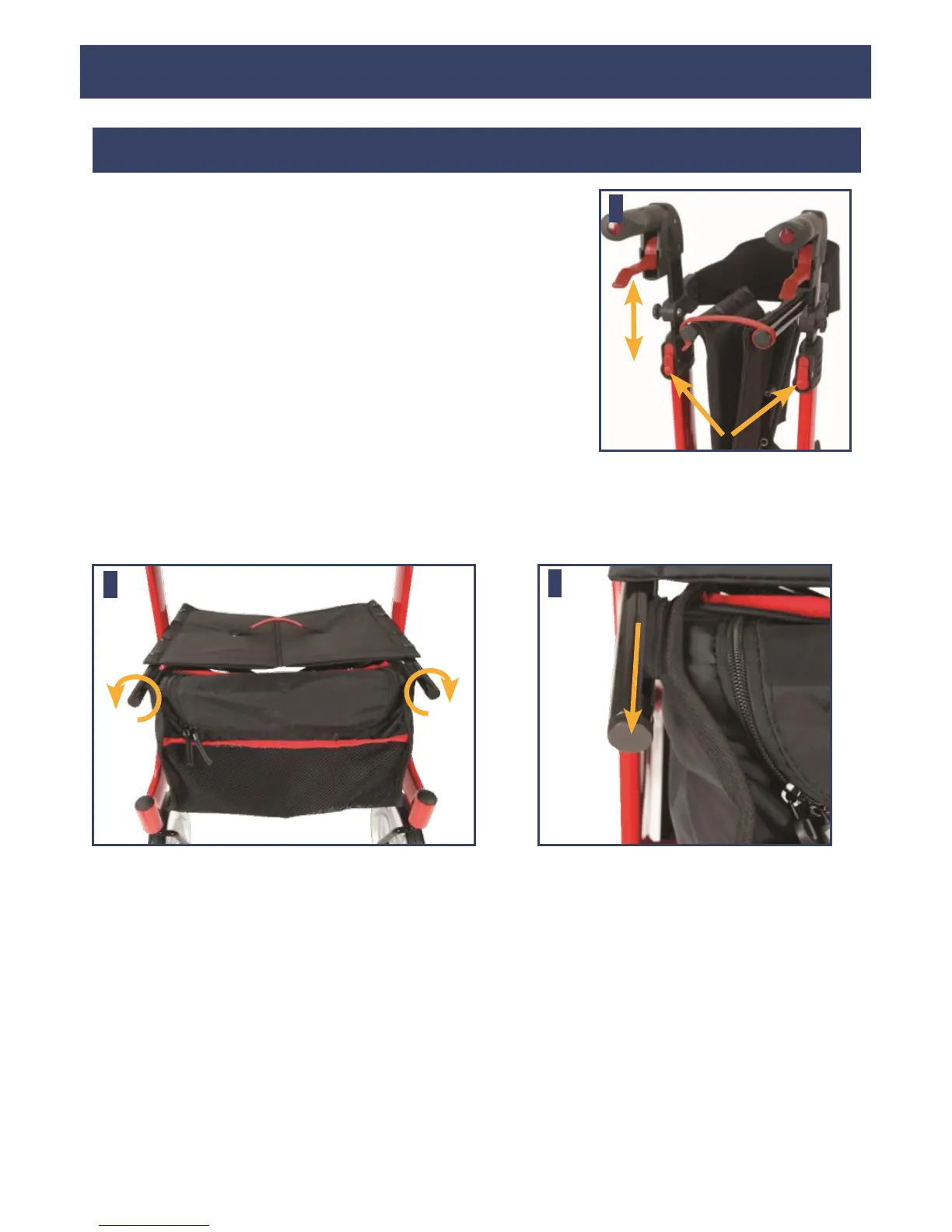
Press the red release buttons for handgrips below, as
shown in figure 3, and pull the handgrip upwards at
the same time. As the handle moves, release the
button. This automatically locks in the next possible
height. Repeat this process until the desired height is
reached.
removing / attaching the
carry bag
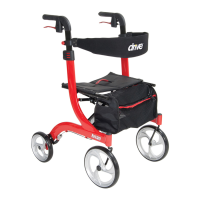
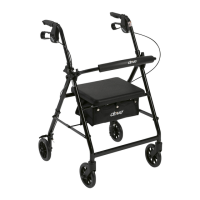
To remove bag, twist knobs located on the front end of the seat frame outward
(Figure 4 & 5). Pull out knobs and slide bag out of receptacle. To replace bag,
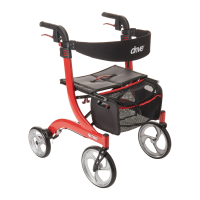
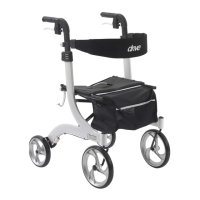
fold the Nitro slightly and reverse above steps.



 To Next Page