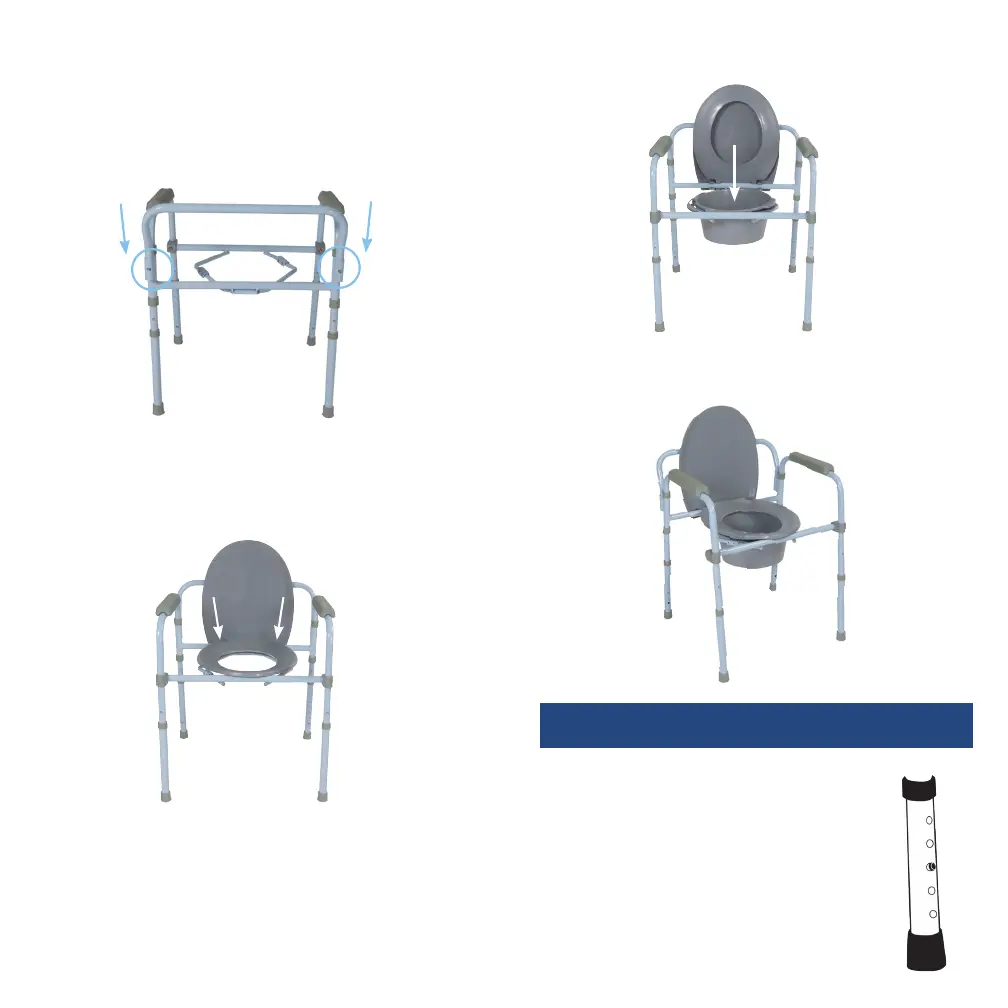
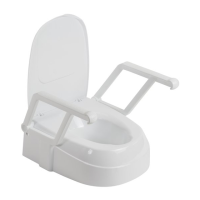
8. Assembled commode
1. Before use, adjust height of each leg to
your specific needs, making sure all legs
are at the same height. When desired
height is reached, lock legs into place by
aligning buttons into proper holes, per
illustration.
2. Be sure legs are locked into place by
pushing down on or by pulling legs.
adjusting leg height
5. Turn the commode right-side up. Insert the backrest (4)
into the receptacles located on the back of the
commode frame by depressing the push pins and
sliding into place. The push buttons will “click” in place
when they are secure.
Note: The angle of the backrest should face outwards.
6. Attach the toilet seat (5) and cover (6) to the back of the
frame. The toilet seat hooks should fit inside the hooks
of the cover.
7. Lower commode bucket into frame and return seat
to the down position.







 To Next Page