Optional (DLX Models Only):
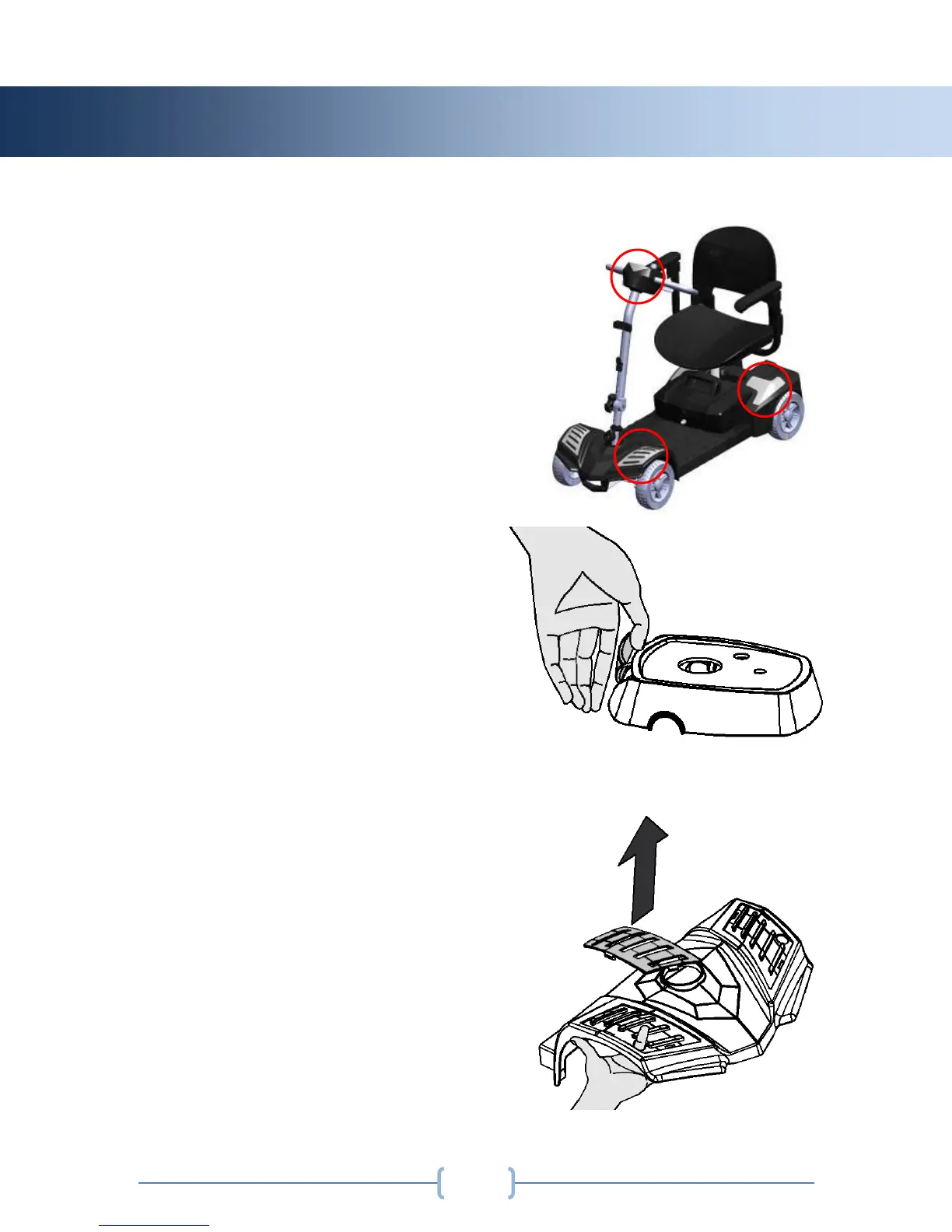
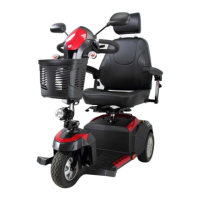
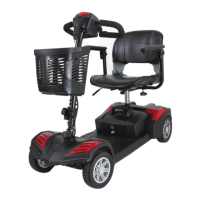
Your scooter comes with interchangeable
shrouds, allowing you to customize your
scooter to your liking. The DLX models
come with the red shrouds installed, and
a spare set of blue shrouds included in
the box. The shrouds can be
interchanged by hand, or using a small
pry tool. Be sure not to scratch the
painted shrouds while using the pry tool.
Control Panel Shroud Replacement:
Using your thumb, gently grip the top of
the color panel and lift upward until the
panel releases. The new panel will snap
into place.
Front Shroud Replacement:
Reach underneath the front shroud, and
gently push up on the color panel until it
releases from the scooter. The new panel
will snap into place.


 To Next Page