12
Trouble shooting
1
phenomenon reason solution
The lights are flashing quickly.
Gyro of the aircraft is under
signal detecting condition.
Set the aircraft to any
flat surface.
2
3
4
The lights are flashing on twice
and flashing off once.
The drone has not received
the signal from the remote
control or signal connection
is interrupted.
The lights are flashing on and
off.
The drone is underpowered.
The rotor blade is out of
shape.
The drone is vibrating
vigorously.
Charge the battery or
change another fully-
charged battery.
Change the rotor
blades.
5
The gyro data is unreadable.
The drone is flying tilting to
oneside severly or flying
disorderly.
Re-calibrate the
drone and the remote
controller: connect
the signal of the
remote controller
and the drone; push
the left and right
control stick to the
bottom right for 2
seconds; the remote
controller indicator
light change from
solid to flashing;
once calibration is
finished, the indicator
light remain solid once
again.
In the absence of a
signal,activate the
remote control for the
signal Connection. For
signal interruption,turn
off the remote control
and turn it on again.
708051 708052
GR306
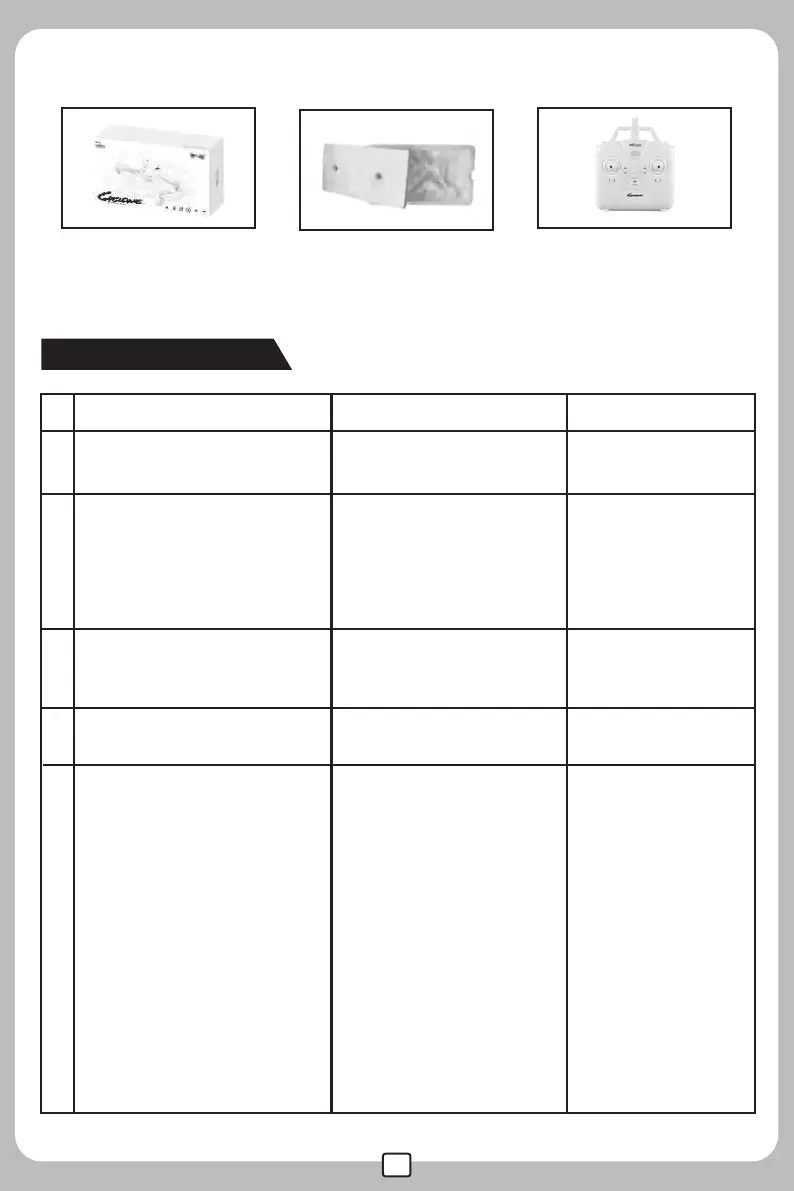
Remote ControllerGift Box Inner Blister


 To Next Page