6
●
●
●
The blue lights are at the front of the drone; the orange lights are at the back of the drone.
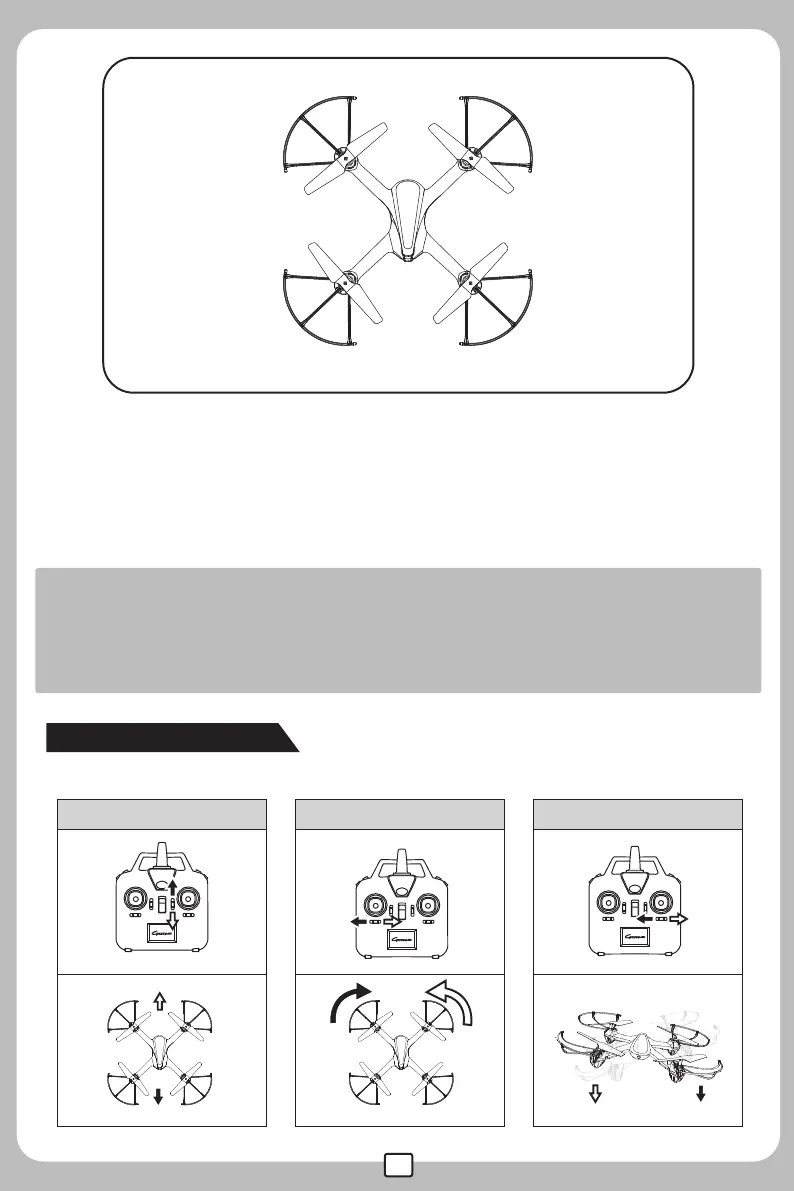
When the drone is on, checking the rotation direction of the rotor blades;the front-left and right-back rotor
blades should be rotating in clockwise direction; the right-front and left-back rotor blades should be
rotating in counter-clockwise direction.
If the drone keeps flying to one side, it can be corrected by adjusting the trimmer on the remote control.
Remarks:
Signal connection between the drone and the remote control is required for the first use.
Set the connection one by one to avoid signal connection error.
To better protect the battery, please unplug the battery cable from the power wire after use.
Clockwise
(Motor 2)
Clockwise
(Motor 4)
(Motor 1)
Counter Clockwise
(Motor 3)
Counter Clockwise
Head of the
drone
Tail of the
drone
Left
Right
●
●
●
Trimmer Functions
Users may adjust the elevator trim to keep the drone balanced.
Forward/backward trimmer Turn left/ turn right trimmer Leftward/rightward trimmer


 To Next Page