EasyManua.ls Logo

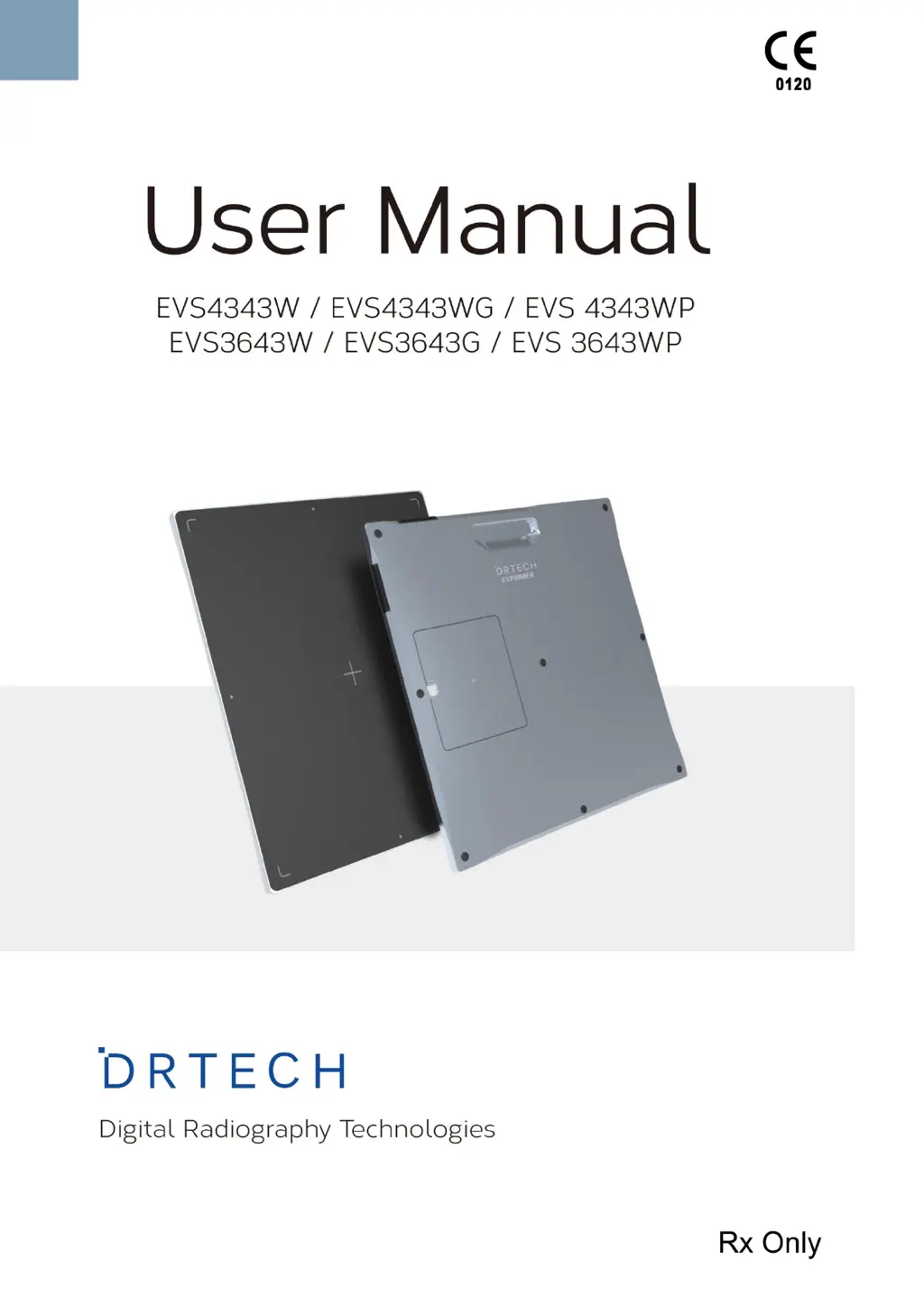
DRTECH EVS4343W - User Manual

DRTECH EVS4343W
74 pages
Print Icon
To Next Page IconTo Next Page
Loading...

Table of Contents

Questions and Answers

  • D
    Deanna FloresAug 7, 2025
    How to fix DRTECH EVS4343W Medical Equipment that failed to turn on?
    • M
      Mr. Jeffrey Brown DDSAug 7, 2025
      If your DRTECH Medical Equipment fails to turn on, first ensure the battery pack is correctly installed. If it still doesn't power on, charge the battery pack. Try replacing the battery pack, and if the problem persists, test with another detector to identify if either the battery pack or detector is faulty. If necessary, replace the corresponding devices.
  • G
    gabriellelucasAug 14, 2025
    Why DRTECH Medical Equipment performance decrease caused by usage of long time?
    • T
      Timothy ColeAug 14, 2025
      If you observe a performance decrease in your DRTECH Medical Equipment due to prolonged use, it might be because the battery pack's consumption is too fast. If the battery pack has been used for a long time, replace it with a new one. Also, avoid using the battery pack in low-temperature environments; instead, use it in a normal room.
  • K
    Kathryn HoltAug 22, 2025
    What to do if Ready LED(Orange) lamps on DRTECH Medical Equipment?
    • A
      abowmanAug 22, 2025
      If the Ready LED on your DRTECH Medical Equipment is showing an orange light, this indicates internal hardware errors within the detector. In this case, you should consult with DRTECH service engineers for assistance.
  • S
    stevenyatesAug 29, 2025
    What to do if DRTECH EVS4343W Medical Equipment's battery pack failure?
    • J
      Jordan ReedAug 30, 2025
      If the battery pack or compartment of your DRTECH Medical Equipment is getting hot, it indicates a battery pack failure. To prevent any further issues, do not use the battery pack.

Summary

Safety, Regulatory, and Environment

Intended Use, Safety Guidelines, and Handling

Covers intended use, safety notices, symbols, and safe handling practices.

Power Supply, Battery, and Maintenance

Details power supply, battery management, maintenance, troubleshooting, and disposal.

Standards, Compliance, and EMC

Lists safety standards, regulatory compliance (FCC, EU), and electromagnetic compatibility precautions.

Specific Information: Pediatric Patients and Labels

Provides guidance for pediatric use and describes equipment labels and component identification.

Detector Specifications

Main Detector and Accessory Specifications

Details core detector specs and specifications for accessories (battery, charger, WPCS).

Product Characteristics and Intended Use

Outlines key characteristics, patient doses, and the intended use of the detector.

Operating Procedures

Equipment Usage Notes and System Configuration

Covers notes for safe operation, exposure, cleaning, environment, and system setup.

Product Components and Detector Operation

Details system components, detector operation, status monitoring, and advanced functions.

Troubleshooting, Packaging, and Revisions

Troubleshooting and Maintenance

Provides solutions for common problems and guides on equipment maintenance procedures.

Packaging and Revision History

Covers packaging guidelines and documents the manual's revision history.

DRTECH EVS4343W Specifications

General IconGeneral
CategoryMedical Equipment
ModelEVS4343W
Spatial Resolution3.5 lp/mm
Weight15 kg
Parameters MeasuredX-ray Imaging
Battery Life8 hours
Dimensions460 mm x 460 mm x 15 mm
Operating Temperature10°C to 35°C
Storage Temperature-20°C to 60°C
Power SupplyAC 100-240V, 50/60Hz
Active Area43 cm x 43 cm
Pixel Pitch140 μm
A/D Conversion16 bit
BatteryLithium Ion
ConnectivityWi-Fi, Ethernet
Humidity30% to 80% RH (Non-condensing)

Related product manuals