* * 网络化广播系统
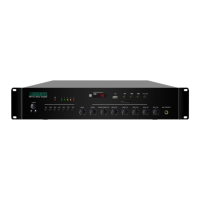
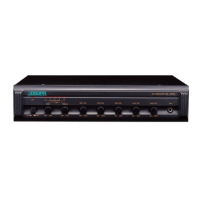
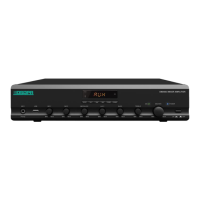
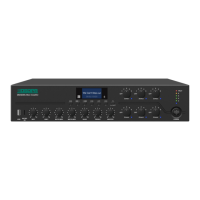
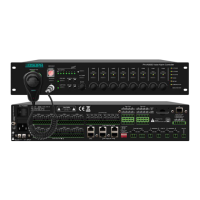
网络广播功放 MAG68 系列 网络广播功放 MAG68 系列
V+ is used to increase the output volume of the terminal.
11. F3:
Button of IP address checking/modification; press this button to enter the state of checking, and then
press the button of CH+/CH- to select the parameter to be checked, and press F3 to enter the state of
setting; after the modification, press the Enter key to save it; otherwise, the modification is null. Press
the Cancel key to exit without saving.
12. F1: Button of volume setting:
Select the sound source to be modified. After selecting, press V+ and V- to modify the volume. (AUXI
indicates auxiliary input, MIC1 indicates microphone input, and MP3 indicates network sound source
or U-disk)
13. Button of standby


 To Next Page