* * 网络化广播系统
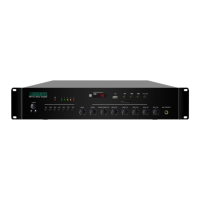
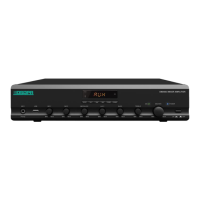
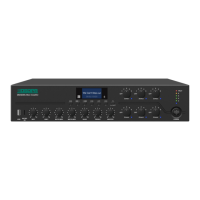
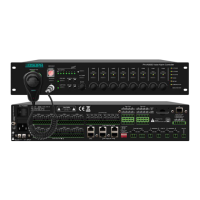
网络广播功放 MAG68 系列 网络广播功放 MAG68 系列
4. Instruction to operation:
1. Modification of volume:
a) Press the button of “VOL+“ of “VOL-” to directly adjust the playing volume; press the button of “F1”
to switch over among the volumes; when switching over to the current sound source, it is possible to
adjust the volume of such sound source. The sound sources to be switched over include AUX.1, MIC.2,
and MP3.3 (“AUX.1” represents input volume, “MIC.2” represents microphone collecting volume, and
“MP3.3” represents the volume output from AUX OUT).
b) After completing the operation of setting, it will automatically jump to the timing state.
2. Modification of IP address:
a) Long press the “Set” key to enter the state of IP address check.
b) Press “VOL+“ or “VOL-” to select the parameter to be modified (Local IP, slave IP, gateway, and subnet
mask); after selecting, it will automatically jump to display the corresponding parameter value.
c) At this moment, press the “Set” again to enter the IP address modification state. When the parameter is
flashing, press the button of or button of to shift the parameter bit, and press “VOL+” or
“VOL-” to add/subtract the parameter; after the modification, press the button of “play/pause” to save
the parameter; if not, the modified parameter will be invalid.
3. The nixie tube displays “IP” representing the local IP address, “SIP.1”/“SIP.2” representing slave IP
address, “GATE” representing gateway (recommending not to modify), and “MASK” representing the
subnet mask (recommending not to modify).
4. If the host is in the playing state, insert the U-disk, and press USB, it will display the “err” (error),
indicating that it is unable to play the songs in U-disk, because the priority of the host is higher than that o
the U-disk.
Attention: When plugging in and out the SD card, the power supply shall be turned off to prevent the damage to
SD card; if the nixie tube displays “err”, it indicates that the operation is invalid.


 To Next Page