Need help?
Do you have a question about the DStv B5 and is the answer not in the manual?
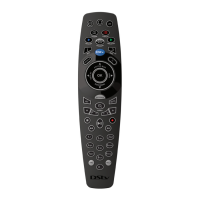
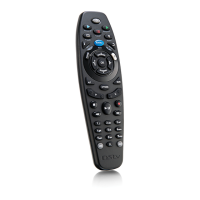
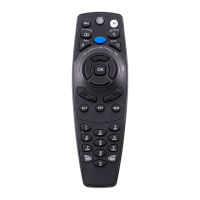
Configure the DStv remote to TV1 mode by holding the 'i' button for 3 seconds until a green light blinks.
Configure the DStv remote to TV2 mode by holding the 'BACK' button for 3 seconds until a green light blinks.
Set the DStv remote to TV3 mode by holding both 'i' and 'BACK' buttons for 3 seconds until a green light blinks.
Configure the DStv HD Decoder to listen for the correct remote mode via DStv Central settings.
Verify battery status by pressing buttons; a blinking green light indicates working batteries.
A non-blinking green light after pressing a button indicates a broken remote or dead batteries.
Troubleshoot unresponsive remotes by checking battery, remote mode, and decoder listening settings.
 General
| Brand | DStv |
|---|---|
| Model | B5 |
| Category | Remote Control |
| Language | English |

 To Next Page