How to check your Messages
If the front panel of your DStv HD Decoder has a flashing AMBER light below the envelope icon ,
that means we’ve sent you a message.
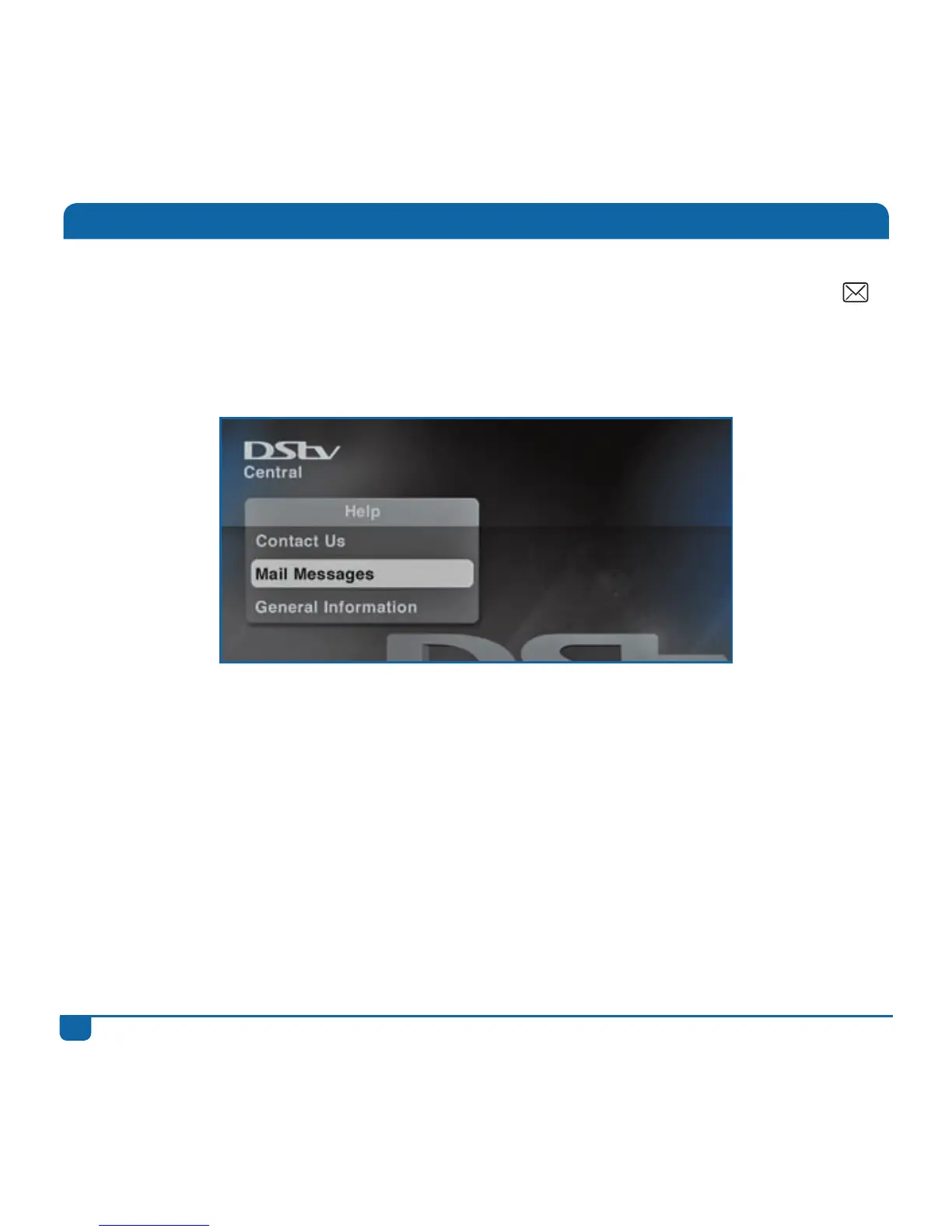
To read your message, press the DStv button, go to “Help”, select “Mail Messages” and read your
message.
Once the message has been read, the AMBER light will be switched off.


 To Next Page