5
20
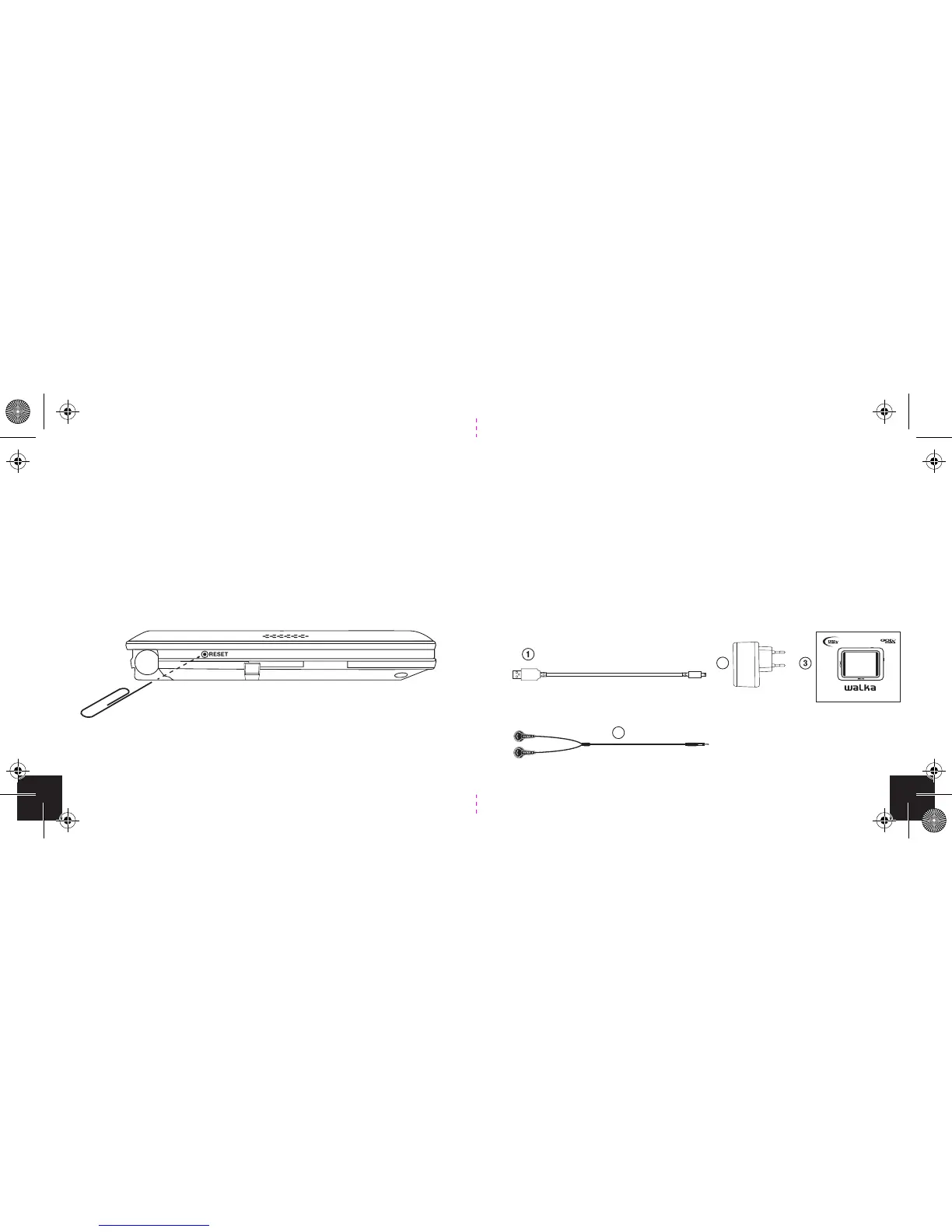
Resetting the Walka (Soft reset)
If you experience an error with your Walka, you can reset it.
To do this, you will need to locate the reset point on the left
side of the device. Insert a paper clip into the hole. Once the
device screen goes to black, remove the paperclip and the
device will restart.
Walka Handheld TV
Included in the box with the Walka are:
1. USB cable
2. USB charger
3. Quick Guide
4. Earphones
4
2
HANDHELD TV
™
Quick Guide v1.4


 To Next Page