N61e V1.0 or Higher
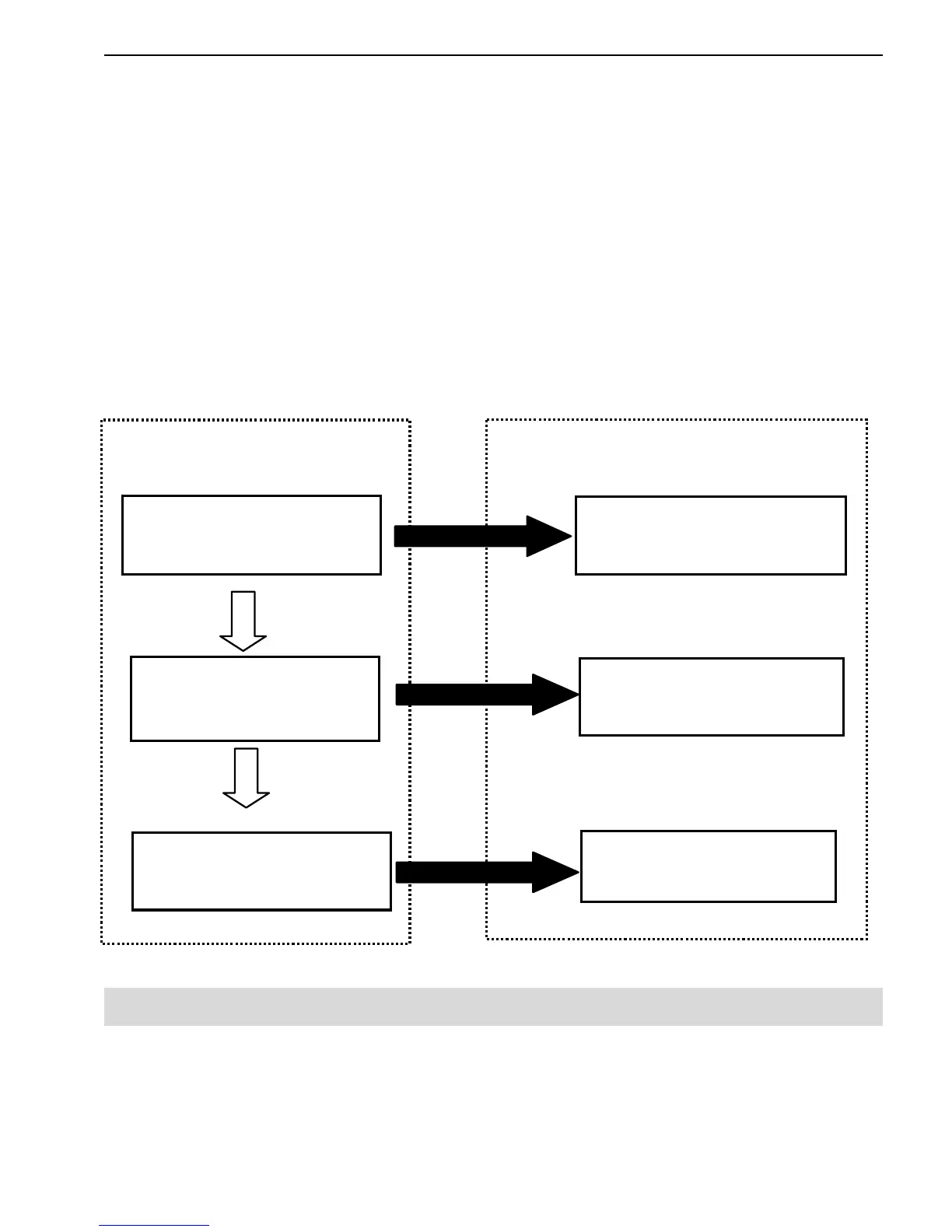
The Top Menu lists eleven profiles, ten for Battery Profiles (Batt.A, B, …J)
and one for SYSTEM PARAMETER. Except for empty profiles which are
indicated by an asterisk, Every Battery Profiles show its major information
in-line on the LCD, including the number, battery type and quantity of cells
in series, capacity.
The Sub-menu includes three branches, to access Battery Profiles, create
Battery Profiles and edit SYSTEM PRARAMETER.
At Top Menu, just press the dial and enter into Sub-menu. Press EXIT
BUTTON for return.
Top Menu
Sub-menu
▊A LiPo3S 4.50Ah
MORE ABOUT BATTERY AND CHARGING
You can use KEY FUNCTION to access Battery Profiles, edit and save its
parameters. After the successful setting, you may Press the Dial briefly (3
sec) to start that function.
6/22



 To Next Page