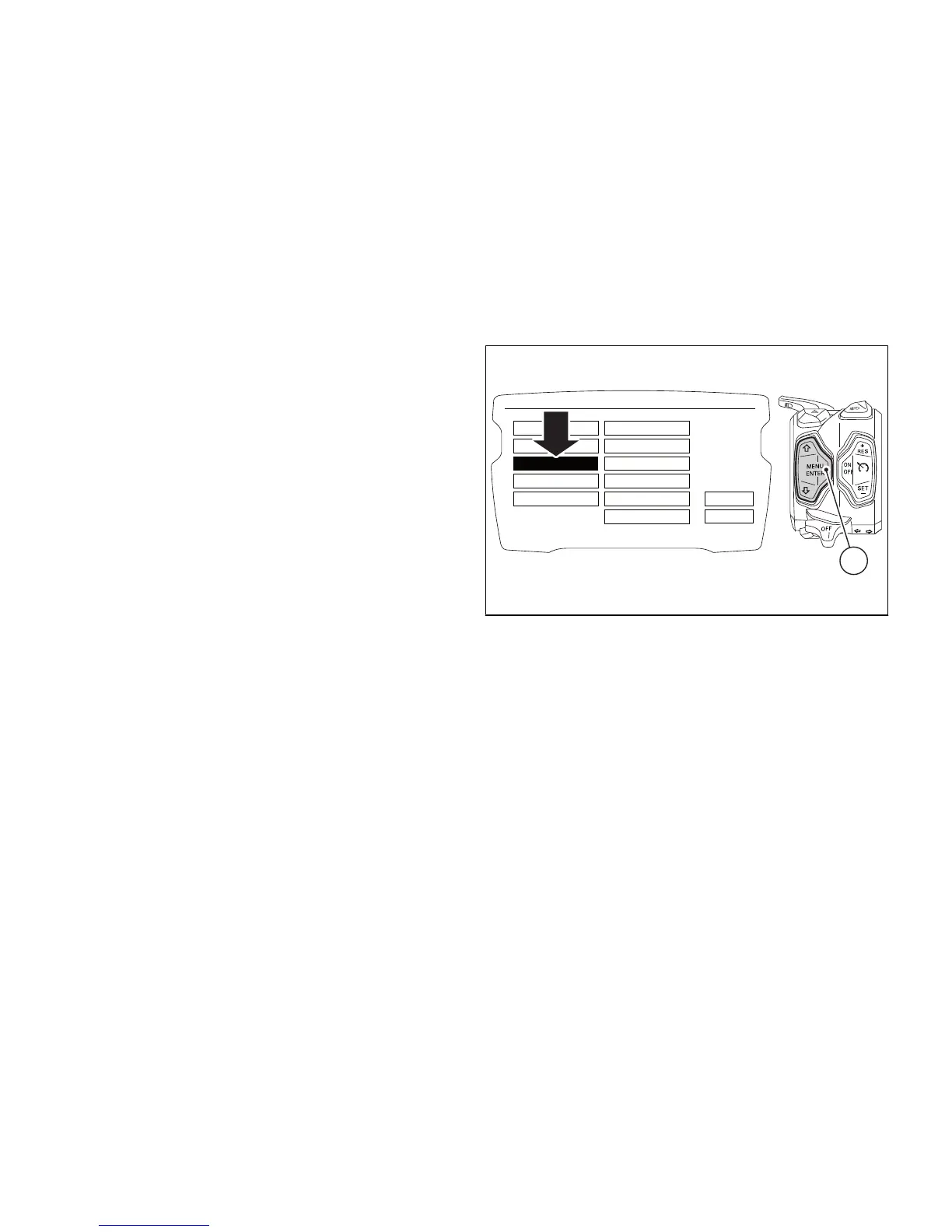
LAP
To open the LAP function menu, enter the Setting
Menu. Select LAP option, by pressing button (1) or
(2). Once function is highlighted, press button (4). You
open the LAP Menu.
The menu allows you to:
- OFF: disable the LAP function;
- ON: enable the LAP function;
- LAP DATA: view LAPs previously recorded by
means of the "LAP recording" function;
- ERASE ALL: delete all recorded LAPs.











 To Next Page