EasyManua.ls Logo

Duncan Convertible 2000 - User Manual

Default Icon
19 pages
Print Icon
To Next Page IconTo Next Page
Loading...
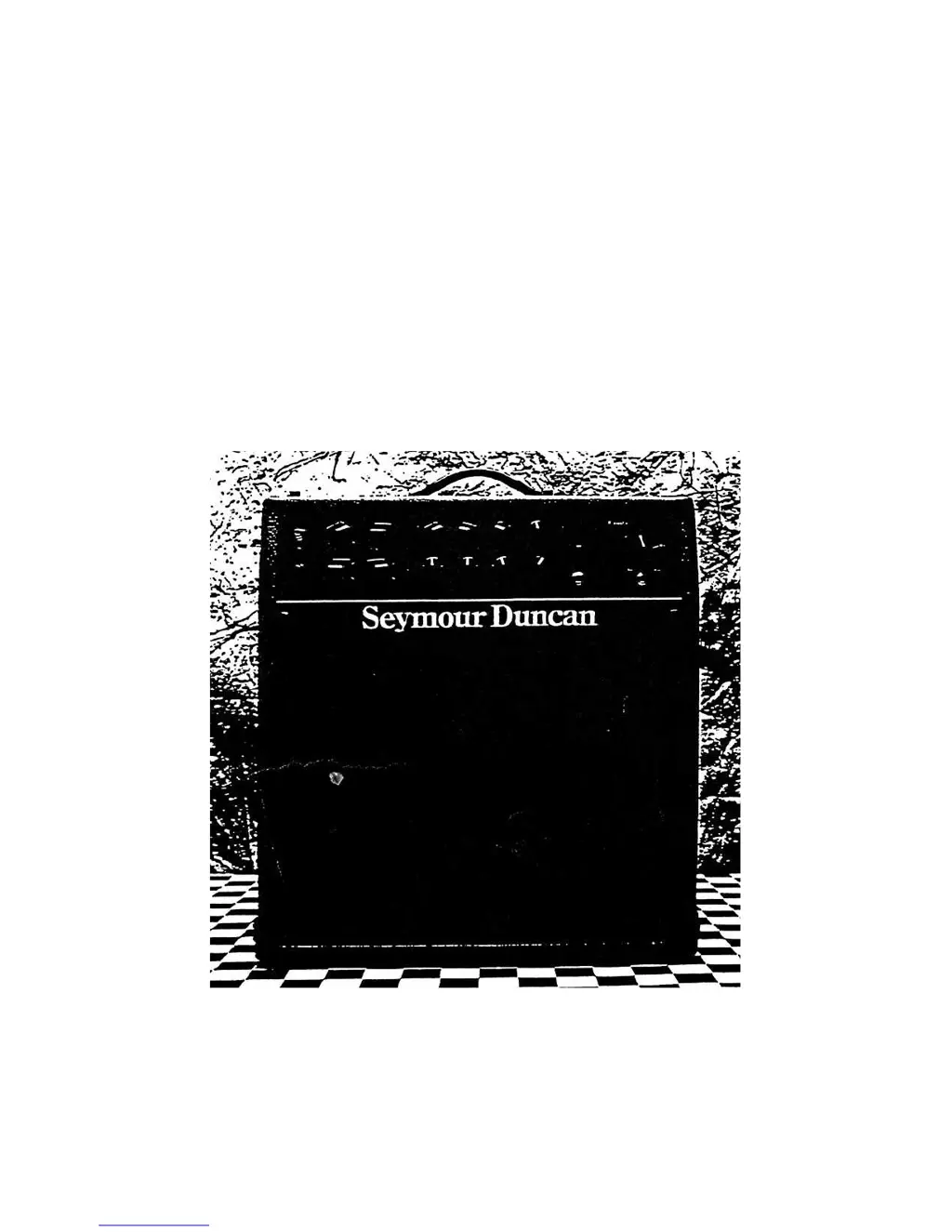
Seymour Duncan
Convertible 2000
Guitar Amp Owner's Manual

Questions and Answers

  • G
    ghaynesAug 16, 2025
    What to do if my Duncan Convertible 2000 Musical Instrument Amplifier has no sound coming from speaker(s)?
    • A
      Amanda GrossAug 16, 2025
      If there's no sound from your Duncan Musical Instrument Amplifier, check these potential causes: * Ensure modules are installed. * Install the Quick Access module cover on top of the amp and allow one minute for warm-up. * Verify the standby switch is in the "On" position. * Increase the Master Volume and/or Overdrive control levels to at least "2". * Confirm the speaker output plug is connected to the 4 ohm, 8 ohm, or Variable Damping input. * Test your instrument by unplugging the cable and touching the tip; if no hum is heard, replace the instrument with one that works. * Use another amp to verify that your speakers are working correctly. * Make sure the volume controls on your instrument are turned up.
  • A
    April MatthewsAug 18, 2025
    How to fix a Duncan Convertible 2000 that does not come on?
    • D
      Donna MyersAug 18, 2025
      If your Duncan Musical Instrument Amplifier doesn't turn on, consider these potential solutions: * Ensure the power cord is properly plugged into a working power outlet. * Check the amp fuse and replace it with a 250 VAC 5Amp SLO-BLOW fuse if it's blown. * Verify the power source is functional by testing it with a device that you know works.
  • R
    Rebecca GarciaAug 21, 2025
    What to do if my Duncan Convertible 2000 has distorted sound coming from both channels?
    • B
      Brandon LoveAug 21, 2025
      If you're experiencing distorted sound from both channels of your Duncan Musical Instrument Amplifier, try the following: * Reduce the Overdrive control levels. * Replace the first stage preamp module with one that is known to operate properly. * Replace the speaker cord if the speaker output wires to the amplifier are shorted. * Substitute the cable and instrument with ones you know operate correctly. * Verify speakers operate properly by connecting the speaker plug to the speaker output jack on another amp. If the speaker is defective return unit to dealer or factory for repair. * Remove the 12-AU7 Variable Power tube to check and replace if necessary.
  • S
    sanchezrobertAug 25, 2025
    Why does my Duncan Convertible 2000 blow a fuse immediately after switching it on?
    • R
      Rebecca BarryAug 25, 2025
      If your Duncan Musical Instrument Amplifier blows a fuse immediately after being switched on, it could be due to: * A defective 5U4GB rectifier tube, which you should replace.
  • D
    Dawn AbbottAug 27, 2025
    Why does my Duncan Convertible 2000 have a loud hum?
    • J
      Jeremy VegaAug 28, 2025
      A loud hum in your Duncan Musical Instrument Amplifier might be caused by: * Amplifier A.C. polarity. Try reversing the position of the power "on" switch. * An instrument connecting cable that is not properly grounded; ensure the connecting cable is plugged into the instrument. * A shorted EL-34 power tube, which would need to be replaced.
  • D
    David FloresAug 30, 2025
    What to do if my Duncan Convertible 2000 Musical Instrument Amplifier blows a fuse after a few minutes?
    • A
      andersonjasonAug 30, 2025
      If your Duncan Musical Instrument Amplifier blows a fuse after several minutes of operation, the issue might be: * Shorted wires from the speaker to the amp; replace the speaker cord. * A defective M-34 or 5U4GB power tube; replace the tube.
  • K
    Kelsey AdamsSep 2, 2025
    How to stop feedback or ringing from my Duncan Convertible 2000 when the guitar is not plugged in?
    • H
      Heather PriceSep 3, 2025
      To address feedback or ringing from your Duncan Musical Instrument Amplifier when no guitar is plugged in: * Reduce the Overdrive, Master Volume, and/or Treble controls until the ringing stops. * Swap the 12AX7 tube in modules to find the lowest micro phonic tube, and place it in the first module. * With two Hi-Gain modules in one channel, we recommend using an "FET" module in the first position. If you are searching for an "ultra FE- Gain" situation, try the Hot Mod.
  • T
    Tonya MartinezSep 5, 2025
    How to fix distorted sound coming from only one channel on my Duncan Musical Instrument Amplifier?
    • M
      Melissa SmithSep 6, 2025
      If you're getting distorted sound from only one channel of your Duncan Musical Instrument Amplifier: * Reduce the Overdrive control level. * Replace the preamp module with one known to operate properly.
  • K
    kyle97Sep 8, 2025
    Why is there no reverb coming from my Duncan Musical Instrument Amplifier?
    • S
      Sarah DaySep 8, 2025
      If there's no reverb from your Duncan Musical Instrument Amplifier, check the following: * Increase the reverb control level(s). * Ensure the reverb output wires are correctly connected to the Send/Return inputs on the rear panel, with the cable with the red dot connected to the Return Jack. * Tap the reverb tank with your hand.
  • G
    gjonesSep 12, 2025
    How to troubleshoot feedback or ringing in my Duncan Musical Instrument Amplifier when the guitar is plugged in?
    • G
      Gabriel WilkinsonSep 12, 2025
      If you experience feedback or ringing in your Duncan Musical Instrument Amplifier when the guitar is plugged in, the cause may be micro phonic pickups. In this case, have a qualified guitar tech "wax pot" your pickups.

Summary

Unpacking and Packing

Safety Warning

To reduce fire/shock risk, do not expose amplifier to rain or moisture.

Tube Design and Preamp Modules

Installing & Changing Preamp Modules

Module Installation Process

Step-by-step guide for plugging modules into receptacles under the 'Quick Access' plate.

Module Removal Process

Procedure for removing modules, including accessing the panel and lifting the module.

Tubes and Tone

Module Preamp Tube Considerations

Discusses 12AX7 tubes, potential micro phonic ringing, and common solutions.

Front Panel Controls

Overdrive Control Function

Adjusts preamp distortion and influences signal volume; lowest setting is cleanest.

Master Volume Control

Controls signal volume from preamp to power amplifier; affects loudness.

Tone Controls (Treble, Mid, Bass)

Independent tone circuits for each channel to shape frequency response.

Variable Power Control

Adjusts power wattage (100W to 5W) for tonal shaping and volume management.

Rear Panel Controls

Fuse Holder and Replacement

Location and procedure for fuse replacement, including rating and safety precautions.

Effects Loop (Send;Return)

Circuit for connecting external effects with Send Level for matching.

Pentode;Triode Mode Switch

Changes output tube operation (100W Pentode vs. 60W Triode) for tonal variation.

Load Resistor Plug Guide

Troubleshooting Common Issues

Amplifier Power-On Problems

Diagnoses and remedies for when the amplifier fails to power on.

No Sound Output (No Hum)

Troubleshooting steps for situations where no audio output is heard.

No Sound Output (General)

Further troubleshooting for lack of speaker output, including tube and speaker checks.

Fuse Blowing Issues

Troubleshooting for fuse blowing during operation or immediately upon power-up.

Convertible 2000 Specifications

Duncan Convertible 2000 Specifications

General IconGeneral
BrandDuncan
ModelConvertible 2000
CategoryMusical Instrument Amplifier
LanguageEnglish

Related product manuals