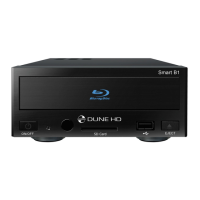
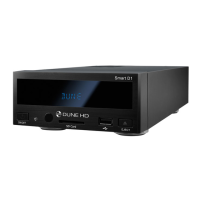
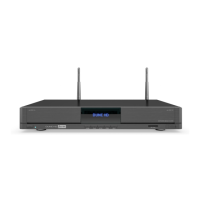
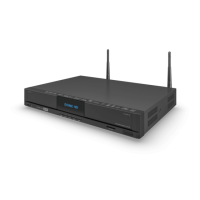
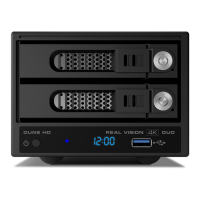
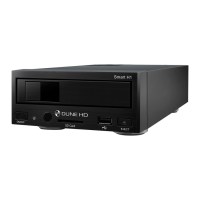
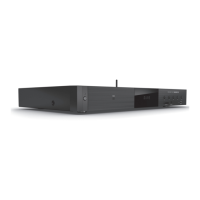
Dune HD Base 3D is an all-in-one solution for up to Full HD (1080p) 3D video playback.
Key Features
● The newest Sigma Designs SMP8672/73 media processor: enjoy excellent playback and
performance of interactive features.
● 3D Video Format Support: Decodes wide variety of 3D Video formats, including MVC, SBS, Top/
Bottom.
● HDD Player: Plays content from any HDD (internal, NAS or USB)
● Network Player: Connect Dune HD player to a local network and play content directly from PC or
NAS via UPnP, SMB, or NFS.
● MKV Player: Playback HD and SD video in MKV containers and other modern video file formats,
including top quality HD video with very high bit-rates > 50Mbp/s.
● USB Ports: Conveniently connect HDDs, USB flash drives, USB card readers and other USB storage
devices without a USB hub.
● HDD Rack Option with Hot Swap Function: Easily and quickly insert and exchange internal 3.5’’
SATA HDDs for nearly unlimited storage capacity expansion.
● HDMI 1.4: Ensures broad compatibility to the very latest 3D TV’s, displays and projectors.
● Full Range of A/V Connectors: S/PDIF Optical and Coaxial Audio outputs, Analog Stereo Audio
output, HDMI output, Component and Composite Video outputs.
● High-Quality Music Playback: Plays very high-quality (up to 192 Khz / 24-bit) music files in various
formats (FLAC, Monkey’s Audio APE, WAV/PCM, DTS, etc).
● Playlist Support: Build playlists from folders, use your own play lists with repeat and shuffle functions.
● Video Output Flexibility: Output video in any resolution and format (from SD to 1080p, 24p/PAL/
NTSC).
● Video Up-Scaling: High quality up-scaling of DVD and any other SD video content to Full HD (1080p)
or other HD resolutions.
● File Browser: Convenient file browser with powerful file management (copy, move, delete, rename,
organize, sort).
Introduction


 To Next Page