Need help?
Do you have a question about the Dunelm Georgi Extra Wide TV Unit and is the answer not in the manual?
Attach fittings to base panels, ensuring locking cams face outwards.
Connect side panels and central shelf supports using specified fittings.
Secure rear support panels to the main structure.
Attach the lower base panel and back panel using screws and cam locks.
Screw adjustable feet into the designated holes on the base.
Carefully turn the unit upright after ensuring all fittings are locked.
Gently adjust the top panel sideways for equal spacing (XX and YY).
Install drawer runners into the pre-drilled holes on the unit's sides.
Attach hinge mechanisms to the cabinet and doors.
Position doors, slide guide pins, and secure them into the top tracks.
Screw door handles onto the front of the doors.
Add screw covers to conceal visible cam fittings.
 General
| Brand | Dunelm |
|---|---|
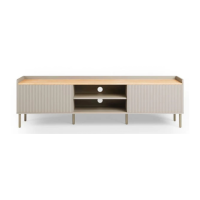
| Model | Georgi Extra Wide TV Unit |
| Category | Indoor Furnishing |
| Language | English |

 To Next Page