EasyManua.ls Logo

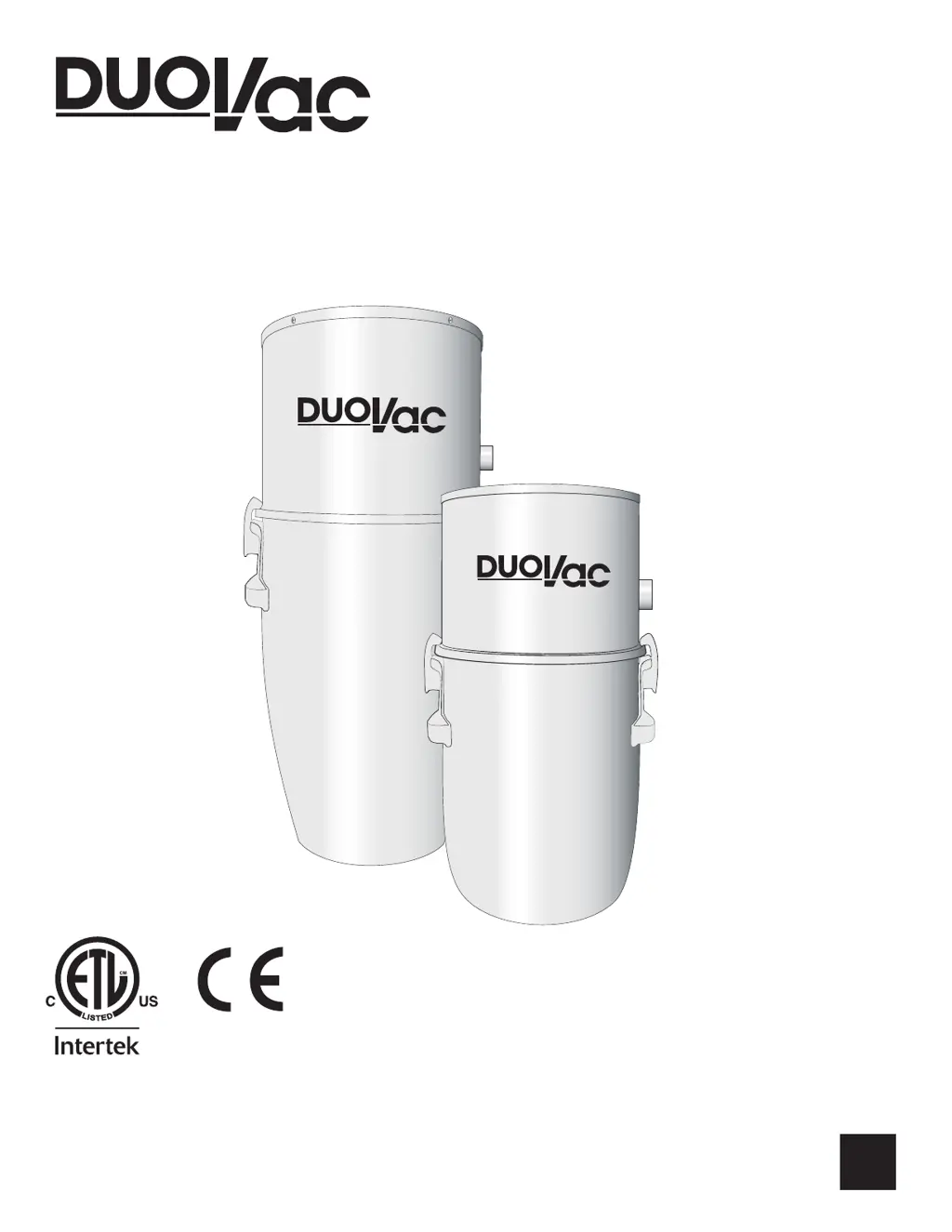
DUOVAC A10-130I - User Manual

DUOVAC A10-130I
10 pages
Print Icon
To Next Page IconTo Next Page
Loading...
EN
2000868
Conforms to: UL Std. 1017
Certied to:
CAN/CSA Std. C22.2 No. 243-M91
CAN/CSA Std. C22.2 No. 243-10
USER MANUAL
Central Vacuum System
Made in Canada
DOC-568 REV04

Questions and Answers

  • T
    Tina BowmanAug 4, 2025
    Why is my DUOVAC Central Vacuum System not turning on?
    • M
      Maria RichAug 4, 2025
      If your DUOVAC Central Vacuum System is not turning on, the issue might be due to several reasons. First, ensure that the power level (voltage/amperage) meets the power unit's requirements. A malfunction of the motor or control module could also be the cause; check that the power cord is directly plugged into a power outlet. The unit has a mini breaker (button on the side of the motor housing) to protect against overload. Try resetting it. If the problem persists, it may be low voltage wiring; you can test this by short-circuiting the low voltage terminals on the motor housing with a screwdriver (rubber handle). If it starts, the wiring is the issue. Also, check the breaker on your electric circuit panel.
  • J
    Jeremy ManningAug 14, 2025
    How to fix a DUOVAC Central Vacuum Systems with no power?
    • J
      janet07Aug 14, 2025
      To fix a DUOVAC Central Vacuum System with no power, start by ensuring the power level matches the unit's electrical needs. Then, check that the power cord is plugged directly into an outlet. Also, the power unit has a mini breaker to protect against overloads; reset it by pushing the button on the side of the motor housing. If it trips again, contact a service center. To check the low voltage wiring, short circuit the terminals on the motor housing with a rubber-handled screwdriver. If the unit starts, the wiring is the problem. Finally, check the breaker on your electrical circuit panel.
  • S
    Steven LeeAug 25, 2025
    What to do if my DUOVAC Central Vacuum System has no power?
    • M
      Melinda ShawAug 26, 2025
      If your DUOVAC Central Vacuum System has no power, there are several things you can check: * Ensure that the power level complies with the power unit’s electrical requirements. * Verify that the power unit’s electrical cord is plugged directly into a power outlet. * Check the breaker on your electric circuit panel. The power unit also has a mini breaker (button on the side of the motor housing) that protects the motor against overload. Reset it by pushing the button. If the power goes off again, contact a service center. You can also use a screwdriver with a rubber handle to short circuit the low voltage terminals on the motor housing. If the unit starts, the problem is with the low voltage wiring.

Summary

Important Safety Instructions

General Guidelines & Reference

Grounding Requirements

Ensures proper electrical grounding for safety and reduced risk of electric shock.

Electrical Requirements

Specifies voltage and frequency requirements for different Duovac models.

General Guidelines to Be Observed at All Times

Provides essential operational and maintenance guidelines for safe system use.

Models

Installation

Power Unit

Details the mounting and installation process for the central vacuum power unit.

Flexible Hose with Ergonomic Handle

Low Voltage Wire Connection

System Operating Instructions

System Maintenance

Filtration System

Explains the permanent filter and optional disposable bag for air quality.

Disposable Filtration Bag

Instructions for replacing the disposable filtration bag based on vacuum model.

Motor

Details soft-start control module, LED status, and mini breaker protection.

Troubleshooting

Situation

Identifies common issues like 'No Power' and 'Decreased Suction' for diagnosis.

Verification

Provides steps to check electrical connections, breakers, and hose for troubleshooting.

LED Interpretation Guide

Explains LED indicator meanings for system status and required actions.

Service & Commitment

Recycling Instructions

DUOVAC A10-130I Specifications

General IconGeneral
Motor Stages2
Voltage120 V
Construction MaterialSteel
Frequency60 Hz
Dirt Capacity4.5 gallons
Tank Capacity4.5 gallons