IB-CD203(AD)-WM-E-012503
Cleaning the Cabinet
Clean the cabinet, panel and controls
with a soft cloth slightly moistened
with a mild detergent solution. Do not
use any type of abrasive pad,
scouring powder, or solvent, such as
alcohol or benzene.
RECORD/PLAYBACK HEAD
PINCH ROLLER
CAPSTAN COTTON SWAB
ERASE HEAD
16
Notes for Storing
Cassette Tape
1. Do not put a tape near a magnetic
field, such as a TV, or speaker.
Magnetic fields may reduce the tape
sensitivity or even erase the
recording.
2. Do not store tape for any length of
time in a hot, moist or dusty place.
NOTE: In order to see and clean the
tape head, you may have to
press PLAY first.
MAINTENANCE
Cleaning the Lens
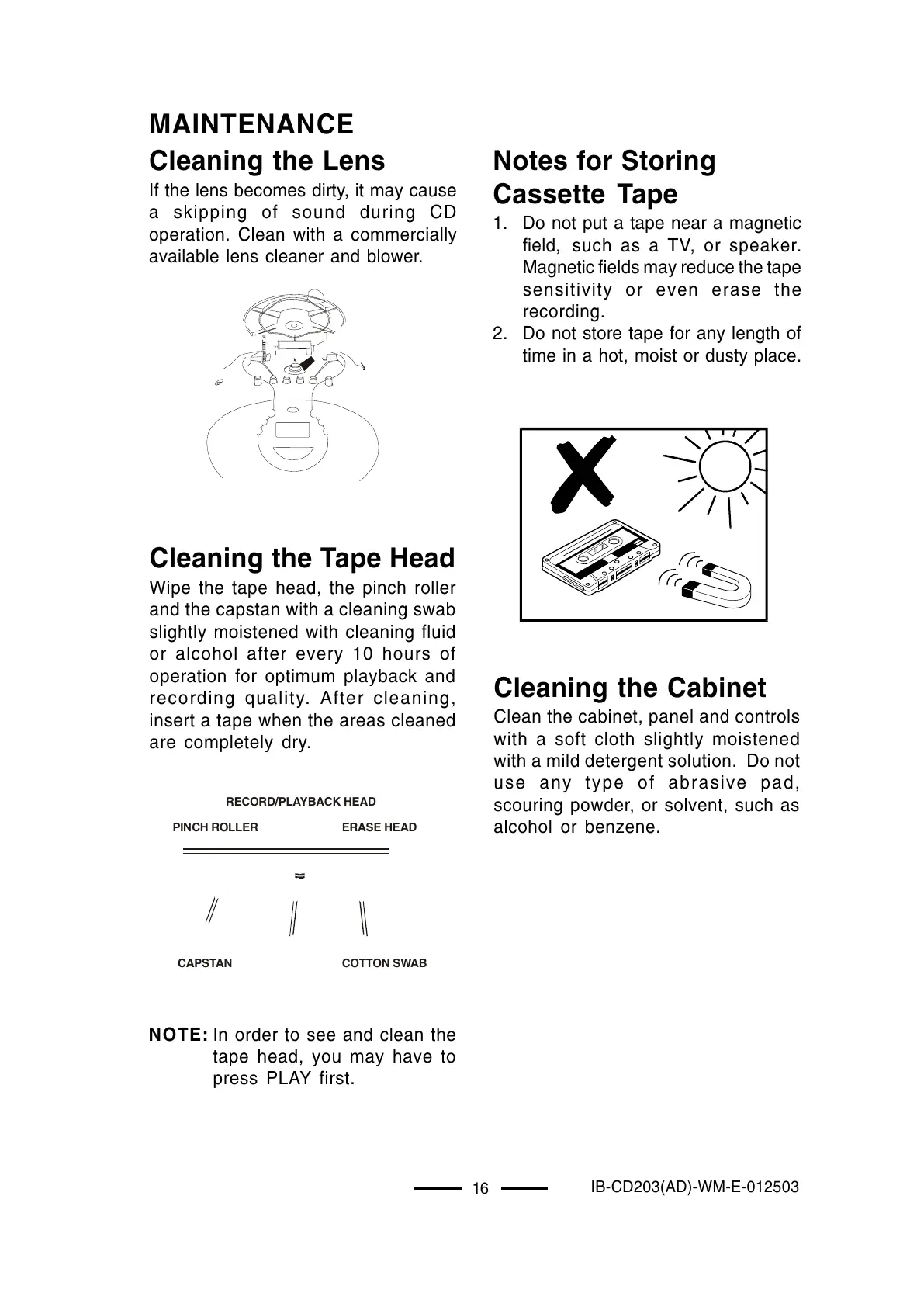
If the lens becomes dirty, it may cause
a skipping of sound during CD
operation. Clean with a commercially
available lens cleaner and blower.
Cleaning the Tape Head
Wipe the tape head, the pinch roller
and the capstan with a cleaning swab
slightly moistened with cleaning fluid
or alcohol after every 10 hours of
operation for optimum playback and
recording quality. After cleaning,
insert a tape when the areas cleaned
are completely dry.



 To Next Page