IB-CD965(CDM32J-60F8)-WM-E-010504
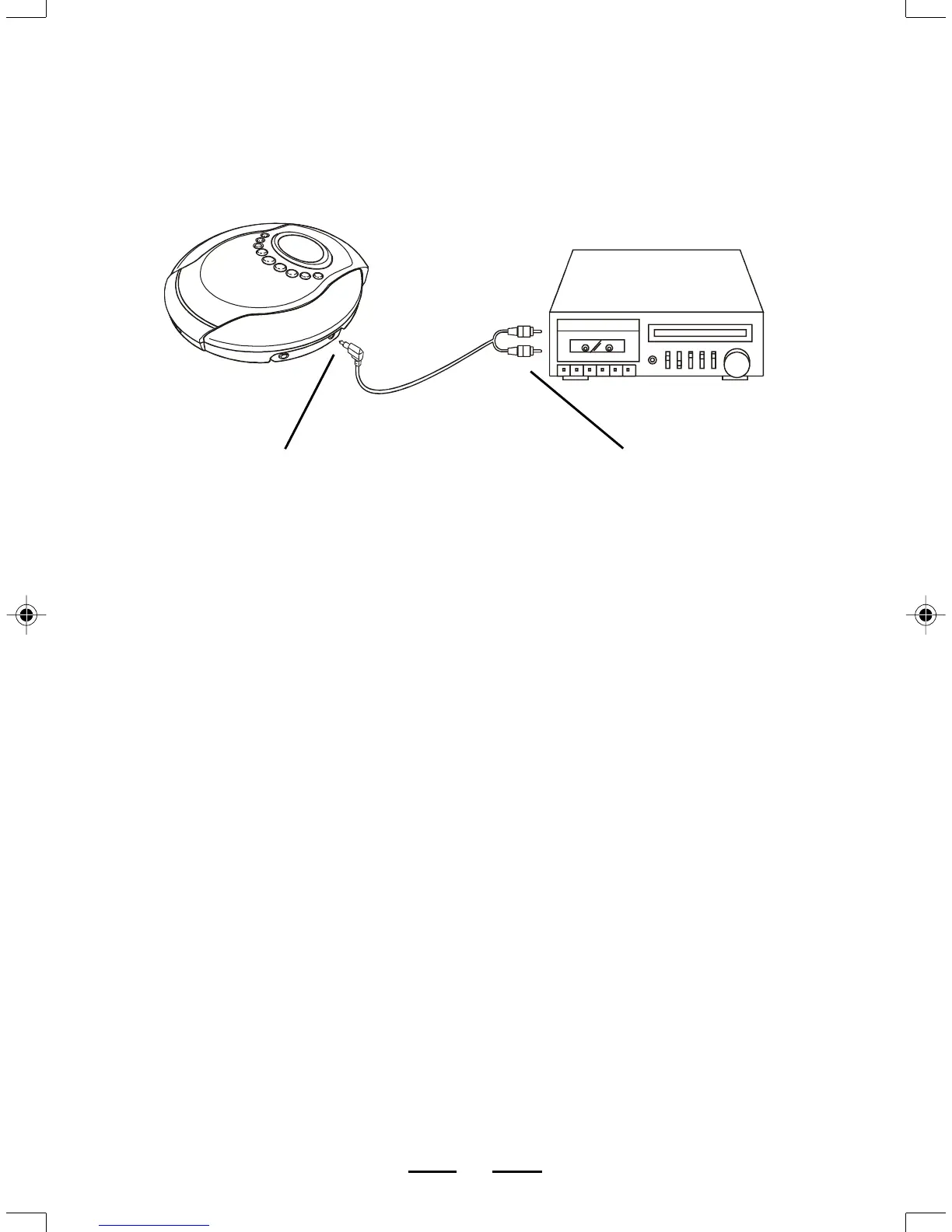
CONNECTING TO HOME STEREO SYSTEMS
The LINE OUT jack is made to accept a stereo mini plug (3.5mm). Simply connect the
cable’s mini plug to the LINE OUT jack on your player, and the other appropriate end
usually RCA JACKS to the CD/AUX INPUTS of your home stereo.
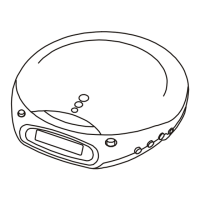
YOUR MP3/CD PLAYER
TO AUX IN JACKSTO LINE OUT JACK
YOUR STEREO
SYSTEM
OPTIONAL CABLE (3.5mm)
TO RCA JACKS
3
NOTE: Use the volume control of your stereo system to adjust the volume because
the VOLUME buttons on this player have only a slight effect on the output
level when used with the LINE OUT jack.
IB-CD965(CDM32J-60F8)-WM-E-010504.p65 1/13/2004, 12:21 PM4



 To Next Page