Parameters are modified as follows:
• Set the heat pump in its STAND-BY mode.
• Press the service key “ to access the parameter menu. The parameter number and its value will blink
simultaneously.
• Press the arrow key “or” to select the desired parameter.
• Then press “MODE” and “ ” simultaneously. Now, only the value of the parameter will be blinking.
• Then select the desired setting with the arrow key “or”.
• Stop for 5 seconds or press the service key to save the new setting. The LED screen will again display
“OFF”.
Only parameters 0 and 1 (depending on the selected mode) are set directly with “or”
4.3 Checking the status
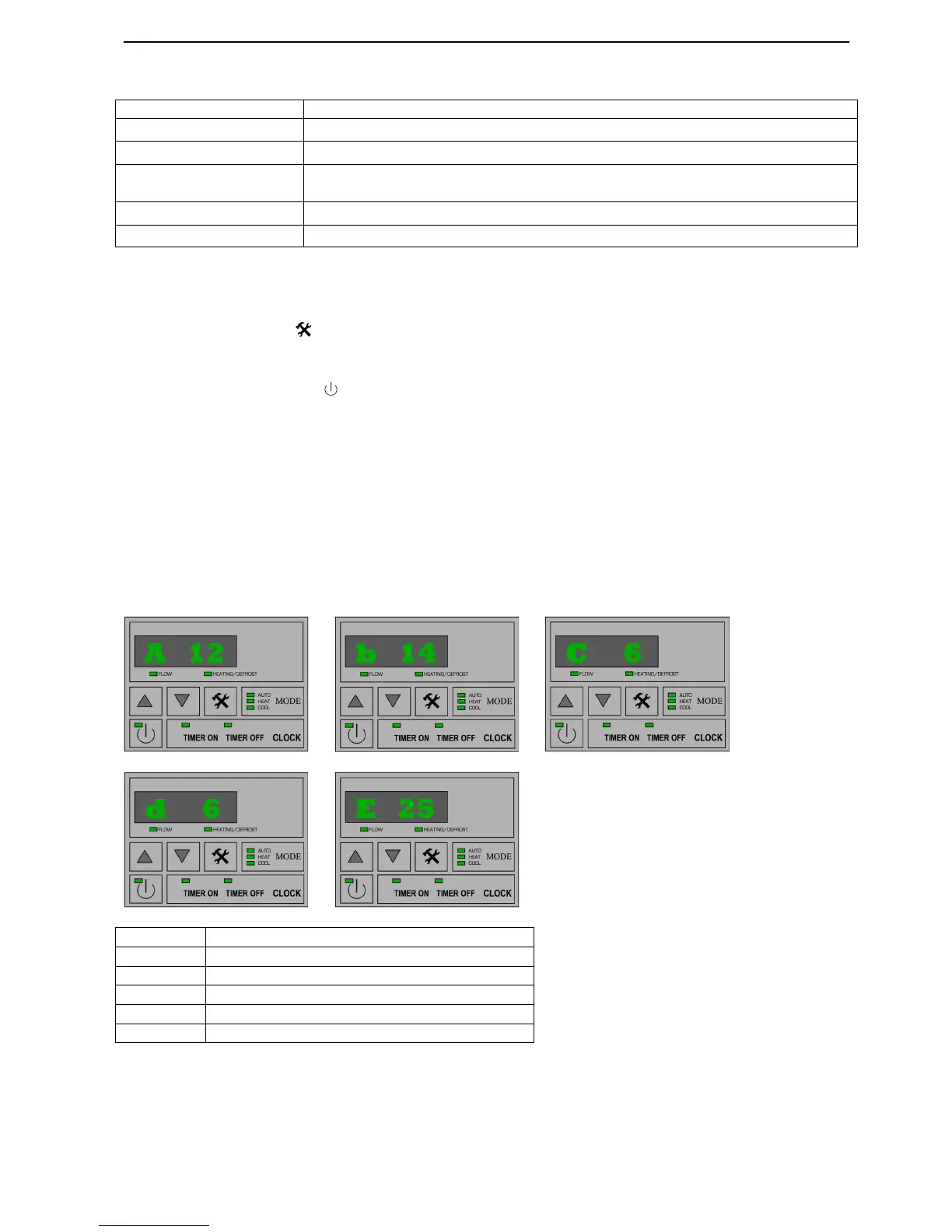
Further down in the parameter menu, after numbers from 0 to 11, you encounter parameters A to E.
These cannot be modified. They indicate the values the unit is currently measuring for these parameters.


 To Next Page
 Loading...