7
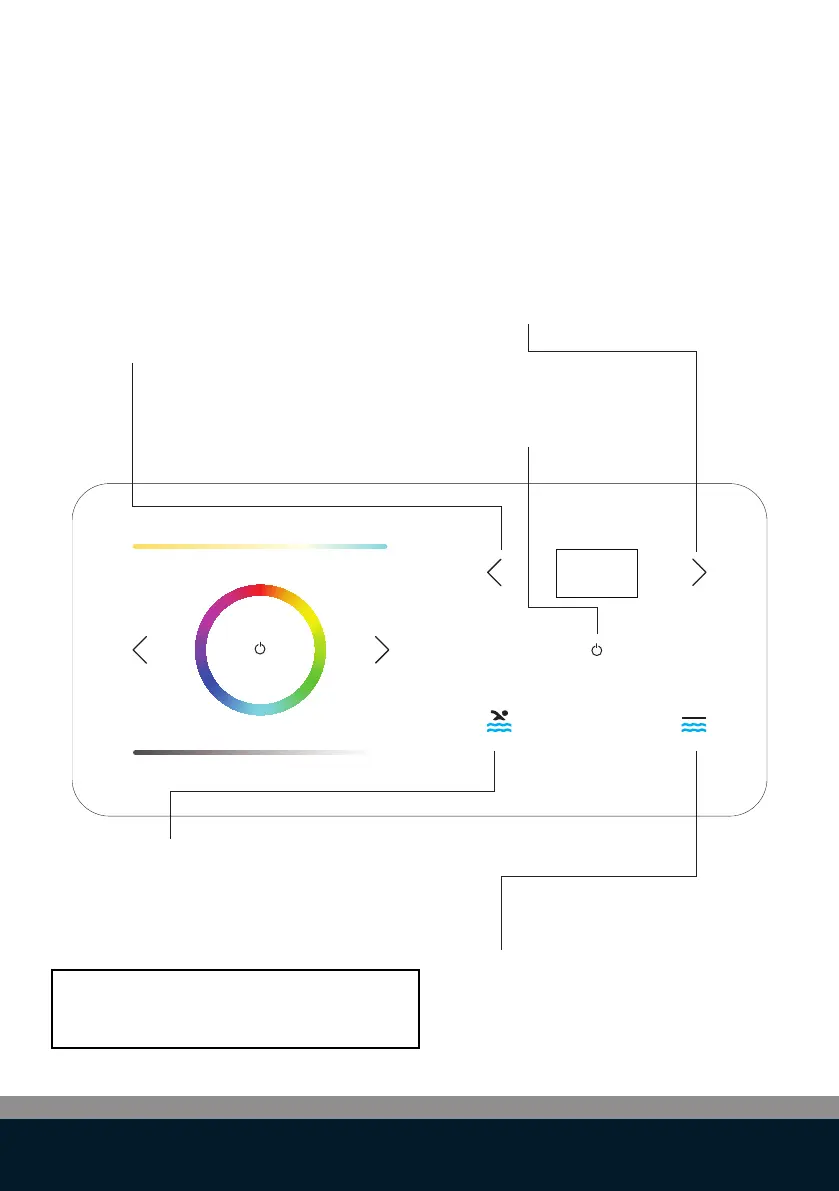
Pool water Temperature UP:
Press to increase desired temperature
Pool cover OPEN:
Press and hold to open the pool cover.
When finger is removed from button
the cover will stop immediately
Pool cover CLOSE:
Press and hold to close the pool cover.
When finger is removed from the button,
the cover will stop immediately
ON/OFF heat pump:
Press to switch pool heat pump
ON/OFF
Pool water Temperature DOWN:
Press to decrease desired
temperature
NOTE:
Depending on AUX MODE, in settings
COVER OPEN/CLOSE or FUNC A/B
Control functions: heat pump & pool cover



 To Next Page