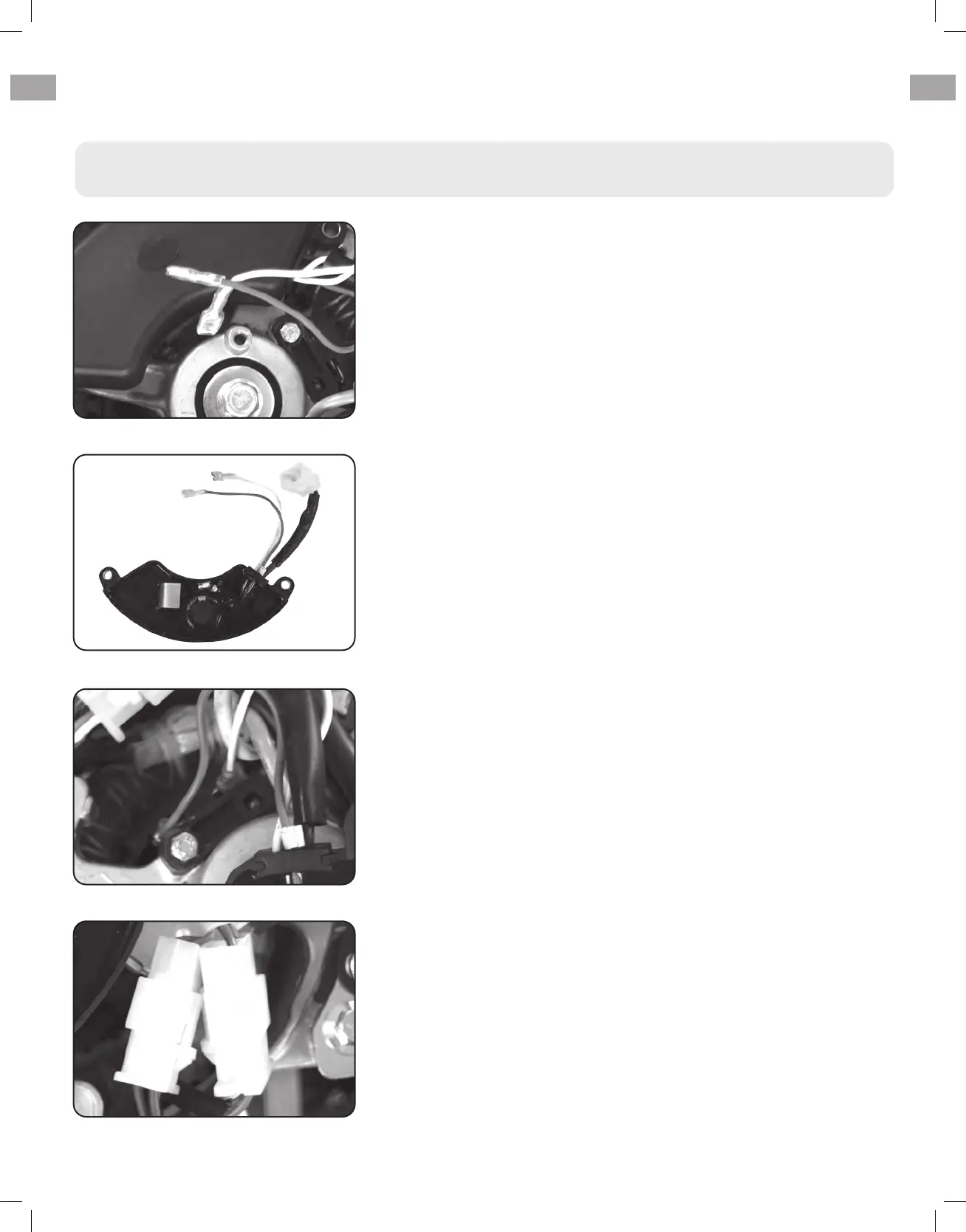
Reconnect the AVR wire clip
Insert and connect the 2 wires from the AVR, be sure to
connect + and – correctly.
7.
Disconnect wires from brush
Remove the 2 wires from the AVR on the carbon brush.
4.
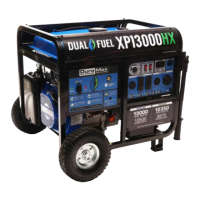
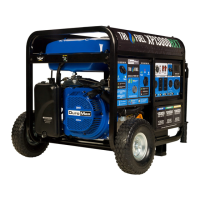
Install new AVR
Install the new AVR with the 2 bolts.
5.
6.
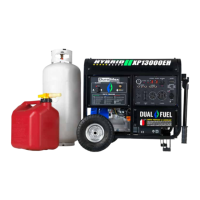
Reconnect wires to brush
Reconnect the wire clip.
Changing / Inspecting the AVR (Continued)
TROUBLESHOOTING (CONTINUED)
56



 To Next Page