2.4G device name:2.4G Wireless Keyboard
2.4G wireless mode
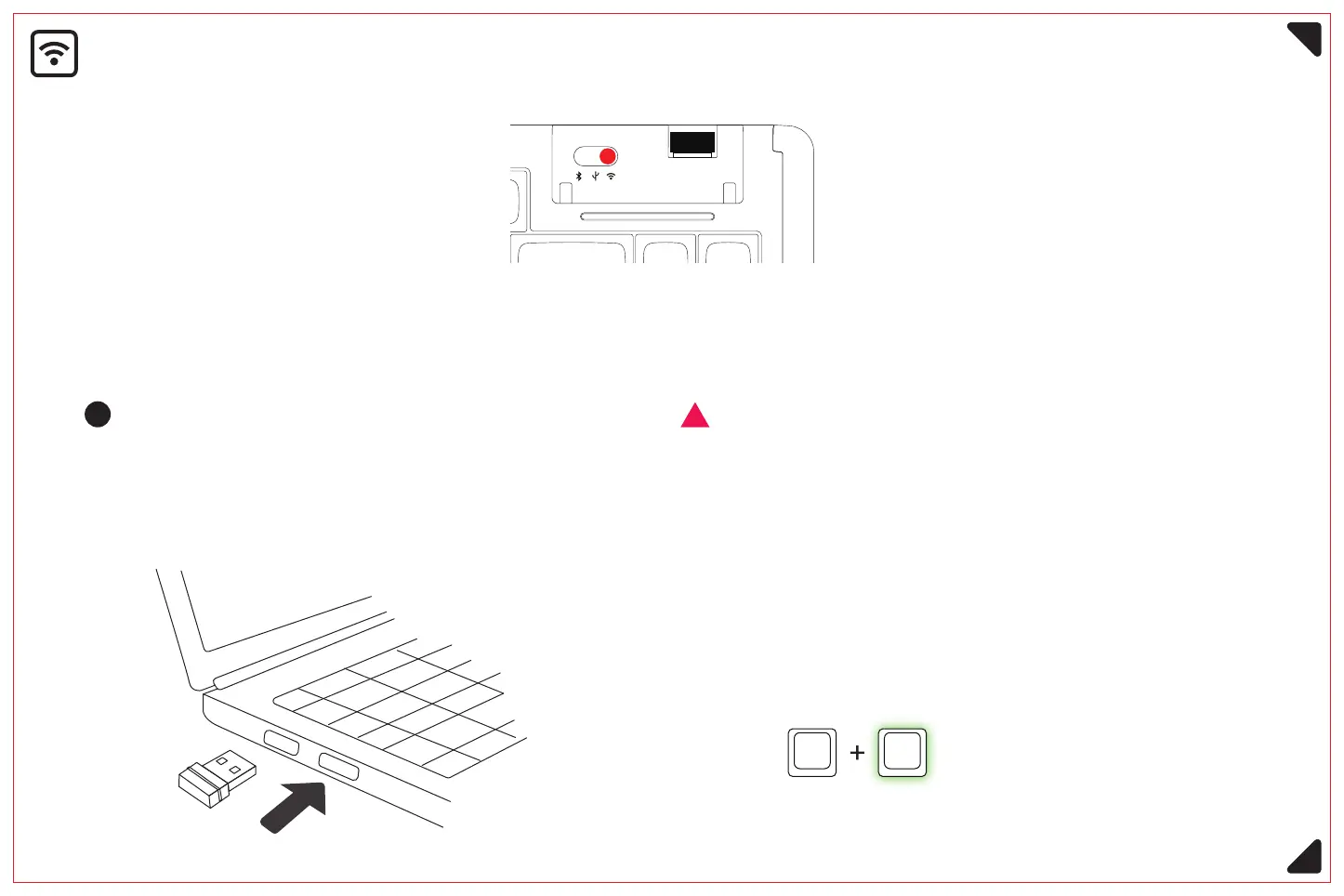
Long press the key combination Fn+4 (3 seconds), the
corresponding letter key backlight into fast flash state,
activate the 2.4G signal band, and then insert the 2.4G signal
receiver, the key backlight returns to normal state after
successful connection.
<Please switch the on/off button to the corresponding mode before connecting>
Plug the 2.4G signal receiver into the USB
port of your computer and the device is
automatically connected.
Activate 2.4g signal band,
green light flashing fast.
If you use a non-factory signal receiver,
you need to perform the following
matching operation again.
Fn 4
6



 To Next Page