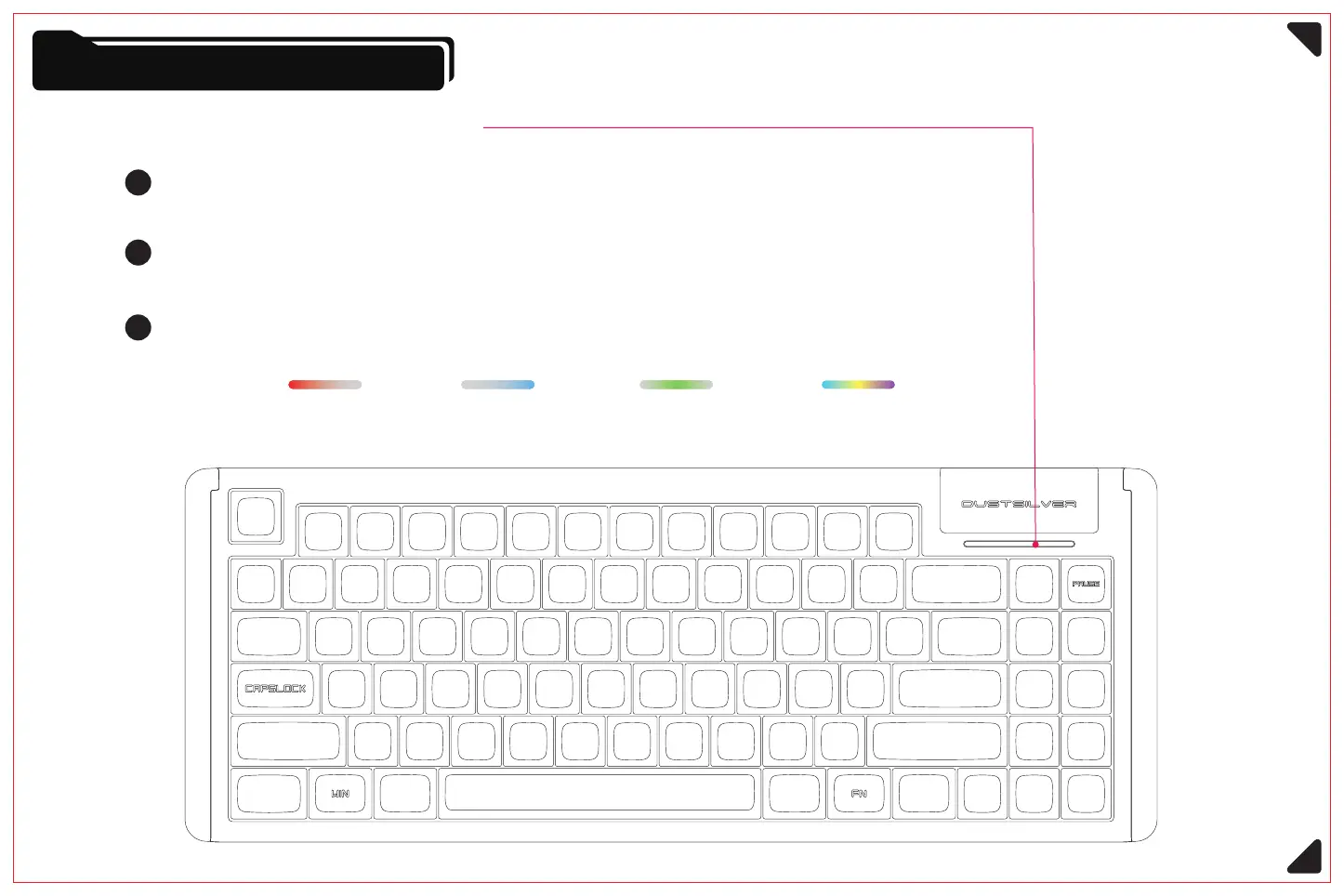
When switching to uppercase using Capslock key, the left half of the indicator light is always
on red; when switching to lowercase, the indicator light returns to normal state.
Lock function indicator light
Knobs and Indicator Lights
7
1
When Win key is locked (Fn + Win), the right half of the indicator light is always on blue;
when repeatedly performing the operation, it unlocks and returns to normal state.
2
When scroll Lock (Fn + Pause) is activated, the middle segment of the indicator light is always
on green; when repeatedly performing the operation, it unlocks and returns to normal state.
3
Scroll Lock (Scroll Lock)CapsLock (case switching) System menu (WIN) Normal lighting effect (dynamic flow)



 To Next Page