EasyManua.ls Logo

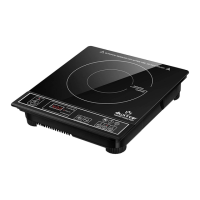
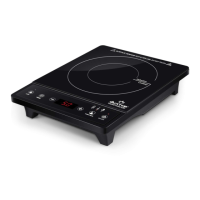
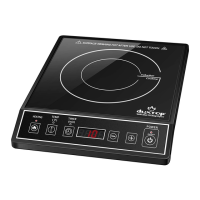
duxtop 9100MC - User Manual

duxtop 9100MC
20 pages
Print Icon
To Next Page IconTo Next Page
Loading...
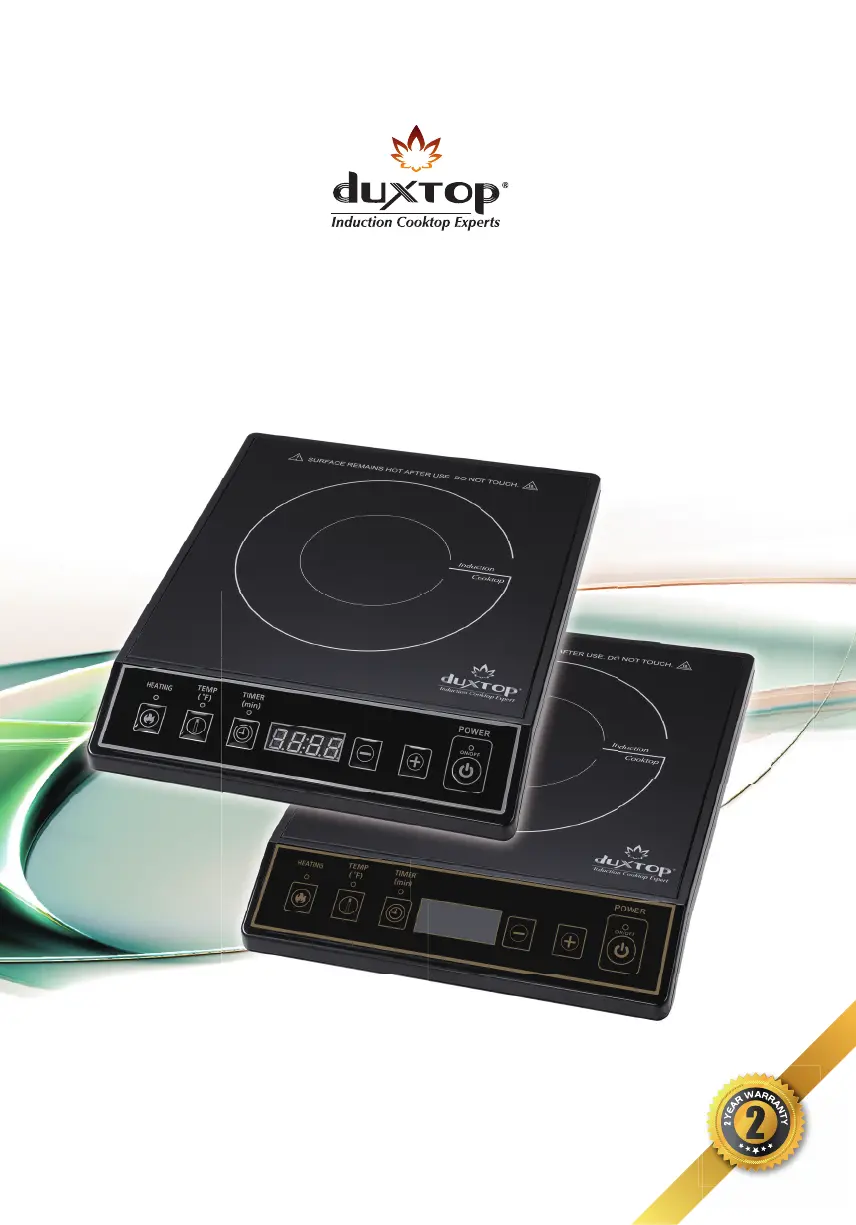
INDUCTION COOKTOP
User Manual
Model: 9100MC (Silver) / 9120MC (Gold)

Questions and Answers

  • A
    Anne MontgomeryAug 13, 2025
    Why is my duxtop 9100MC Cooktop not turning on?
    • M
      Melanie WestAug 13, 2025
      If the POWER INDICATOR LIGHT on your duxtop Cooktop does not illuminate red and/or the exhaust fan is not running after plugging it in, check the plug connection to ensure it is not loose in the electrical outlet. Also, check the circuit breaker to see if it is inoperative or tripped.
  • A
    Adam MartinezAug 16, 2025
    Why does my duxtop 9100MC suddenly stop heating?
    • R
      Rebecca Key DDSAug 17, 2025
      If your duxtop Cooktop suddenly stops heating and shuts down during operation, it could be due to several reasons. The overheating sensor might have detected an excessively high surface temperature, possibly from heating empty cookware, so avoid using empty cookware. Check that the COOL AIR INLET & FAN and WARM AIR OUTLET are not blocked. Also, avoid unplugging the unit while in use, and ensure no other appliances are on the same circuit, as the fuse or circuit breaker might have tripped.
  • M
    Michael ColeAug 20, 2025
    What to do if my duxtop 9100MC Cooktop shows error code E1?
    • X
      xcooperAug 20, 2025
      If your duxtop Cooktop displays error code E1, it indicates an excessively high temperature, a cooling fan malfunction, or inadequate ventilation. To resolve this, unplug the cooktop, ensure the fan is at least 4" away from any obstruction for proper ventilation. Wait 10 minutes for the cooktop and cookware to cool down, then plug it back in and turn the unit on. Listen for the fan running to confirm it's working.
  • J
    juliewaltonAug 25, 2025
    What does error code E2 mean on my duxtop 9100MC?
    • B
      Brandon HayesAug 25, 2025
      If your duxtop Cooktop displays error code E2, it means the cooking surface temperature has exceeded the 460°F (238°C) limit, causing the unit to shut down automatically. To fix this, unplug the cooktop, wait 10 minutes for it and the cookware to cool down, then reconnect the cord. Turn the unit back on and ensure it is at least 4" away from any obstruction, while also listening for the fan to run.
  • M
    michaelgriffithAug 28, 2025
    What does error code E3 mean on my duxtop 9100MC?
    • D
      Deborah TaylorAug 28, 2025
      If your duxtop Cooktop displays error code E3 and shuts down after one minute, it indicates that the voltage input is either too high or too low. Unplug the cooktop and use a voltage tester to verify the voltage is 120V AC. If it's not, switch to a different electrical outlet with the proper voltage before using the unit.
  • A
    Amanda AlvaradoAug 31, 2025
    Why is my duxtop 9100MC power light on but not heating?
    • D
      Donna Hall PhDAug 31, 2025
      If the POWER INDICATOR LIGHT on your duxtop Cooktop is lit, but the fan isn't running, and the cookware isn't heating up, there could be a few reasons. You might be using incompatible (non-magnetic) cookware, so use compatible cookware. The pan might not be centered on the COOKTOP ALIGNMENT GUIDE, so reposition the pan. Also, check the COOKTOP SURFACE for cracks.
  • L
    Luis BowmanSep 4, 2025
    What to do if my duxtop 9100MC Cooktop displays error code E0?
    • K
      Kathy JonesSep 4, 2025
      If your duxtop Cooktop is showing error code E0, it means compatible cookware is not being detected. To resolve this, place compatible cookware back on the cooktop within 30 seconds. Alternatively, unplug the cooktop, wait one minute, plug it back in, ensure compatible cookware is placed on the cooktop, and then turn the unit back on.
  • L
    Lori FrancisSep 8, 2025
    Why does my duxtop 9100MC Cooktop switch from Power Mode to Temperature Mode automatically?
    • M
      michellemitchellSep 8, 2025
      This is a safety feature of duxtop Cooktop. You can adjust the temperature to the appropriate setting that fits your cooking task.

Summary

Important Cautions, Warnings, and Safeguards

Electrical Hazards

Observe the following cautions regarding electrical safety.

Product and Property Damage Prevention

Instructions to prevent damage to the cooktop and surrounding area.

Personal Safety Precautions

Guidelines for user safety during operation and handling.

Selecting the Proper Cookware

Cookware Bottom Requirements

Specifies necessary material, flatness, and diameter for cookware.

Suitable and Unsuitable Materials

Lists compatible and incompatible cookware materials.

Operating Instructions

Power Mode Operation Details

Explains wattage levels for heating and cooking speed.

Temperature Mode Operation Details

Describes temperature settings for precise cooking control.

Care and Maintenance

Troubleshooting Guide & Customer Service

Common Operational Problems and Solutions

Lists issues like no power, fan not running, or shutdowns.

Error Code Guide

Manufacturers Limited Warranty

duxtop 9100MC Specifications

General IconGeneral
Brandduxtop
Model9100MC
CategoryCooktop
LanguageEnglish

Related product manuals