EasyManua.ls Logo

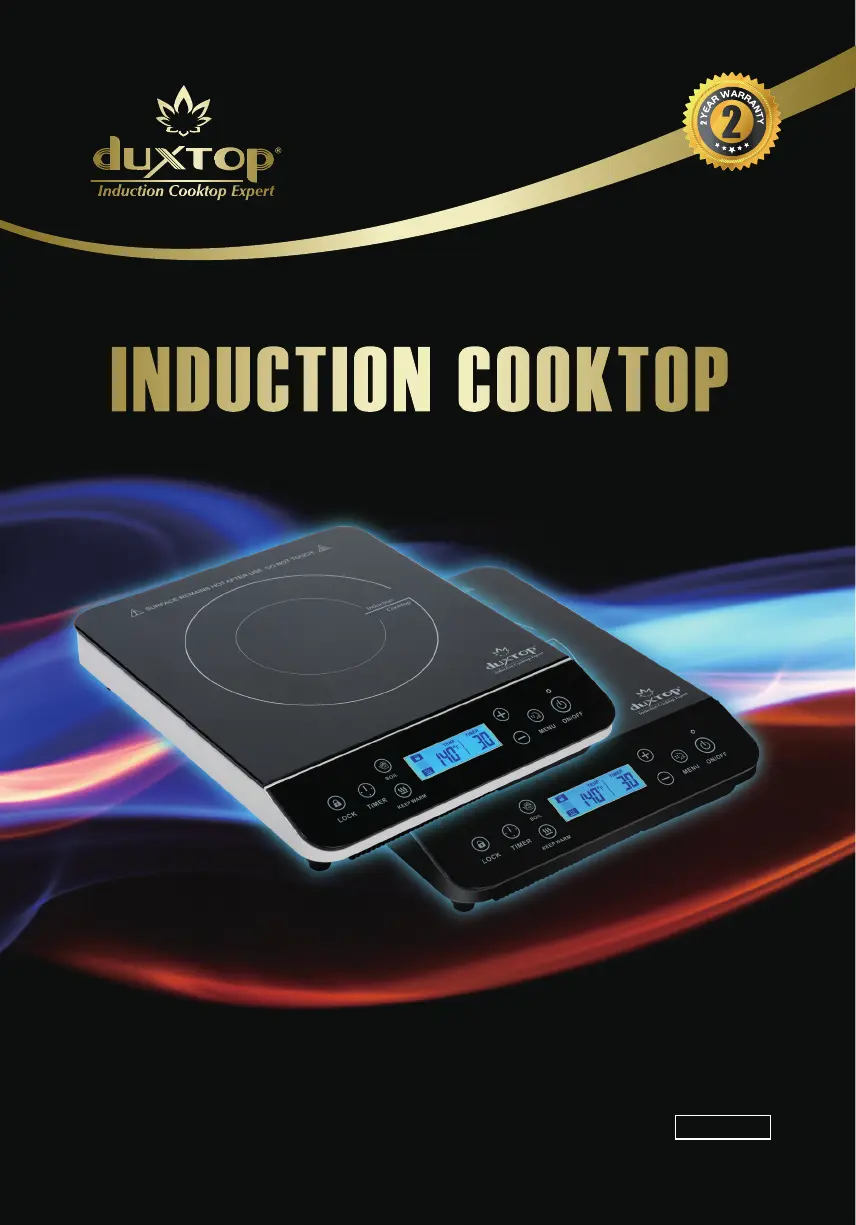
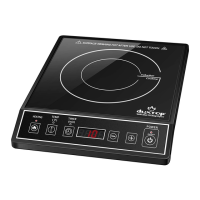
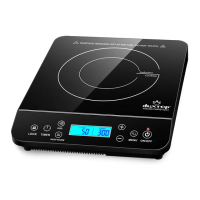
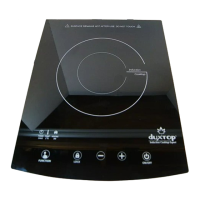
duxtop BT-200DZ - User Manual

duxtop BT-200DZ
20 pages
Print Icon
To Next Page IconTo Next Page
Loading...
User Manual
Model: BT-200DZ
Model: 9600LS
Model: 9610LS
SN: 52WD

Questions and Answers

  • L
    Lisa MorrisAug 6, 2025
    How to fix a duxtop BT-200DZ Cooktop when the power light doesn't turn on?
    • M
      Michelle WilliamsAug 7, 2025
      If the power indicator light does not illuminate red after plugging in your duxtop Cooktop, the plug may be loose in the electrical outlet, or the circuit breaker may be inoperative or tripped.
  • M
    Marcia BuchananAug 13, 2025
    Why does my duxtop Cooktop suddenly stop heating and shut down?
    • M
      Melissa HaysAug 13, 2025
      Your duxtop Cooktop may stop heating and shut down for several reasons: * The overheating sensor may have detected an excessively high surface temperature because you were heating empty cookware or cooking at a high power setting for too long. * A blocked COOL AIR INLET & FAN or WARM AIR OUTLET may have caused the cooktop to overheat. * The unit may have been unplugged while in use. * The fuse or circuit breaker may have tripped during use. Avoid plugging other appliances into the same circuit while using the cooktop.
  • P
    Patricia MendezAug 21, 2025
    What to do if the power light is on but the duxtop BT-200DZ Cooktop isn't heating up?
    • M
      Marcus MontoyaAug 21, 2025
      If the power indicator light is on but the fan isn't running and the cookware isn't heating up on your duxtop Cooktop, consider the following: * Ensure you've pressed the “MENU” button. * Verify you are using the correct type of cookware (magnetic). * Make sure the pan is centered correctly on the COOKTOP ALIGNMENT GUIDE. * Check if the COOKTOP SURFACE is cracked.
  • J
    Jessica MarshallAug 28, 2025
    Why does my duxtop BT-200DZ switch from power to temperature mode automatically?
    • K
      Katelyn MarshallAug 28, 2025
      The duxtop Cooktop automatically switches from Power mode to Temperature mode as a safety feature when the cookware is overheated under Power mode. The unit switches to Temperature mode (140 degrees F). If the temperature is too low, it may not cook your food properly, if the temperature is too high, it may burn your food. Once in Temperature mode you can adjust the temperature to the appropriate setting that fits your cooking task.

Summary

Important Cautions, Warnings and Safeguards

Parts Identification

Selecting the Proper Cookware

Operating Instructions

Operation Modes

Explains Power and Temperature Modes for cooking efficiency and convenience.

Care and Maintenance

Troubleshooting Guide & Customer Service

Error Code Guide

Commonly Asked Questions

Specifications

Disposal

Contact

Manufacturers Limited Warranty

duxtop BT-200DZ Specifications

General IconGeneral
Brandduxtop
ModelBT-200DZ
CategoryCooktop
LanguageEnglish

Related product manuals