7
Copyright 2015-2022 Secura, Inc. All rights reserved. www.duxtop.com / www.thesecura.com
INDUCTION COOKTOP
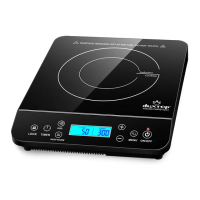
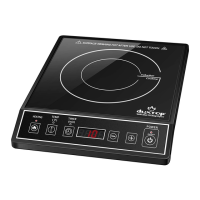
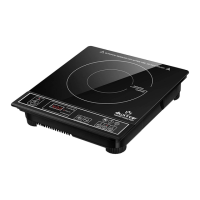
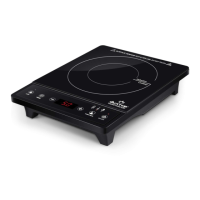
Additional Preset Function Buttons:
• LOCK - The “LOCK” button allows you to lock-out all the other buttons and is a convenience
and safety feature. It is designed to keep the cooking and timer settings from being accidentally
changed once they have been set. The “LOCK” features DOES NOT lock the ON/OFF button, so
the cooktop can always be shut off if needed.
• BOIL - If you press the “BOIL” button the unit will switch to POWER MODE level 10 and the
timer will automatically set to 10 minutes. When the timer has expired, the unit will “beep” and
the cooktop will turn off. If the volume of water has not reached a full boil, please restart the BOIL
function.
• KEEP WARM - If you press the “KEEP WARM” button, the unit will switch to TEMPERATURE
MODE at 140 degrees F with the timer set for 30 minutes.
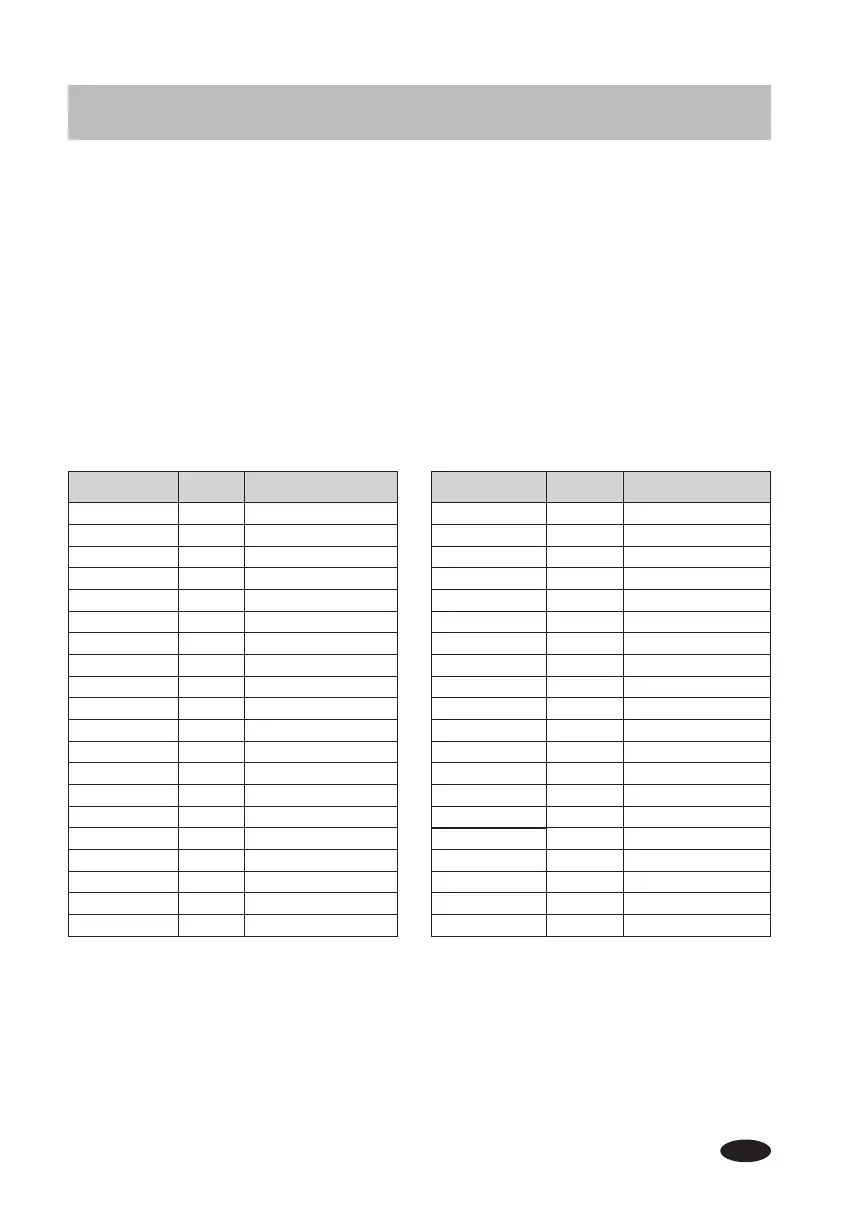
Power Level Watts Cooking Level
0.5 100 Simmer-keep warm
1.0 180 Simmer-keep warm
1.5 260 Simmer-keep warm
2.0 340 Simmer-keep warm
2.5 420 Low
3.0 500 Low
3.5 580 Low
4.0 660 Low
4.5 740 Medium-low
5.0 820 Medium-low
5.5 900 Medium-low
6.0 1000 Medium-low
6.5 1100 Medium-high
7.0 1200 Medium-high
7.5 1300 Medium-high
8.0 1400 Medium-high
8.5 1500 High
9.0 1600 High
9.5 1700 High
10 1800 High
Temp Setting Temp (F) Temp (C)
1 100 38
2 120 49
3 140 60
4 160 71
5 180 82
6 200 93
7 220 104
8 240 116
9 260 127
10 280 138
11 300 149
12 320 160
13 340 171
14 360 182
15 375 191
16 390 199
17 405 207
18 420 216
19 440 227
20 460 238


 To Next Page