8
3.3 Initial Setting
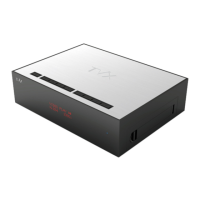
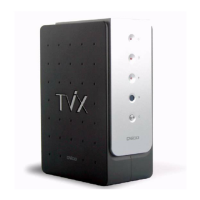
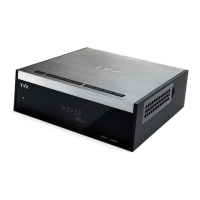
Connect the TViX HD to your TV and then turn on the TViX HD.
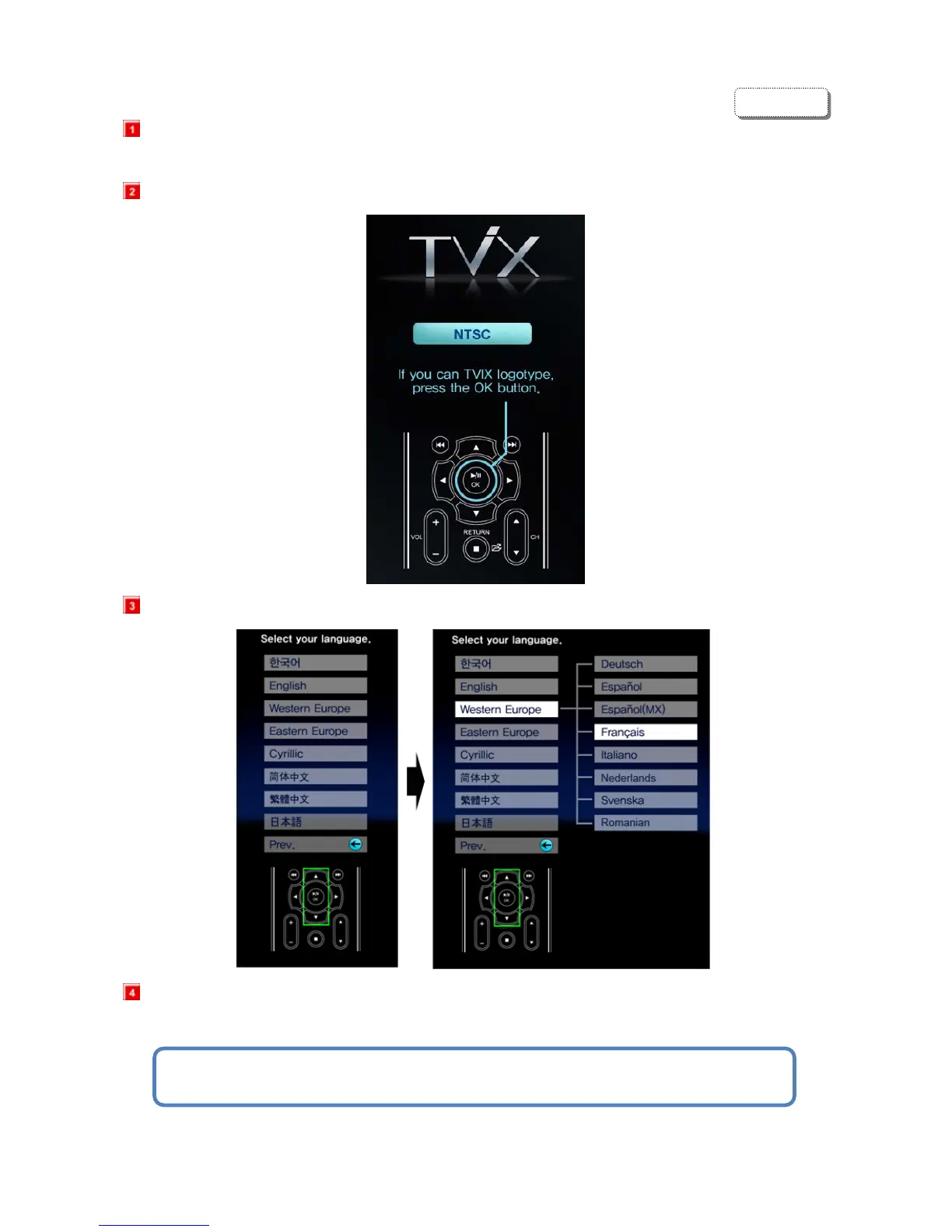
Press OK button when you can see this TViX Logo.
Select your language preference.(English)
Appear the TViX SETUP screen.
For detailed instructions, please refer to the enclosed TViX CD or the latest pdf file on
the TViX Homepage (www.tvix.co.kr).
ENGLISH


 To Next Page