7
3.2 HDD Installation/Exchange
Warning: If you change the HDD of a TViX equipped with an HDD, the warranty
will be voided.
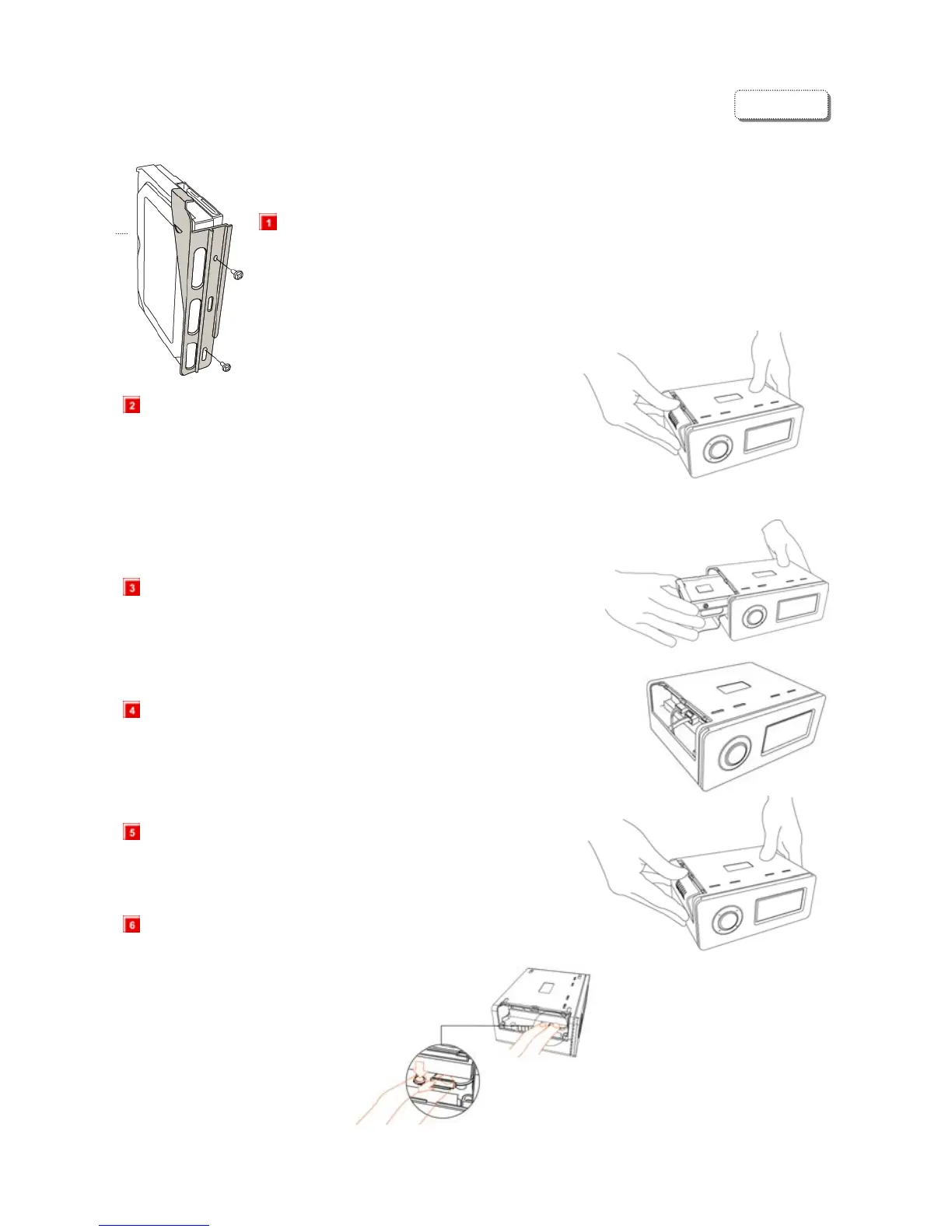
Assembling the TViX HD is very easy. Just follow the instructions below:
Use a driver and screw the hard disk on to the guide board.
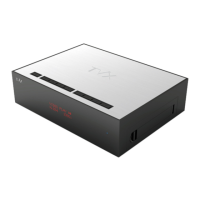
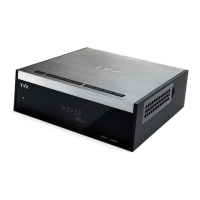
Open the lid of the TViX by sliding the lid like pictures.
Set the jumper to Master and connect power cable and DATA cable
Put the HDD into the TViX after spreading the cable to avoid damage.
Connect the cable to cross direction.
Close the lid of TViX.
To change the hard disk, pull the hdd’s guide while pushing the
locking.
ENGLISH


 To Next Page