WWW.DYEPAINTBALL.COM WWW.DYEPAINTBALL.COM
10 11
CHANGING THE GOGGLE STRAP
CHANGING THE GOGGLE STRAP
The strap is easily removed from the goggle frame. In ordinary use and maintenance, it is
necessary to remove the strap from the goggle frame. The lens can not be changed with the
strap still attached to the goggle frame. The goggle frame may be cleaned with the strap
attached to the goggle.
REMOVE THE STRAP
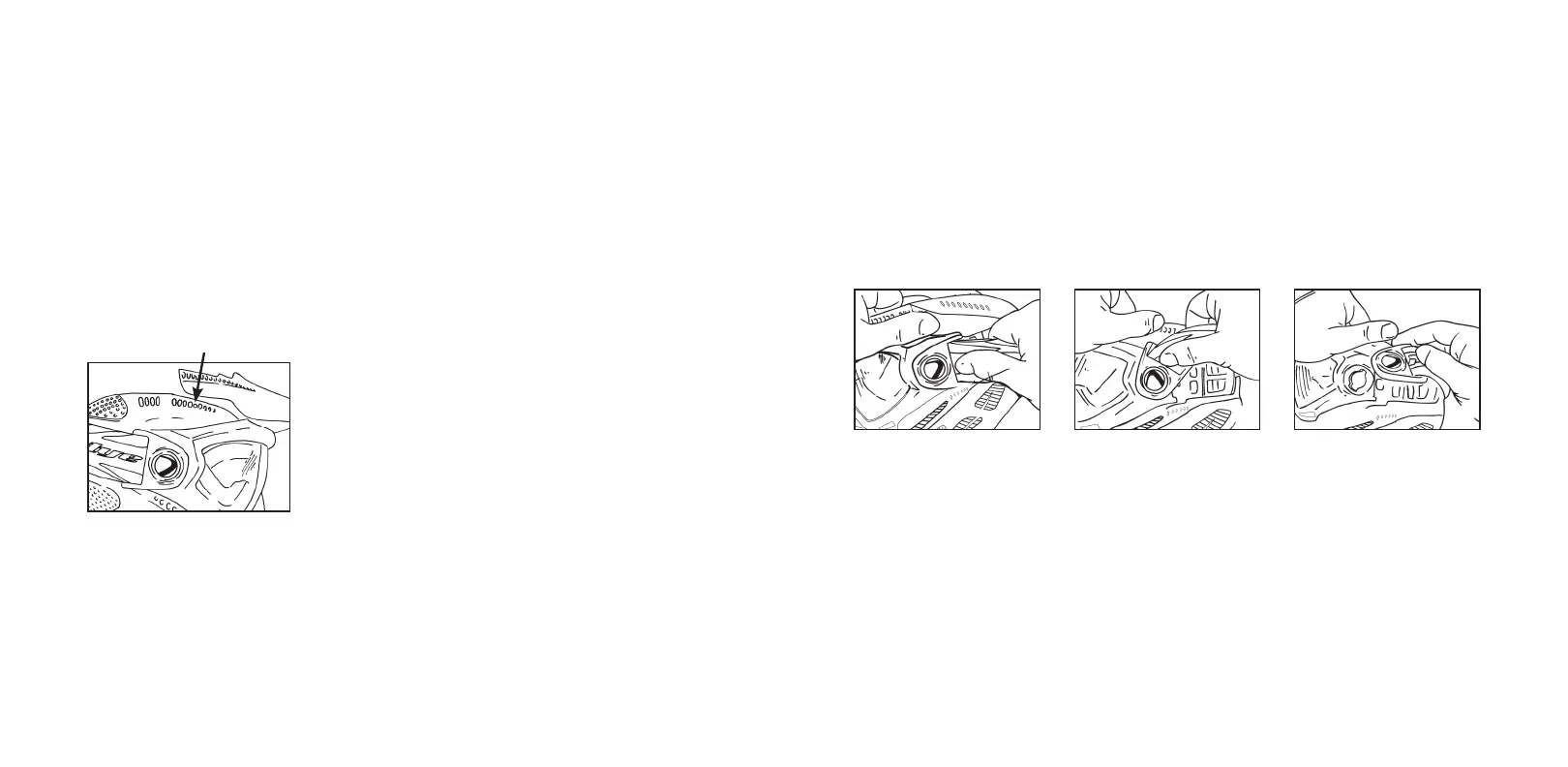
1 Remove strap from mask strap retainer.
2 Grasp strap behind DYE
®
Switch™ Goggle System lock tabs and pivot upward until
they have stopped.
3 Using finger, push DYE
®
Switch™ Goggle System lock tabs from inside and “pop”
out tabs.
ATTACHING AND REMOVING
THE VISOR
REMOVE THE VISOR
Remove the center posts from the goggle frame by pulling up on the visor. Lift center
portion of visor up and away from the goggle frame. Remove the two side posts by carefully
pulling on the visor and pushing one post at a time up from the inside.
[THE LENS MAY BE REMOVED FROM THE GOGGLE FRAME WITH THE VISOR STILL
ATTACHED TO THE MASK AT THE TWO SIDE POSTS.]
1 Moisten the ends of the visor posts.
2 Push the left visor post into the round hole on the left side of
the mask.
[See Figure 1]
3 Push the right visor post into the hole on the right side of the mask.
4 Push the center posts of the visor between the frame and the
hard goggle.
5 Make sure center posts are locked into hard goggle.
NOTE: The gap between the visor and the top of the goggle frame is normal.
1 2 3
1



 To Next Page