8. Make sure all steps are completed correctly. Next, plug in the power cord to your
wall outlet. Turn on the sauna at the control panel to confirm that the control panel
is responding. If the control panel responds accordingly, then proceed in putting the
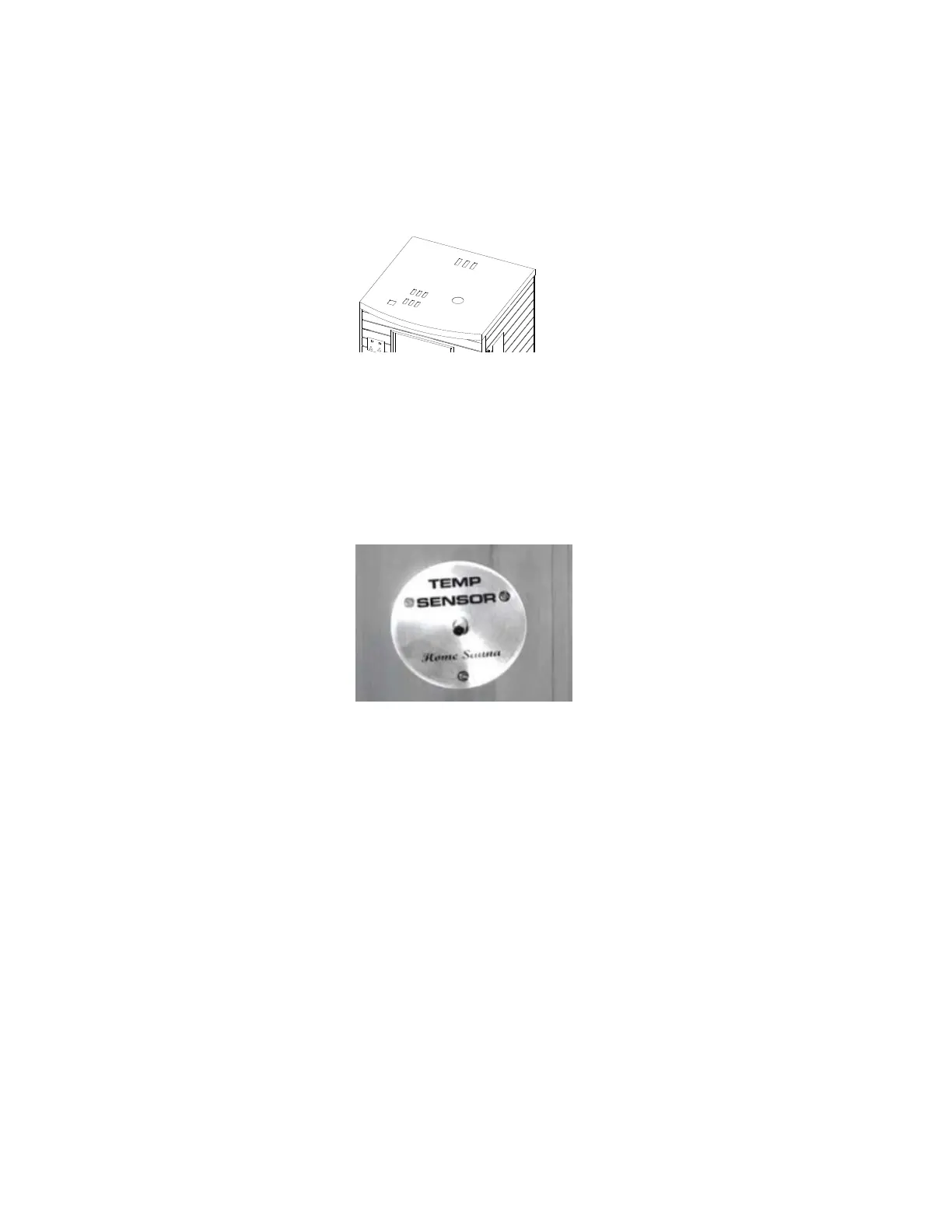
roof cover onto the roof panel. Make sure to pull the power cord through the
corresponding hole in the roof cover. Proceed in screwing down the roof cover to
the roof panel. (see FIG 9)
FIG 9 Slip the power cord through Roof Cover
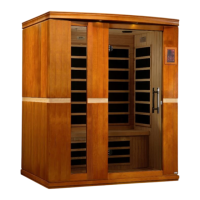
9. Enter the sauna and remove the protective masking tape (if present) from the
TEMPERATURE SENSOR. Situate the TEMPERATURE SENSOR so that it is
vertical, pointing downward. (see FIG 10)
FIG 10 Temperature Sensor
Installation Completed.
Page 11


 To Next Page