EasyManua.ls Logo

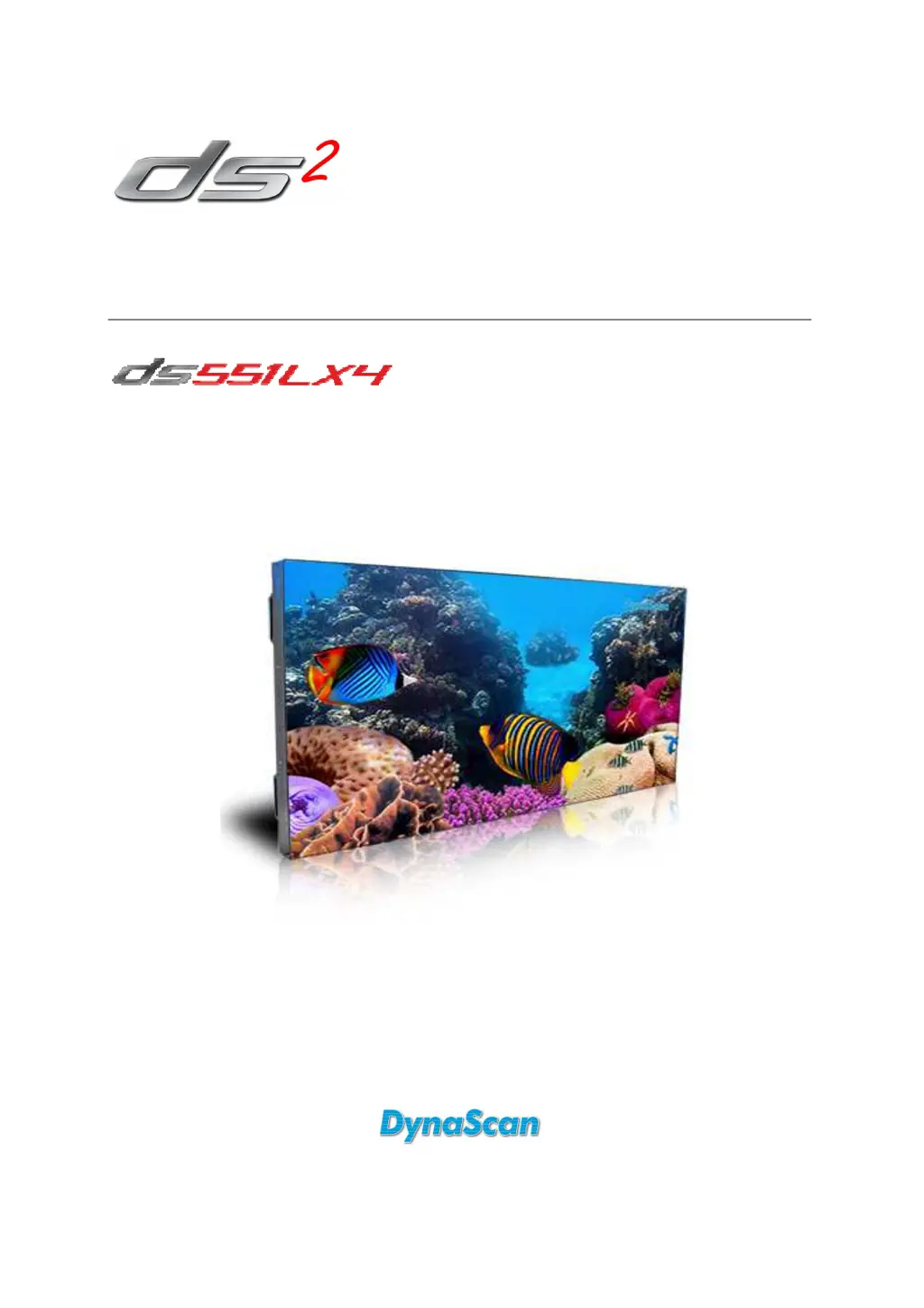
Dynascan DS551LX4 - User Manual

Dynascan DS551LX4
29 pages
Print Icon
To Next Page IconTo Next Page
Loading...
User Manual
Version 2.00
The use of diagrams and illustrations in the manual are for reference only. The actual product may be different.
Product design and specifications are subject to change without notice
Professional LCDs

Questions and Answers

Summary

Limited Warranty

Warranty Coverage

Outlines the warranty period and terms for product defects and repairs.

Safety Precautions

Cautionary Advice

Warns against specific installation environments and potential damage.

Warning Alerts

Highlights risks such as heat, screen damage, and electric shock.

Image Burn-In Prevention

Advises on avoiding static images to prevent permanent screen retention.

Important Safety Information

General Safety Guidelines

Prohibits disassembly, liquid contact, and specifies handling requirements.

Installation and Mounting

Mounting Requirements

Details criteria for secure wall or ceiling mounting, including professional installation.

Component Connections

Power Source Connection

Guides users on connecting the display to an AC power outlet.

External Video Source Connection

Details how to connect a video source using a DVI cable.

Video Wall Configuration

Daisy Chain Setup

Explains connecting multiple displays for video walls using DVI and RS-232.

Operating Procedures

Display Power Management

Instructions for powering the display on and off using the main switch.

Product Specifications

Troubleshooting Common Issues

Dynascan DS551LX4 Specifications

General IconGeneral
BrandDynascan
ModelDS551LX4
CategoryLCD TV
LanguageEnglish

Related product manuals