EasyManua.ls Logo

Dynascan ds471LT4 - User Manual

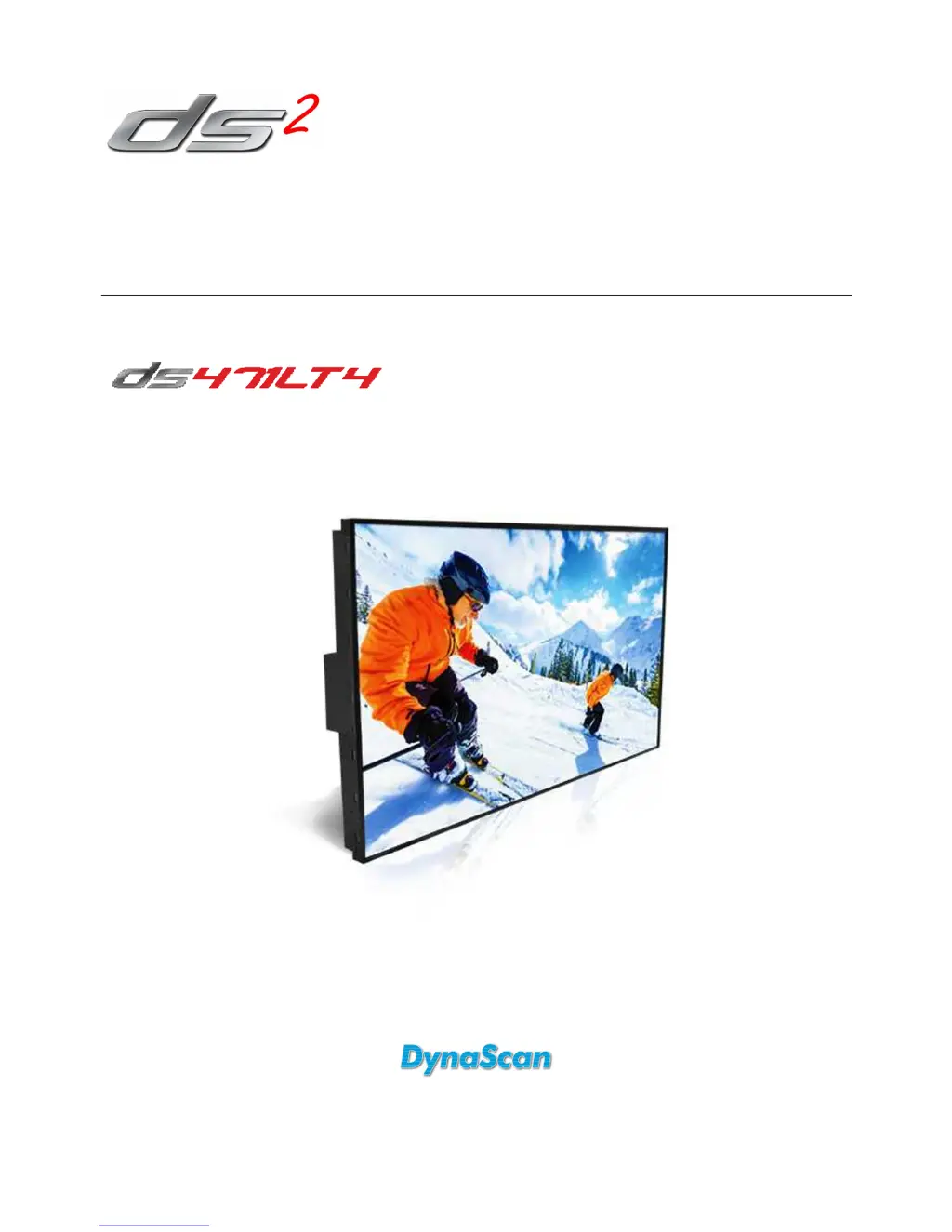
Dynascan ds471LT4
34 pages
Print Icon
To Next Page IconTo Next Page
Loading...
User Manual
Version 1.00
The use of diagrams and illustrations in the manual for reference only, actual product may be different.
Product design and specifications are subject to change without notice
Professional LCDs

Questions and Answers

  • S
    Steven HuangAug 8, 2025
    What to do if my Dynascan LCD TV has no image?
    • M
      Margaret AllenAug 8, 2025
      If your Dynascan LCD TV isn't displaying an image, ensure the DVI cable is securely plugged in and not damaged. Verify the main switch is ON, and the power cord is properly connected. Also, confirm the image source resolution is set to 1920 × 1080 (1080p).
  • T
    tgreenAug 13, 2025
    Why doesn't my Dynascan ds471LT4 remote control work?
    • C
      Courtney WoodAug 13, 2025
      If the remote control for your Dynascan LCD TV isn't working, first check if batteries are present and have the correct polarity. Ensure the batteries are fresh and that you are within the remote's operating range. Bright light sources, like fluorescent or neon lights, may also interfere with the remote's functionality, so avoid using the remote near such lights.
  • J
    Jeremy EdwardsAug 18, 2025
    How to fix Dynascan ds471LT4 auto on/off not working?
    • T
      Thomas PattersonAug 18, 2025
      If the auto on/off function on your Dynascan LCD TV isn't working correctly, check that the TIMER setting in the menu is not set to “OFF.” Also, verify that the “Power On Time” and “Power Off Time” settings are configured correctly.
  • H
    heather74Aug 23, 2025
    What to do if the image on my Dynascan LCD TV is unstable?
    • T
      Timothy BatesAug 25, 2025
      If the image on your Dynascan LCD TV is unstable, check whether the DVI in cable is completely plugged in.
  • L
    Laura SnyderAug 28, 2025
    What to do if nothing happens when I switch on my Dynascan ds471LT4 LCD TV?
    • D
      Dennis BoothAug 28, 2025
      If nothing happens when you switch on your Dynascan LCD TV, unplug the power cord from the socket and plug it back in after a few seconds to reset the device.
  • S
    Scott McintyreSep 3, 2025
    Why can't I control my Dynascan LCD TV remotely via RS-232?
    • C
      Caleb EvansSep 3, 2025
      If you cannot control your Dynascan LCD TV remotely via RS-232, check whether the RS-232 cable is connected properly.

Summary

Safety Precautions

General Safety Warnings

Covers precautions against hazards, liquids, heat, dust, and physical damage.

Important Safety Information

General Safety Guidelines

Prohibits disassembly, liquid entry, and emphasizes proper handling, ventilation, and cleaning.

Installation

Mounting Guidelines

Covers responsibilities, structural support, ventilation, and professional installation recommendations.

Installation Location

Connecting Components

Connecting Power Source

Instructions for connecting the power cable to the display and AC outlet.

Connecting Video Source

Steps for connecting an external video device via DVI cable.

Connecting Multiple Displays

Video Wall Setup

Explains daisy-chaining displays using DVI and RS-232 cables for video walls.

Input; Output Terminals

Terminal Descriptions

Provides detailed explanations for each input/output terminal on the display.

Operating Instructions

Powering Display On;Off

Instructions on using the power switch to turn the display on or off.

Remote Control Details

Rear Panel Controls

Navigating the OSD Menu

OSD Menu Structure

Details the structure of the On Screen Display menu, including Picture, Time, and Video Wall settings.

OSD Menu Options - Part 1

OSD Menu Options - Part 2

Specifications

Panel Specifications

Lists details about the LCD panel, resolution, brightness, contrast, response time, and life time.

Input Mode

Pin Assignments

Troubleshooting

Common Issues and Solutions

Provides solutions for common problems like no image, remote control issues, and unstable images.

Limited Warranty

Warranty Coverage

Outlines the terms of the product warranty, duration, and repair process.

Dynascan ds471LT4 Specifications

General IconGeneral
Screen Size47 inches
Display TypeLCD
Aspect Ratio16:9
Refresh Rate60 Hz
Sound Output10W x 2
Resolution1920 x 1080
InputsHDMI, VGA, Composite, Component
Power Consumption120W

Related product manuals