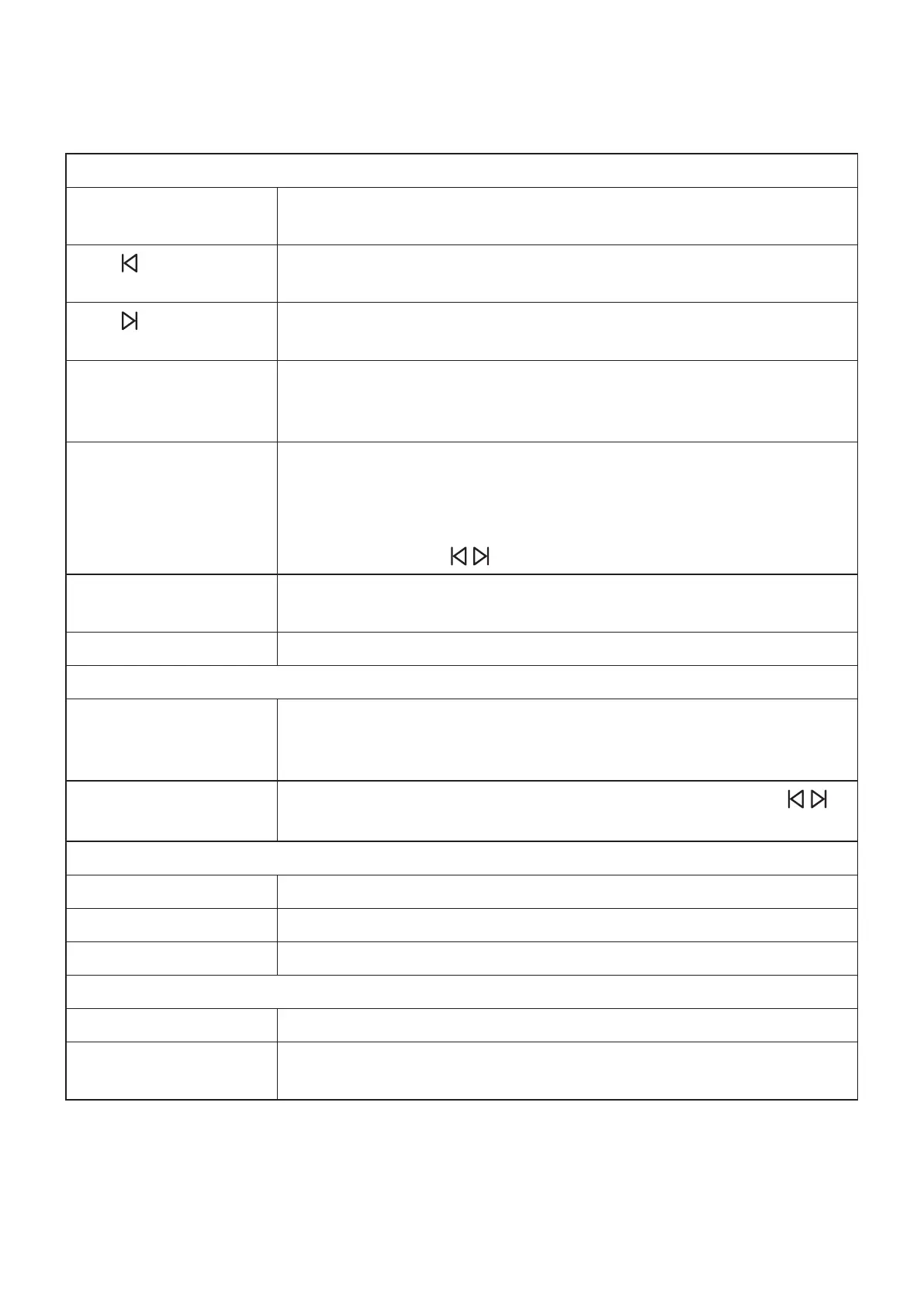
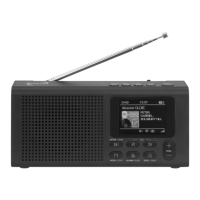
OPERATION/BUTTONS/CONNECTIONS
Front
Enter/Scan Enter (press shortly): choose the desired menu feature
Scan (press for 1 second): start channel scan DAB/FM
Tune
Menu navigation button up (DAB: display and select channel,
FM: change frequency)
Tune
Menu navigation button down (DAB: display and select channel,
FM: change frequency)
Mode/Light Mode (press shortly): choose DAB, FM, BT or display clock (con-
rm by pressing the enter button shortly)
Light (press for 1 second): choose display brightness intensity
Alarm/Sleep Alarm (press shortly): activate alarm 1 and /or alarm 2 or disable
both alarms
Sleep (press for 1 second): choose sleeptimer (off, 15, 30, 45,
60, 75, 90, 105, 120 minutes).
Navigate with TUN
and conrm with ENTER.
Info/Menu Info (press shortly): display channel information
Menu (press for 1 second : Enter menu
Volume Change the volume +/-
Top view
P1-P4 Preset buttons for saved favorites. For saving a channel press
the desired preset button for 1 second. For selceting a preset,
press the desired button shortly.
Preset
Preset button to show the preset list. Navigate with TUN
and conrm with ENTER.
Side view
Earphone symbol Connect an earphone/headphone with 3.5 mm jack here.
ON/OFF Switch the device on/off.
USB C Socket Powersupply socket USB C 5 V DC
Backside
Antenna
Battery compartment Battery compartment for 4 x Mignon AA
8


 To Next Page