Need help?
Do you have a question about the Dynex DX-E202 and is the answer not in the manual?
Essential safety precautions to follow before and during installation and use.
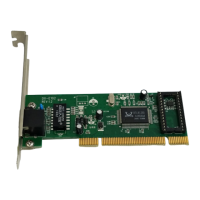
Step-by-step instructions for physically installing the network card into the computer.
Guide to installing the necessary software drivers for the network card to function.
Steps to confirm the network card is correctly installed and recognized by the system.
Using the PING utility to test network connectivity and troubleshoot communication issues.
 General
| Brand | Dynex |
|---|---|
| Model | DX-E202 |
| Category | Network Card |
| Language | English |

 To Next Page