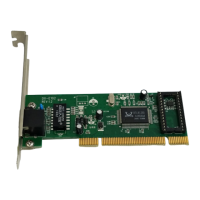
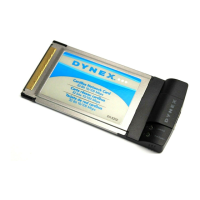
10/100Mb CardBus Network Card
7
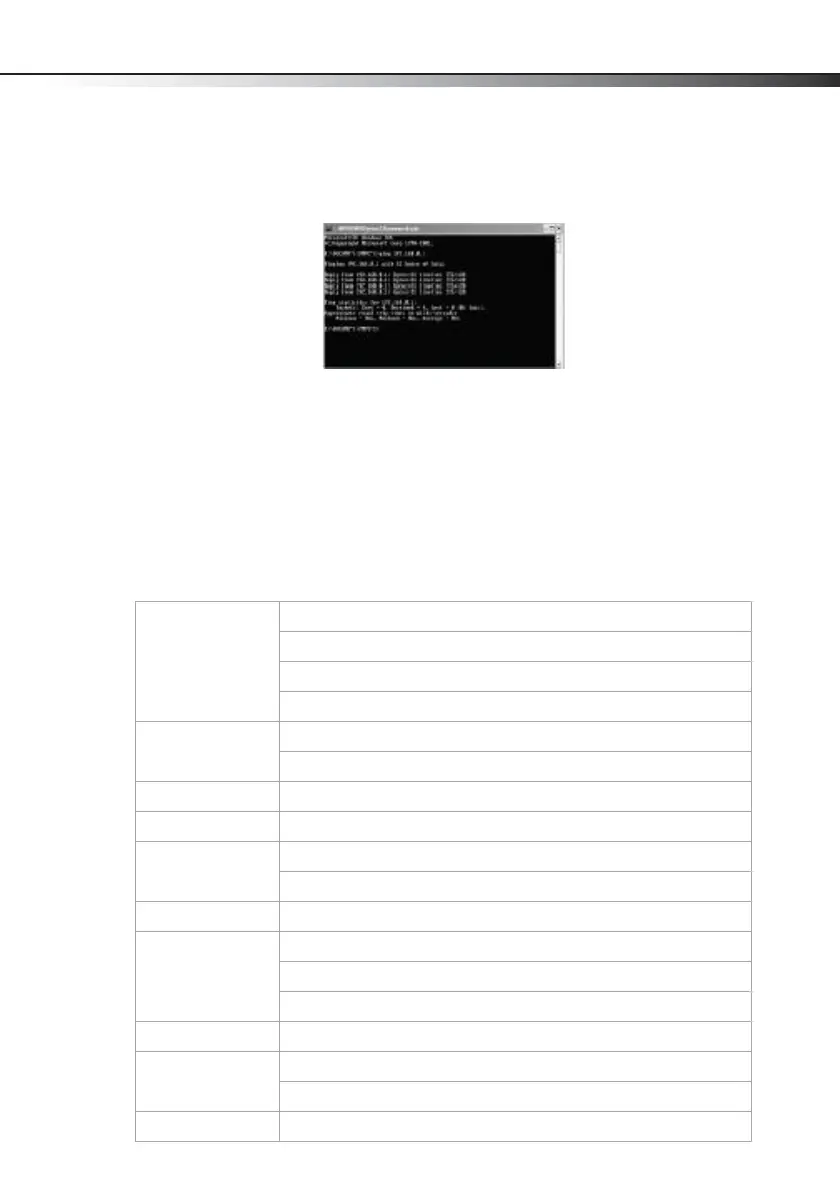
To ping the network card:
1 Click Start, then click Run. The Run dialog box opens.
2 Type cmd in the Open box, then click OK. The command window opens.
3 Type ping xxx.xxx.xxx.xxx (where xxx.xxx.xxx.xxx is the IP address you want to
ping). In this case, computer B with the IP address=192.168.0.1 is being pinged from
computer A.
4 Press Enter to begin pinging. If the connection is good, you receive four "Reply from"
messages.
5 Type exit at the prompt to return to Windows.
Specifications
Standards IEEE 802.3 10Base-T Ethernet
IEEE 802.3u 100Base-TX Fast Ethernet
ANSI/IEEE 802.3 NWay auto-negotiation
PCMCIA 2.x
Network media Ethernet: UTP Cat3, 4, 5, EIA/TIA-568 100-ohm
Fast Ethernet: UTP Cat5, EIA/TIA-568 100-ohm
Protocol CSMA/CD
Host interface 32-bit CardBus
LEDs Link/Activity
Full duplex
Network data Ethernet: 10 MBps (half-duplex)
Transfer rate Ethernet: 20 MBps (full-duplex)
Fast Ethernet: 100 MBps (half-duplex)
Fast Ethernet: 200 MBps (full-duplex)
Operating temp 32°F~104°F (0°C~40°C)
Humidity Operating: 10%~90% RH, non-condensing
Storage: 5%~90% RH, non-condensing
System support Microsoft Windows 7, Vista, XP, 2000, and Mac OS X v10.4.0 or higher
Dynex-A5-ENG.fm Page 7 Wednesday, October 21, 2009 10:04 AM


 To Next Page